The All-In-One Internal Status Page
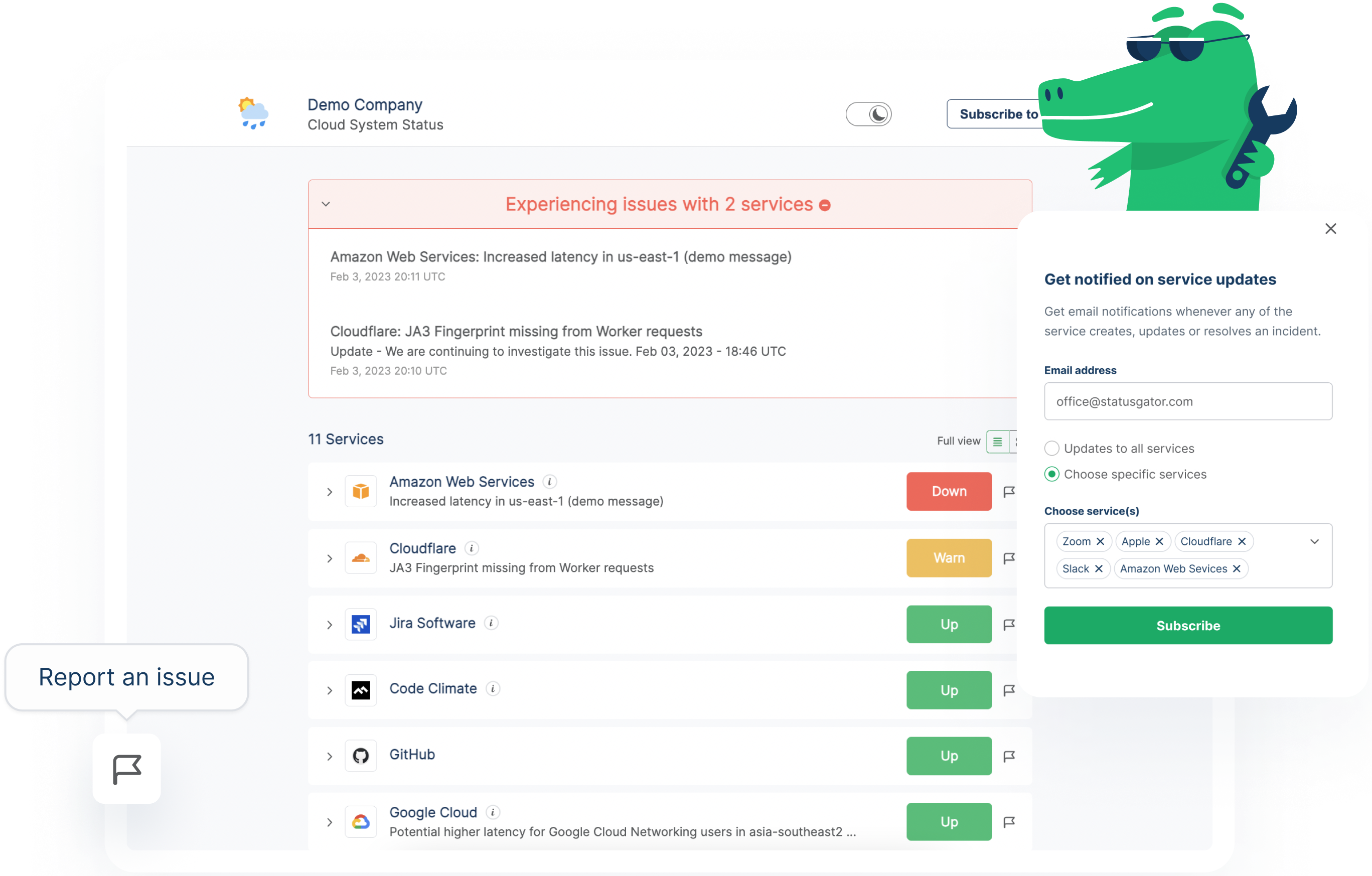
StatusGator is an all-in-one status page for your internal teams.
Communicate statuses with your IT team or update your customers on service disruptions, StatusGator has you covered with public and private status pages.
StatusGator offers a unified, efficient communication platform with built-in status monitoring of over 4,000 cloud providers and the ability to publish incidents manually.
StatusGator ensures that you no longer have to deal with fragmented status updates and blind spots when monitoring the uptime of the services you depend on.
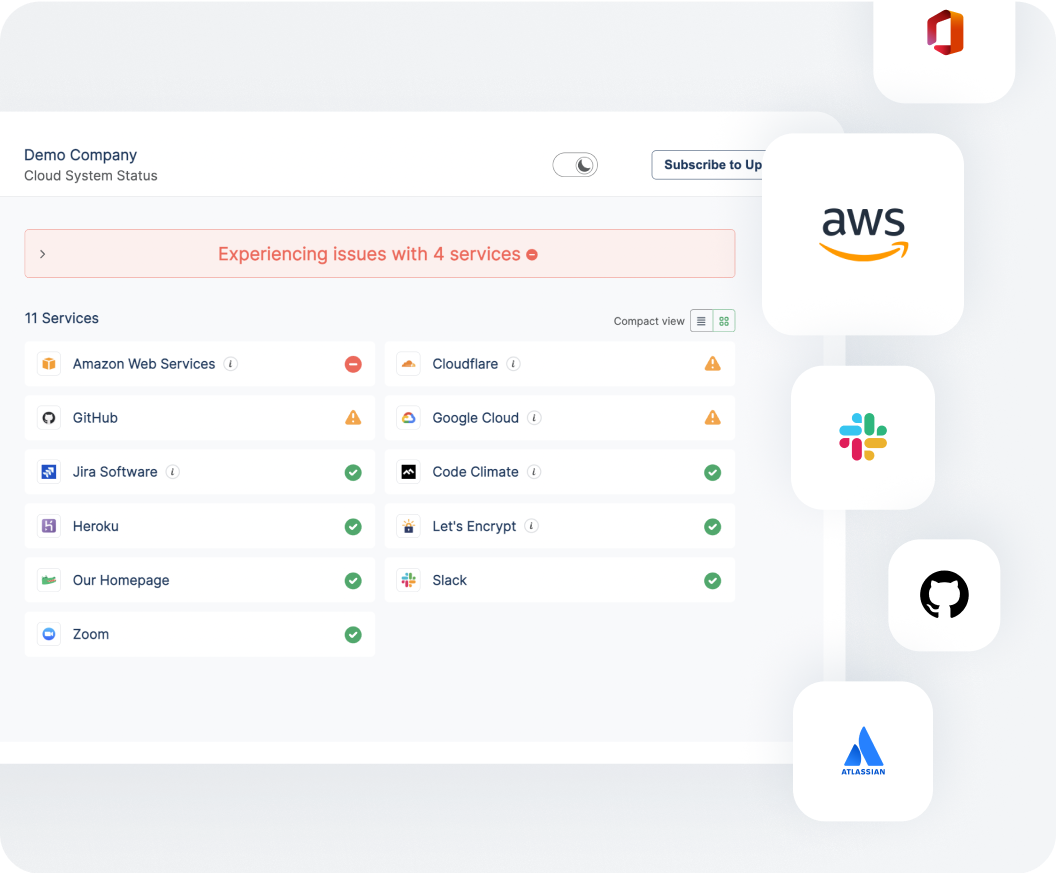
Monitor Third-Party Dependencies on Your Internal Status Page
StatusGator is the world leader in third-party dependency monitoring.
For more than 9 years, we’ve monitored thousands of services by aggregating statuses from their official status pages. This keeps your tech team and customer support informed of outages that could affect your uptime.
Your internal status page by StatusGator incorporates this data so your tech team is kept up to date on potential issues affecting your providers.
Website Monitoring Built-In for Your Internal Status Page
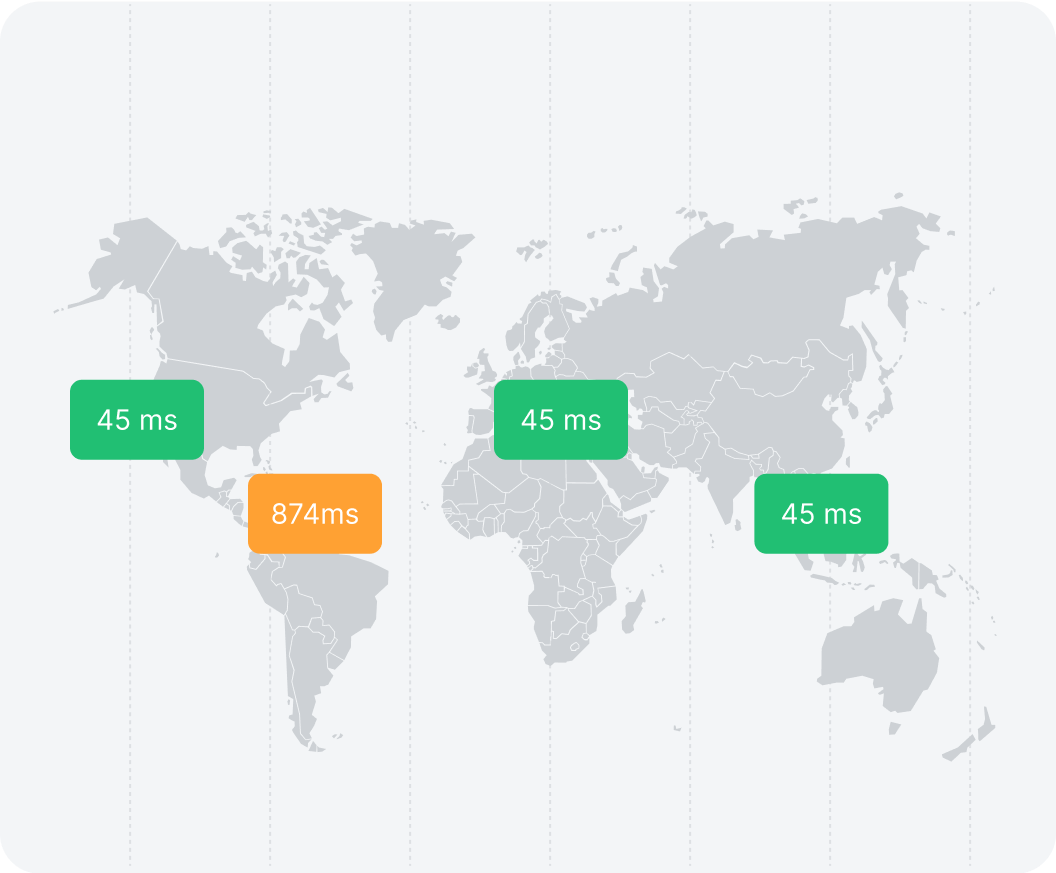
With StatusGator, your status page includes website monitoring built-in. It allows you to monitor any website with a few clicks. No need to purchase a separate service to handle monitoring of your internal websites.
StatusGator continuously checks your websites from multiple locations around the globe. Your IT team is notified of any outages and your status page is automatically updated along the way.
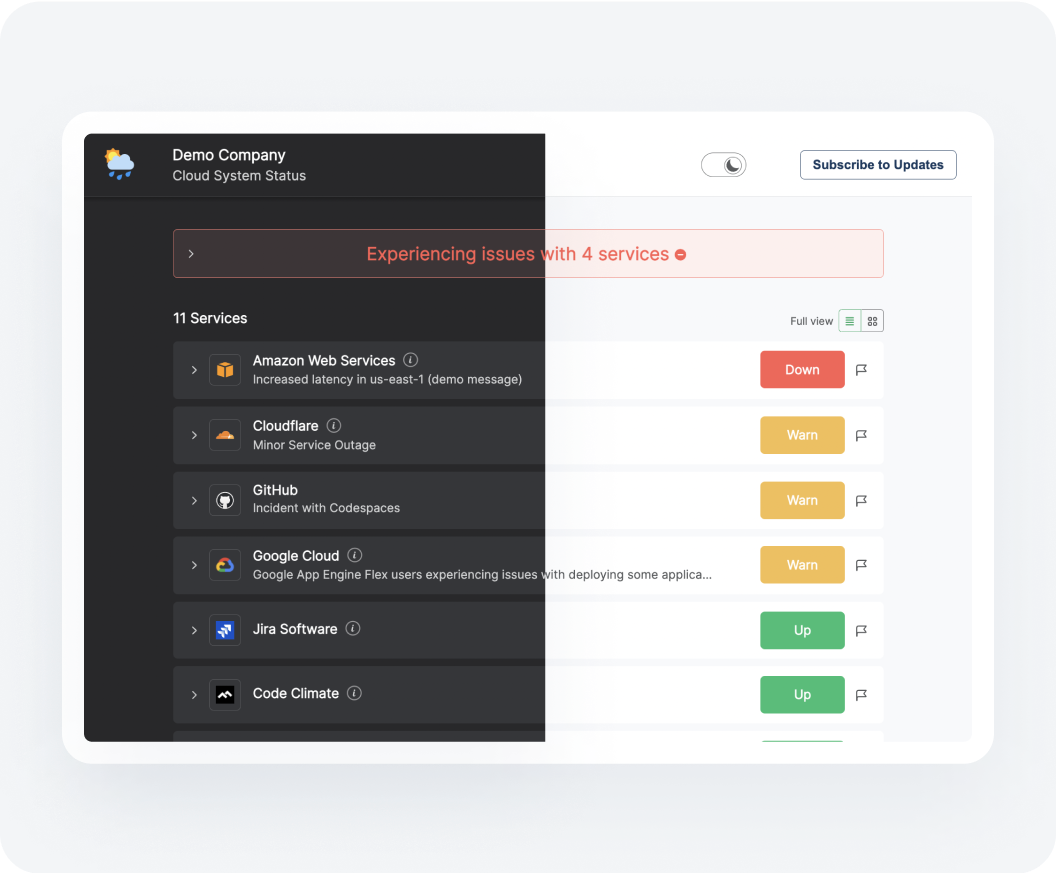
Customizable and Brandable Status Page for Your IT Team
Your StatusGator status page is completely customizable with your name, headline, and logo. Whitelabel your internal status page and its notifications for a completely custom solution. Host on your own domain for maximum trust with your team.
Schedule a demoImprove Transparency with Subscriptions to an Internal Status Page
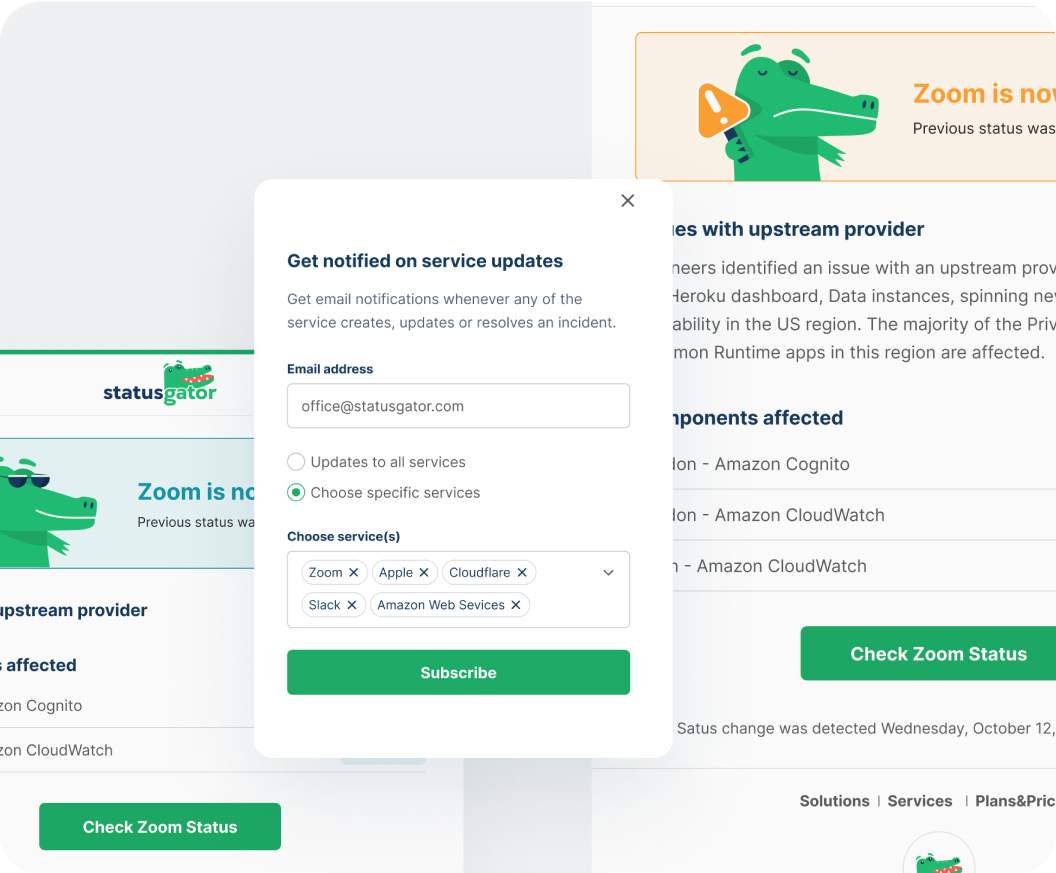
The tech team can subscribe to your internal status page with a simple click. They can filter their notifications to specific services or choose to get notified about all services. Your customers, end-users, or stakeholders can manage their subscriptions and choose exactly how they want to receive notifications about the status of your product infrastructure.
Schedule a demo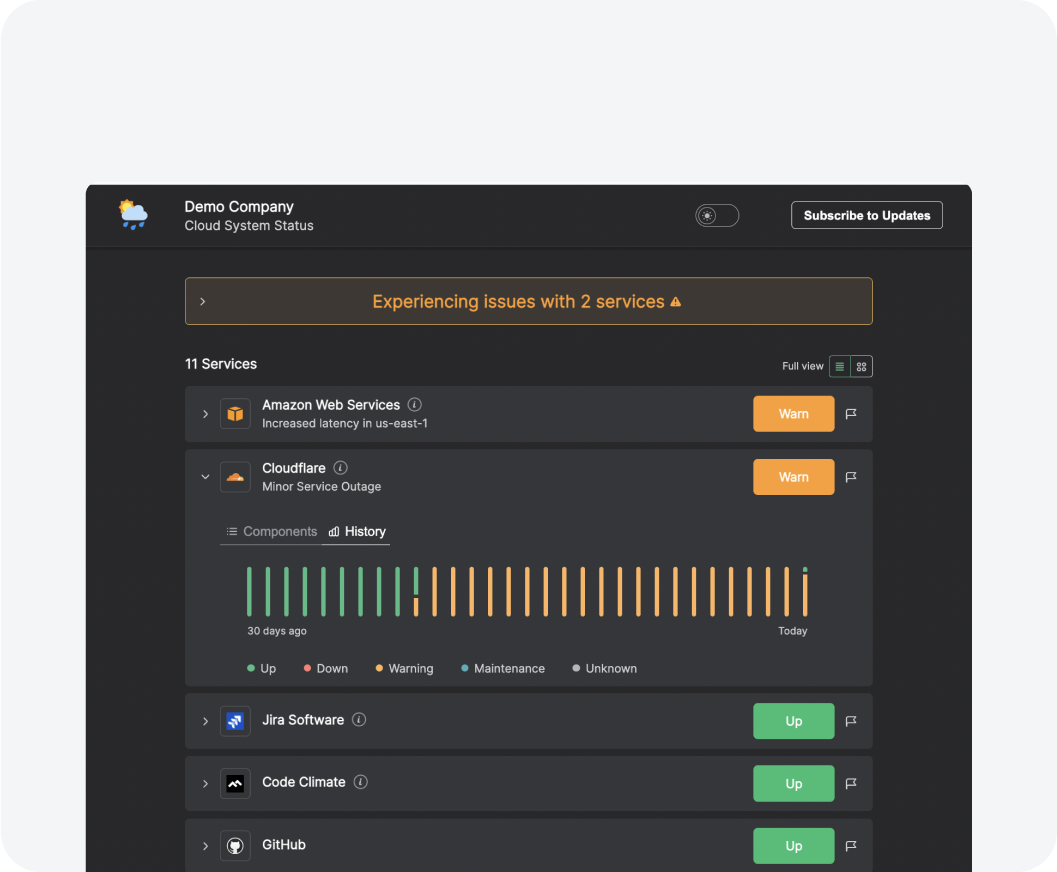
Private Status Page for Your IT Team
Protect your internal status page with a password. Reduce ticket volumes by making your internal status page the single source for your users’ IT issues.
Build trust with your product name, colors, and logo. Host on your own URL for maximum trust. With a private dashboard and real-time alerts for team members, your organization can resolve and communicate issues quickly.
Keep Tabs on Vendor Outages on Your Internal Status Page
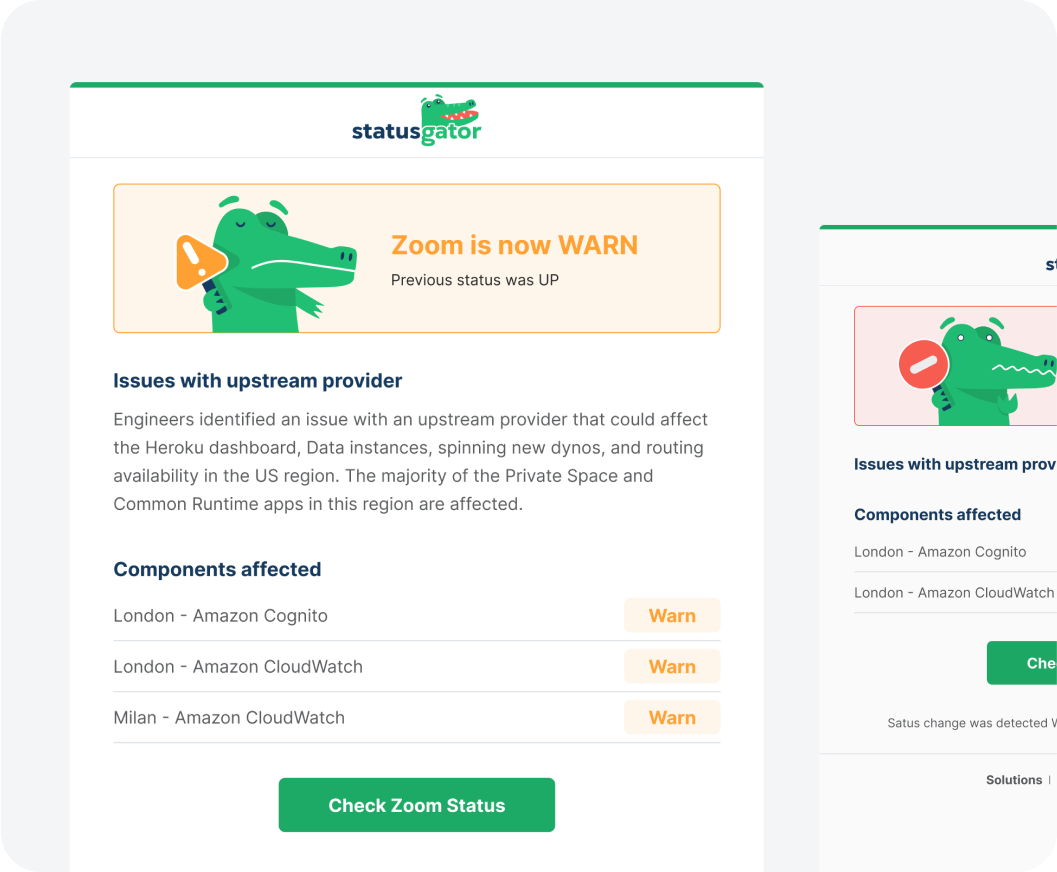
StatusGator monitors your services and sends your IT team instant notifications when they go down. Stay abreast of issues that affect your users with notifications: In email, Slack, Teams, or wherever your team communicates.
Schedule a demo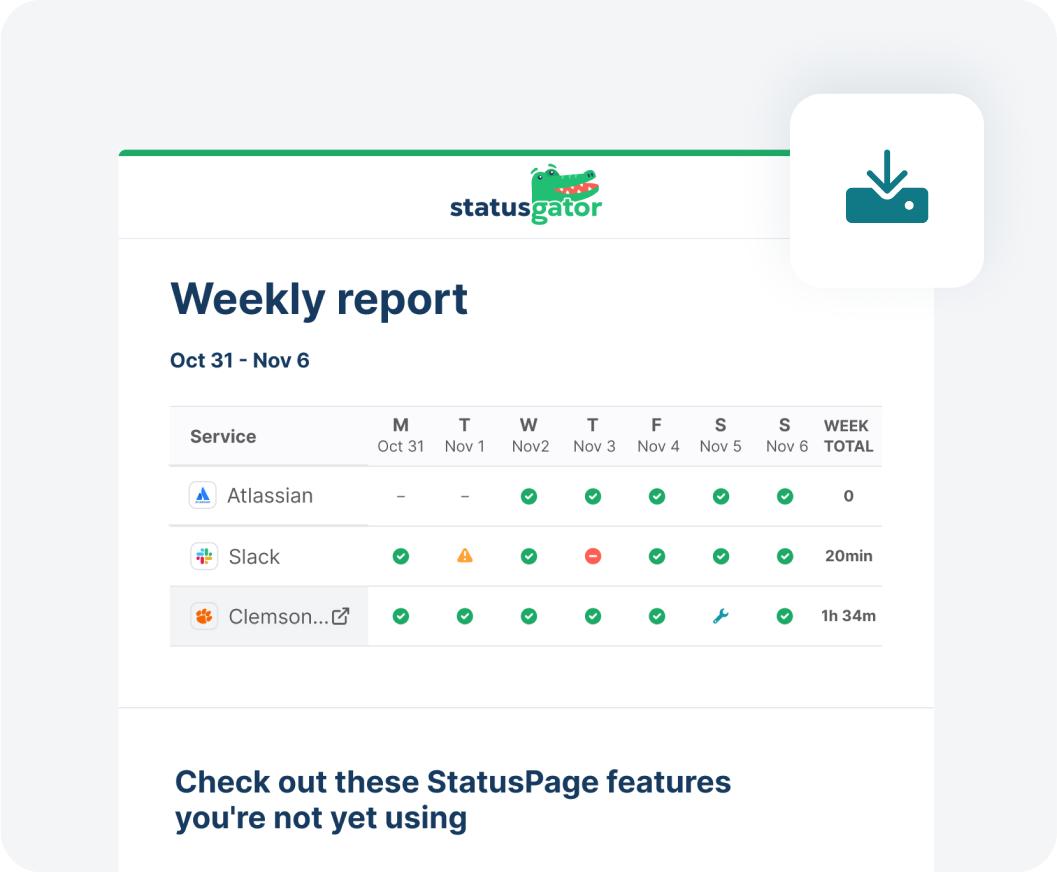
Understand the Reliability of the Vendors Your IT Team Depends on
Understand how reliable your cloud services are with data exports and a weekly email summarizing outages. Run reports, perform analysis, and produce summaries, and hold your vendors accountable. Get refunds against SLAs or use StatusGator reports when negotiating contract renewals.
Schedule a demoIntegrate Your Internal Status Page with Incident Management
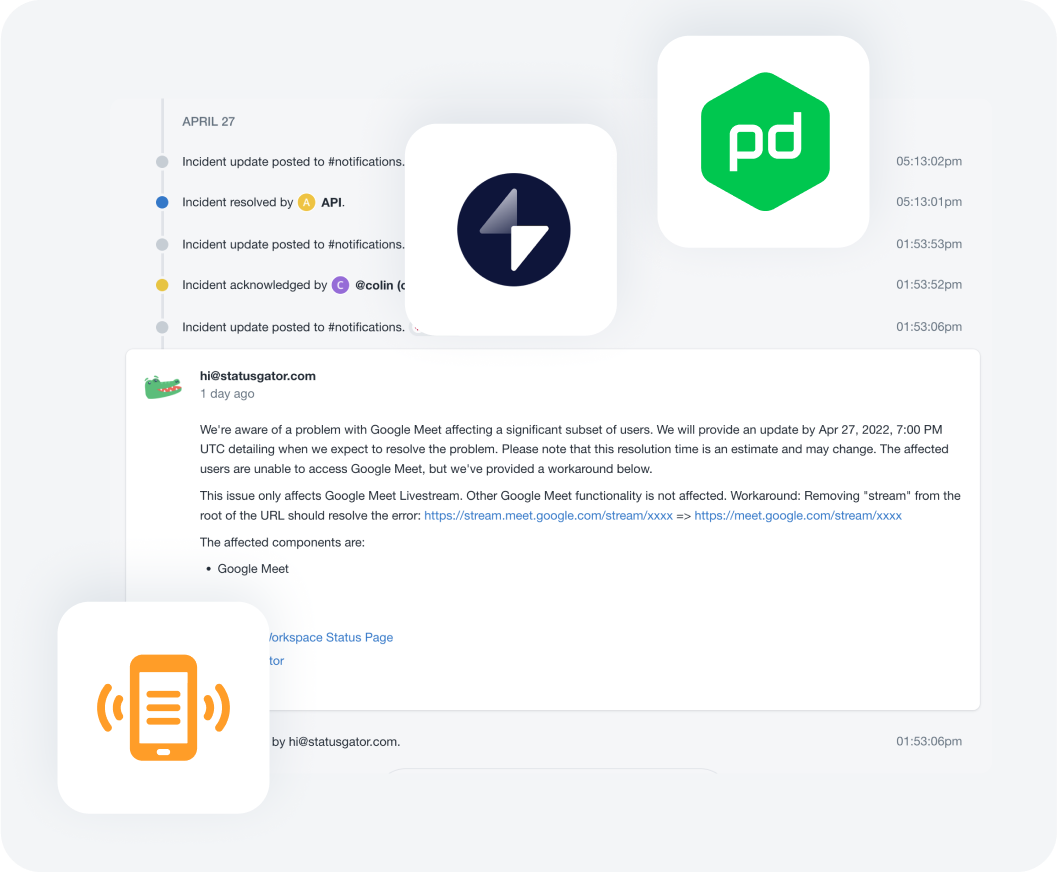
Integrate StatusGator with your incident management tools using our integrations or API. Create incidents automatically so your IT team can investigate the impact of high-value services. StatusGator helps your tech team to be more proactive and stay ahead of outages that could bring down your product infrastructure.
Schedule a demo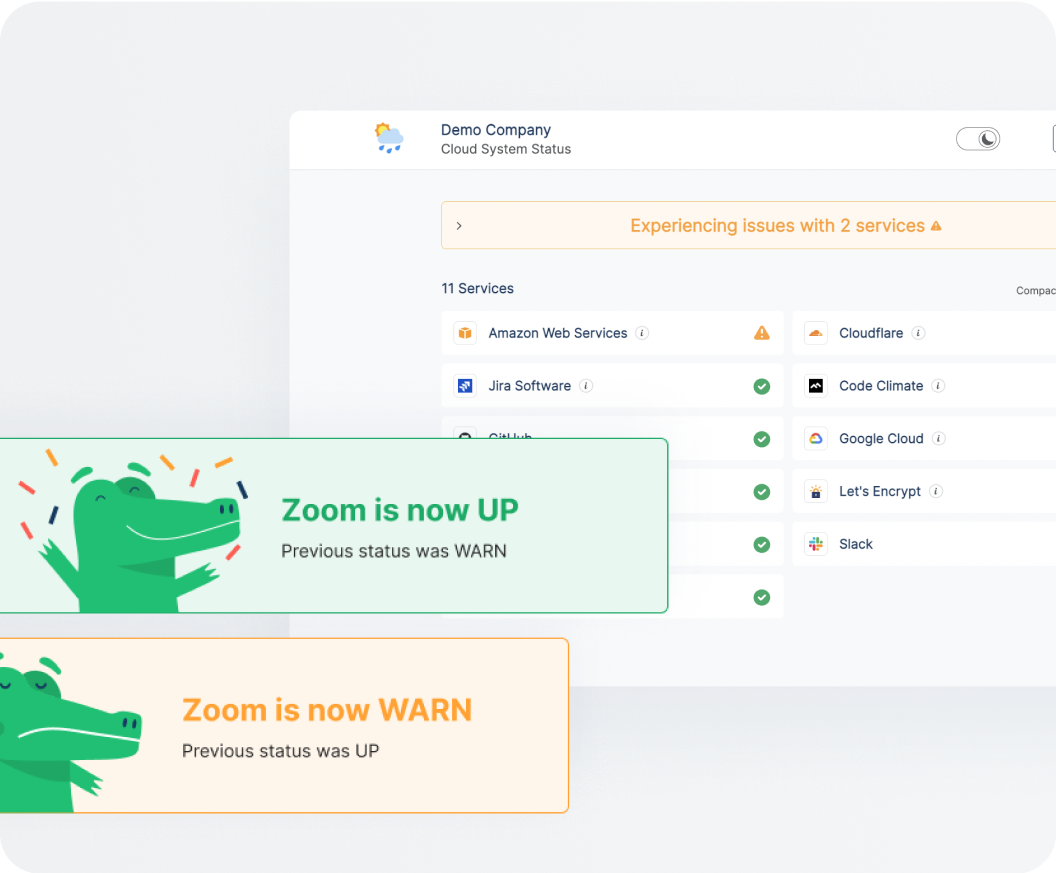
Reduce Support Tickets with an Internal Status Page
The internal status page helps reduce the ticket burden for your IT help desk. Your StatusGator status page will automatically show the status of every third-party service your tech team and customer support depend on.
By gathering the official status of your hosted applications and showing them to your users before they reach out to your helpdesk, StatusGator’s internal status page helps reduce support tickets saving you time and money.
Security Features for Your Internal Status Page
All multi-user StatusGator plans support SAML-based SSO for maximum security. Choose who can access what with role-based access control. StatusGator is designed for the compliance needs of the enterprise. Enforce app-based 2FA to ensure access to your monitoring tools.
Schedule a demoDemo Internal Status Page

Trusted by thousands








Why Choose StatusGator
for Your Status Page
| StatusGator | Other status page providers | |
|---|---|---|
| 4,000+ cloud services monitored | Yes | No |
| Free status page | Yes | No |
| Monitor specific components and regions | Yes | No |
| Unlimited subscribers | Yes | No |
| Content change detection | Yes | No |
| API health monitoring | Yes | No |
| Early warnings | Yes | No |
| SSL certificate monitoring | Yes (with TrackSSL) | No |
What Our Customers Say
Zach Huntley
Eden Prairie School
Will Feener
CTO, Whale Rock Capital
Joshua Kersey
Systems Engineer, Armanino LPP
657m+
Status checks performed
2.6k+
Services monitored
8.5m+
Notifications sent
20k+
Users served
Keep your tech team, support, and stakeholders aware of status changes of your service and vendors
Schedule a demoKeep Your Team Informed
We send you notifications when your services go down, giving you critical visibility where you currently have none.
Schools
Keep staff, teachers, and students informed and reduce support ticket burden by quickly communicating known issues.
DevOps
When AWS melts down or Cloudflare is fighting an outage, keep your team up to date on the incident with a StatusGator status page and notifications.
Enterprise
Provide tailored, clear notifications to meet the unique needs of extensive teams, ensuring smooth operations during disruptions.
Managed service providers
Enable quick responses to prevent disruptions and maintain seamless operations for your clients.
Competitive intelligence
Immediate alerts empower DevOps teams, ensuring competitiveness and resilience against disruptions.
StatusGator is beloved for its simplicity and usefulness

Frequently Asked Questions
Where does StatusGator get its data for the internal status page?
StatusGator gets the official status data from each company’s official status page. Status pages are published by thousands of vendors as a way to communicate the status of each service. StatusGator reads this status page data into its platform, ensuring that the data we aggregate is the official, published incident information.
How does StatusGator aggregate the status pages of your cloud providers?
StatusGator uses three methods to collect status data from official status pages: Web scraping, documented APIs, and undocumented APIs. We use proprietary technology to collect and normalize the data from more than 2,700 vendors. Our platform constantly monitors and automatically detects outages, ensuring accurate, up-to-date information no matter how often a status page changes.
What do the different statuses of vendors mean?
- [ warn ] – A minor incident as indicated by the status page. Usually, these incidents are listed in yellow or orange on a cloud services’ status page.
- [ down ] – A major incident as indicated by the status page. Typically these incidents are listed in red on a service’s status page.
- [ maintenance ] – Scheduled, proactive maintenance as published on the status page. Sometimes these have no impact but are published for informational purposes.
Can any vendors be added to the internal status page by StatusGator?
StatusGator can aggregate the status of any cloud providers using their public, official status page. If the service does not publish a status page, then we cannot aggregate their official status. If their status page is only available behind a login we currently do not support this for security reasons. Otherwise, we are happy to add cloud providers. Just reach out using the support link below.
How often does StatusGator fetch the cloud services’ status?
StatusGator collects the status of each service from its official status page every 5 minutes, ensuring outages and resolutions are ingested into the StatusGator platform in a timely manner and displayed on your internal status page in real time.
Can I filter to specific regions?
Absolutely. StatusGator supports a critical feature that many status pages do not – the ability to filter to specific components of a given vendor. For many services, a component can be a region or a product. If you only use certain products, regions, or features of a given service, you can use component filters to limit your notifications to only those that affect the components your IT team uses.
Who benefits from an internal status page?
Your entire team or organization can! This depends on who relies on your organization’s services and software. Compared to a public status page, an internal (or private) status page is designed with your team members in mind. It can communicate the real-time status of your various services (or tools you already use) to DevOps or other teams.
If you get a status page that is designed specifically for your team, you can be the first to know of any impact on your critical services. Create your internal status page today and make sure your team is up to date.
Will there be any possible lag time in processing these changes on the status dashboard?
This depends on your provider, of which there are many (such as Atlassian Statuspage, Pagerduty, Incident.io, and more). We can’t speak for other providers, but there is no lag time in processing status updates and changes with StatusGator.
Current service statuses are aggregated and automatically updated on your status page in real time. This routine collection and aggregation is designed to prevent delay or lag. This ensures incident communication is a smooth process, as your users need to be able to see the current status of their services without delay.
Can I customize the internal status page?
Absolutely! You can create your internal status page to include whatever you need. StatusGator makes it simple to create a custom status page, making sure you create the right template to display your system status.
You can also choose which services you want to display. By filtering which services you need to check, you allow your users and teams to quickly and easily check operational status. For large organizations, this can prevent a flood of support tickets from being sent to the IT support team or help center.
Can’t find your question? Email us to arrange a time to discuss. We’d love to chat!


