
Communicate incidents and maintenance
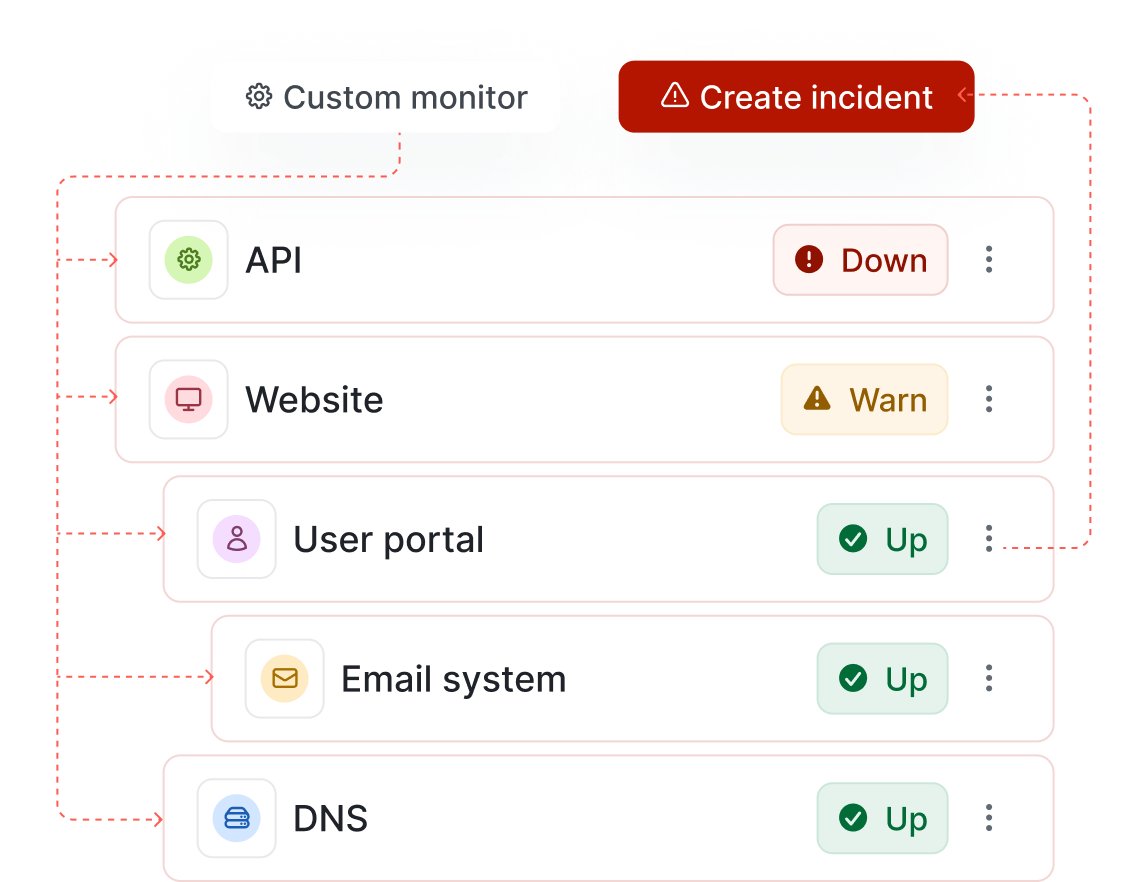
Add monitors that you manage manually by creating incidents. When your Custom monitor experiences downtime or any outage, you use incidents to communicate issues with your status page viewers directly. Works best if you have your own product (e.g., a SaaS platform, e-commerce site, or mobile application).
Schedule a demo
Incidents overview
Communicate issues or planned maintenance work with your status page viewers using Incidents
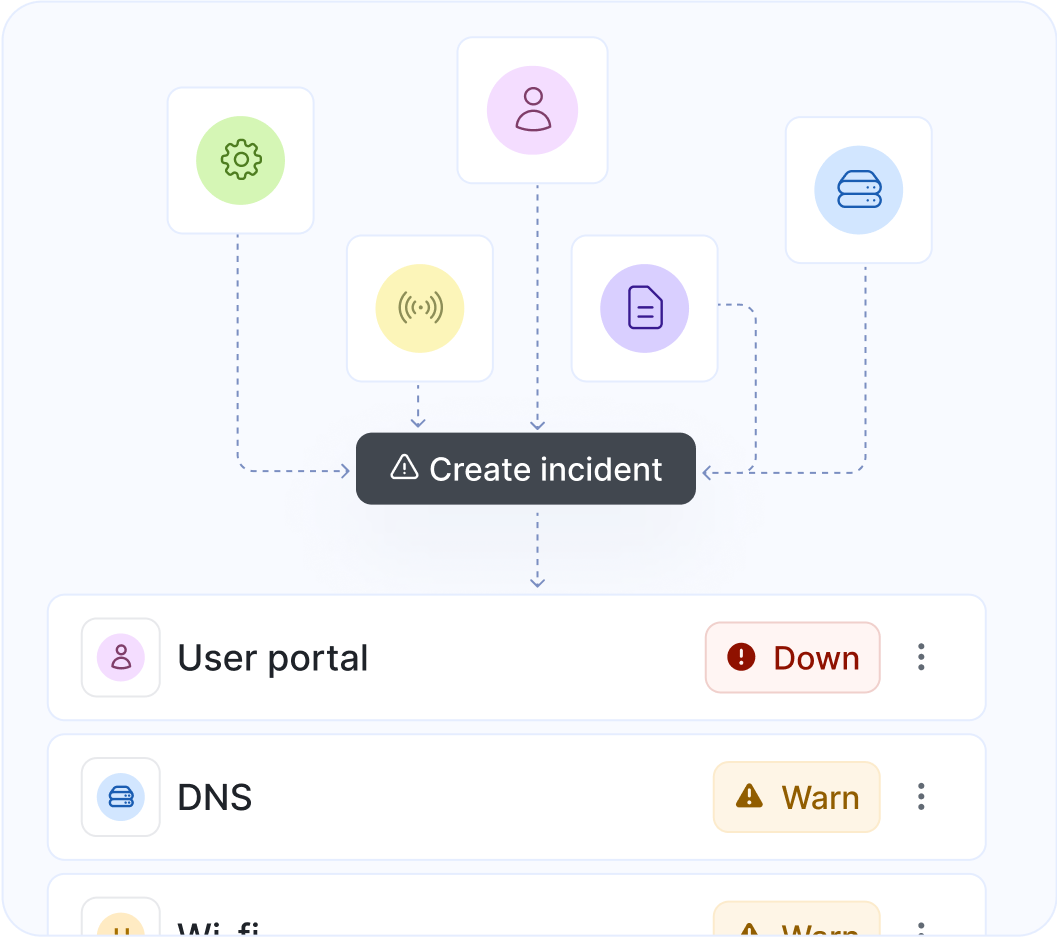
Communicate incidents of your custom monitors
In comparison to Cloud and Website monitors, a Custom monitor is a vital component of your status page that you manage manually by creating incidents. When your Custom monitor experiences downtime or any outage, you use incidents to communicate issues with your status page viewers directly.
Schedule maintenance
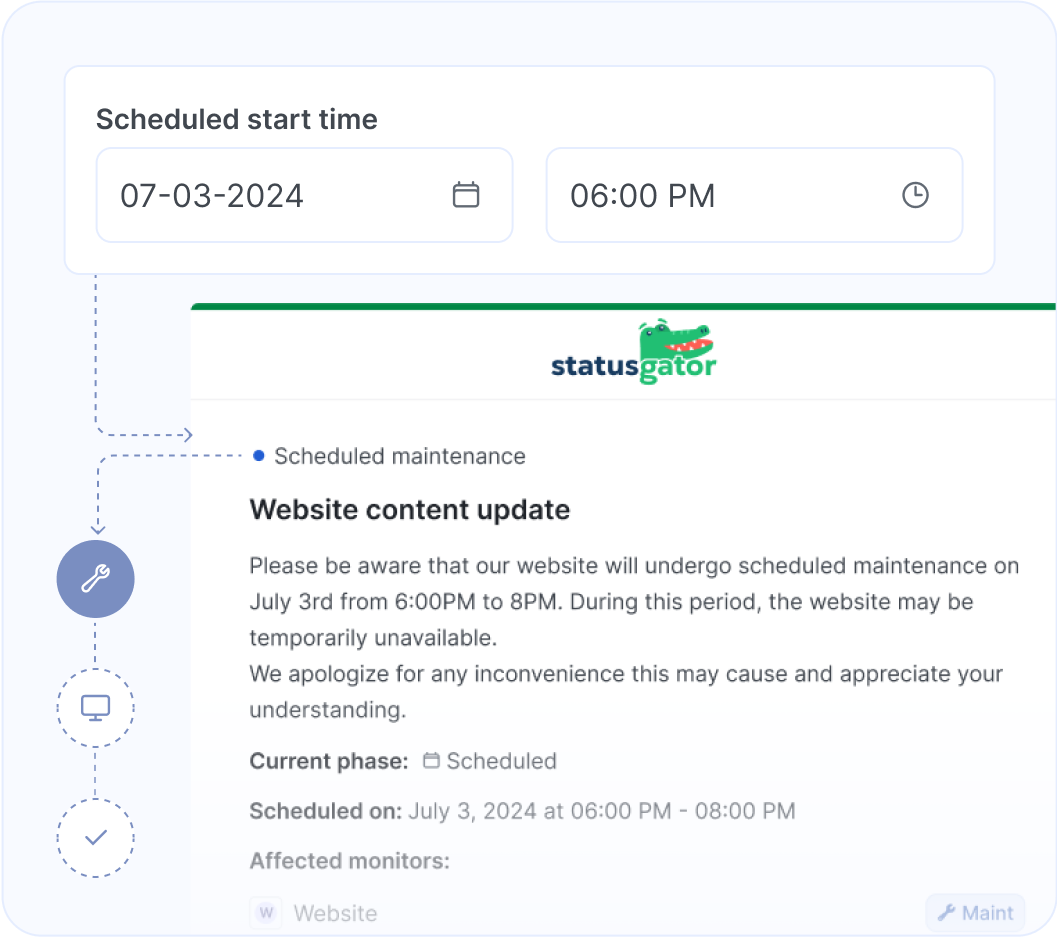
In addition to incidents, you can inform your status page viewers about scheduled maintenance. With the ability to send custom reminders in advance, you ensure that users are aware of upcoming maintenance activities.
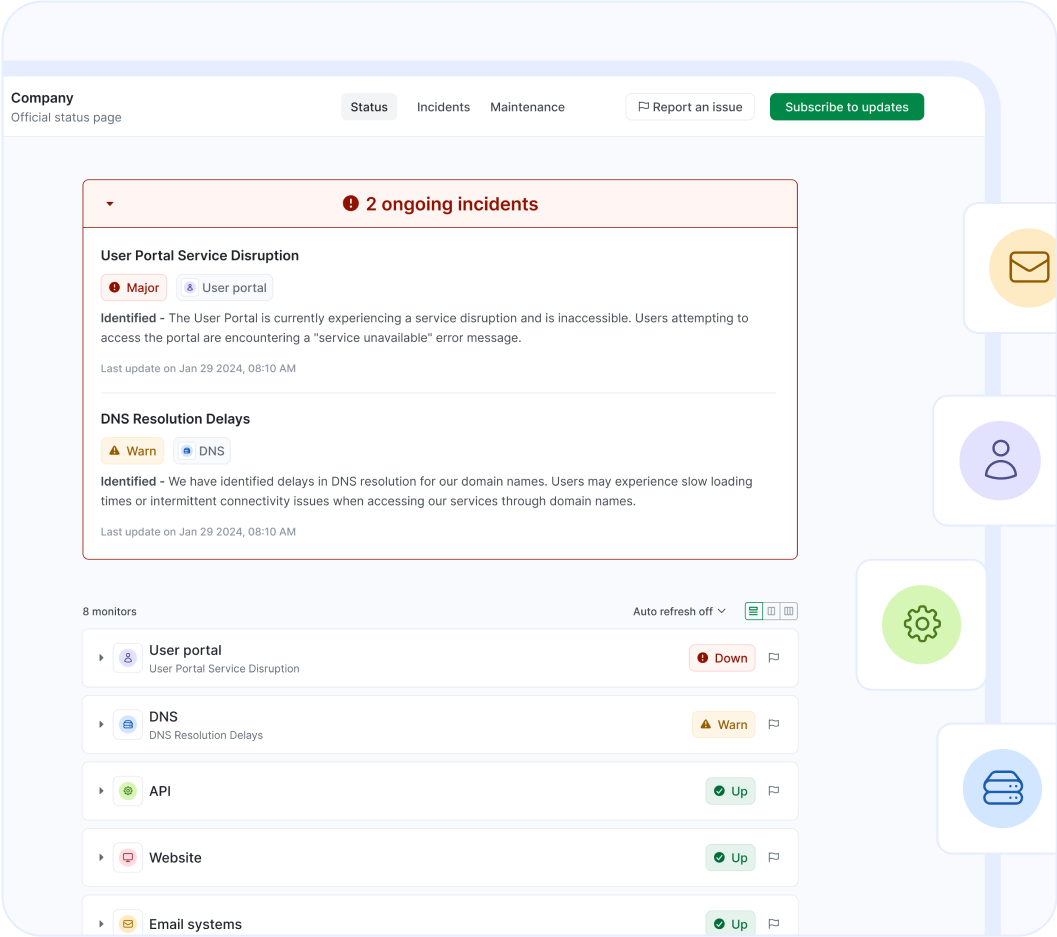
Publish incidents and maintenances on a public status page
If you require a status page for your SaaS platform, e-commerce site, or mobile application, StatusGator can help. Easily add custom monitors for your product's critical components, and we'll generate a comprehensive status page for you.
Incidents configuration
Communicate any outages or downtime of your custom monitors using Incidents
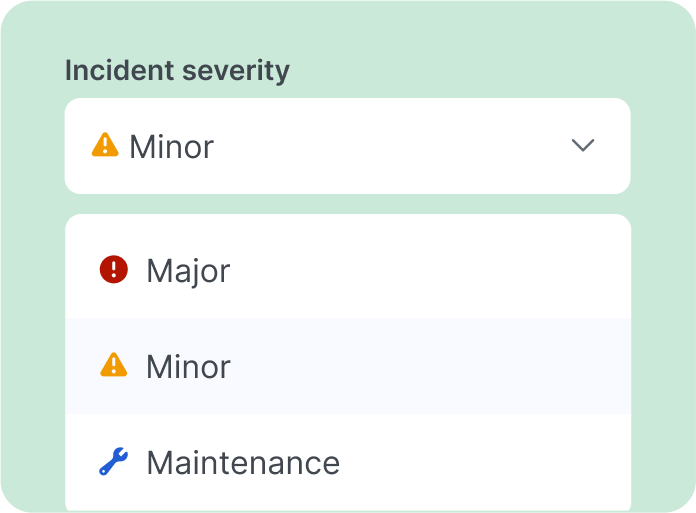
Communicate incident severity and affected monitors to ensure your users are informed about the impact.
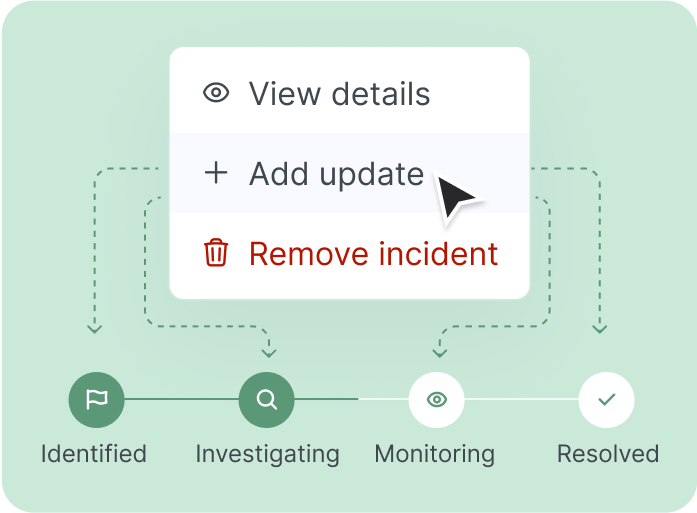
Keep your users informed by providing regular updates on incidents or maintenance.
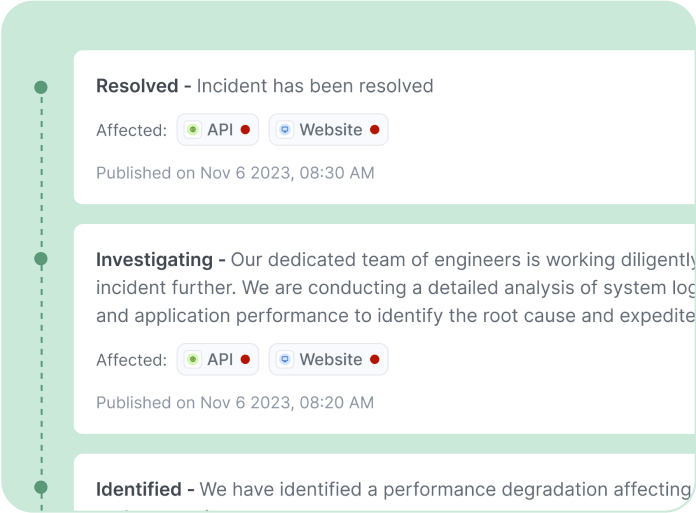
Keep track on incidents history to analyze and identify recurring issues.
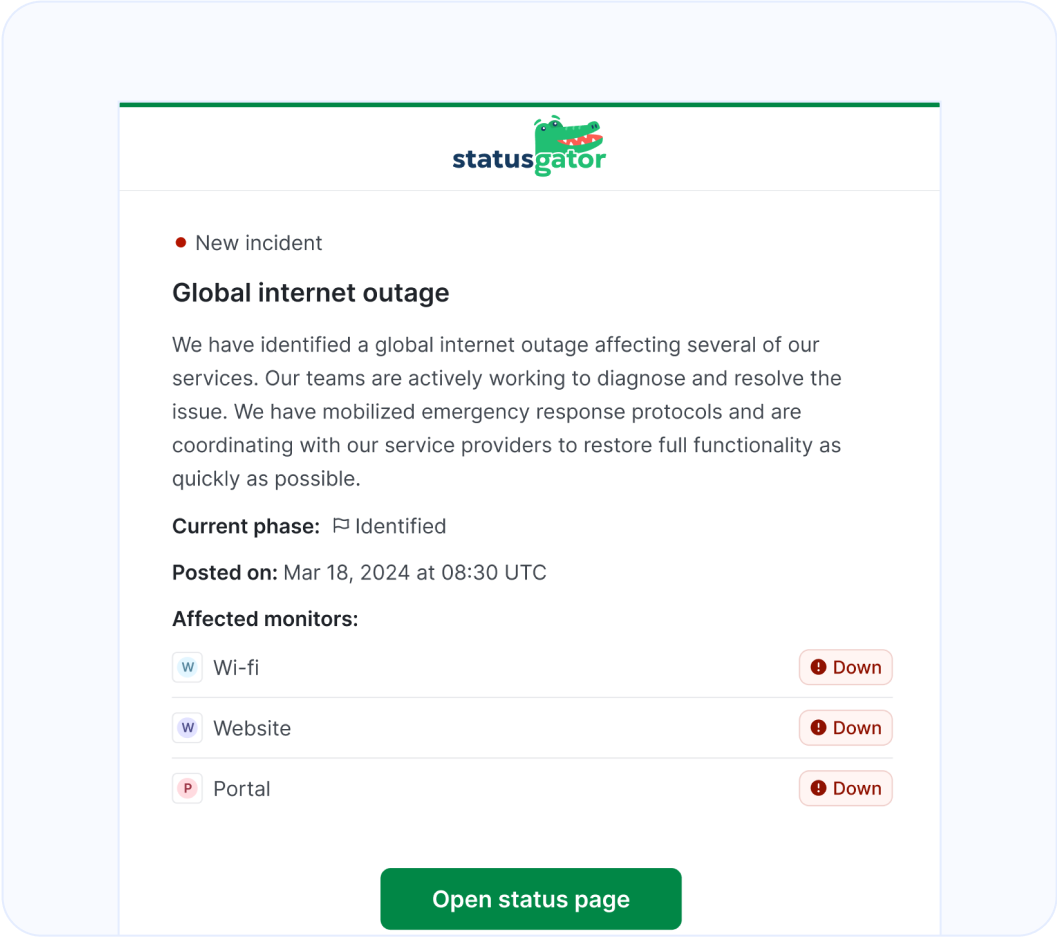
Notify status page viewers on incident or maintenance updates
Your status page viewers have continuous access to the latest updates on monitor statuses and ongoing incidents. Subscribers to your status page will receive email notifications for every incident update, or scheduled maintenance, ensuring they stay informed and helping to minimize support ticket submissions.
Keep track on incidents history
Tracking incident history provides valuable insights into past incidents by offering access to all published incidents and their details, including updates, affected monitor, contributors, and timelines. This comprehensive view helps in analyzing trends, identifying recurring issues, improving incident response times, and maintaining transparency with stakeholders and customers.
Schedule a free 30-min demo
We'll show how StatusGator can benefit your team. No strings attached.
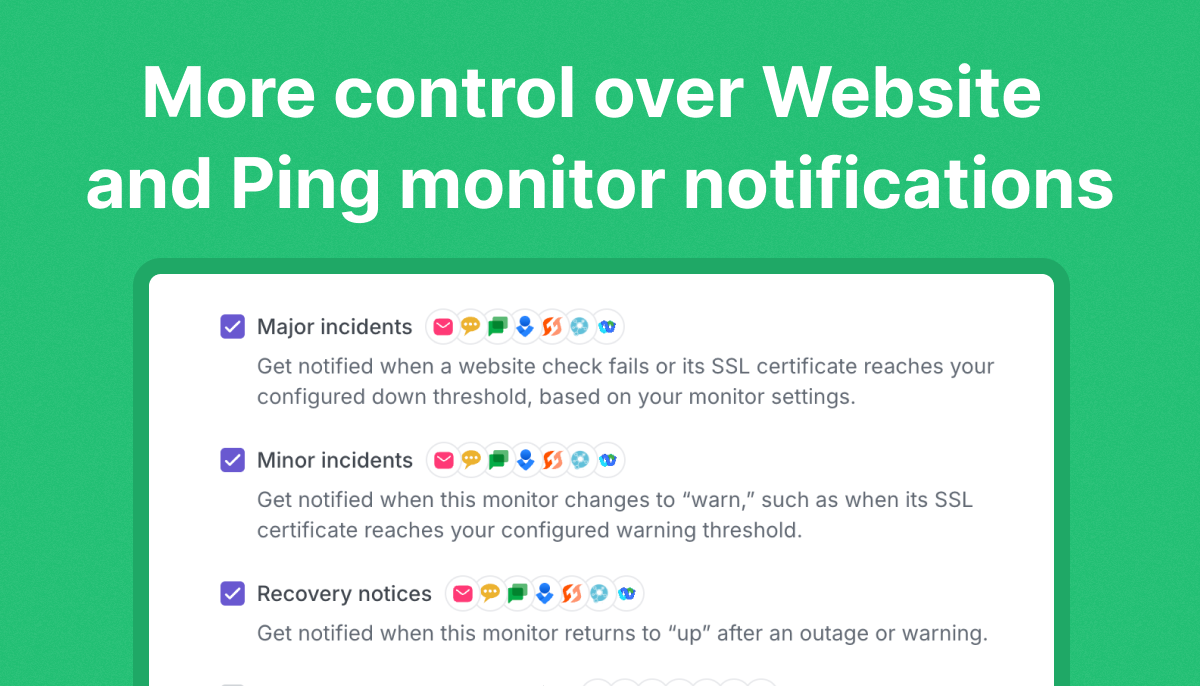 More control over Website and Ping monitor notifications
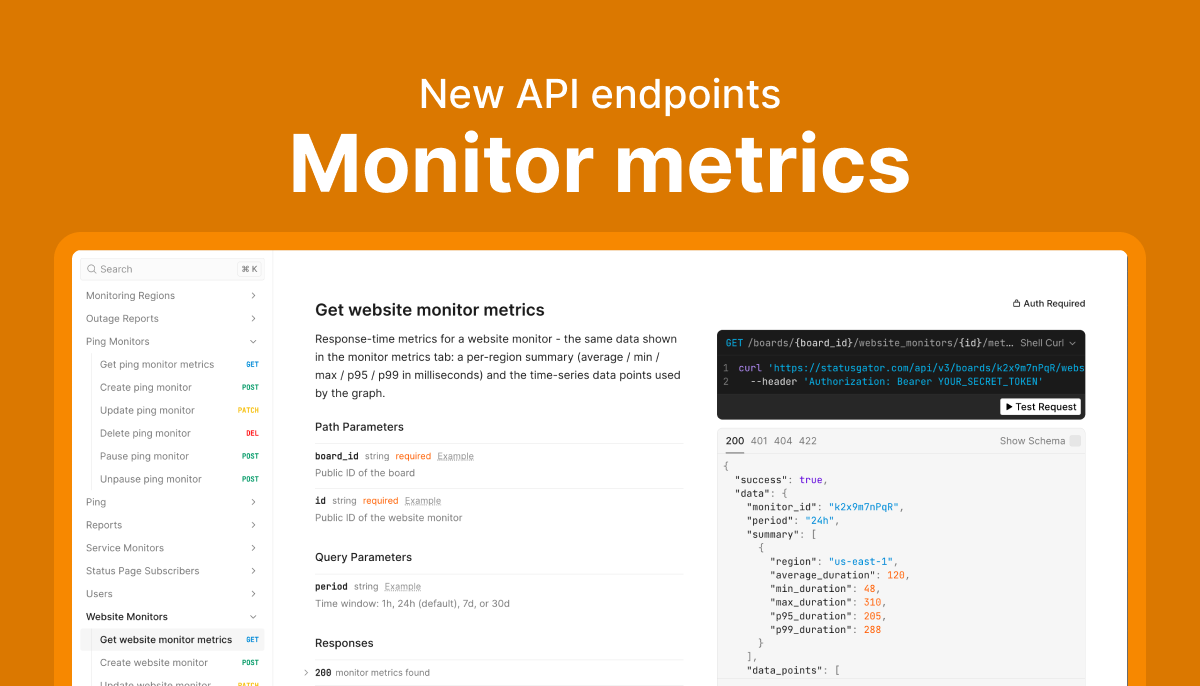 Monitor metrics now available in the v3 API
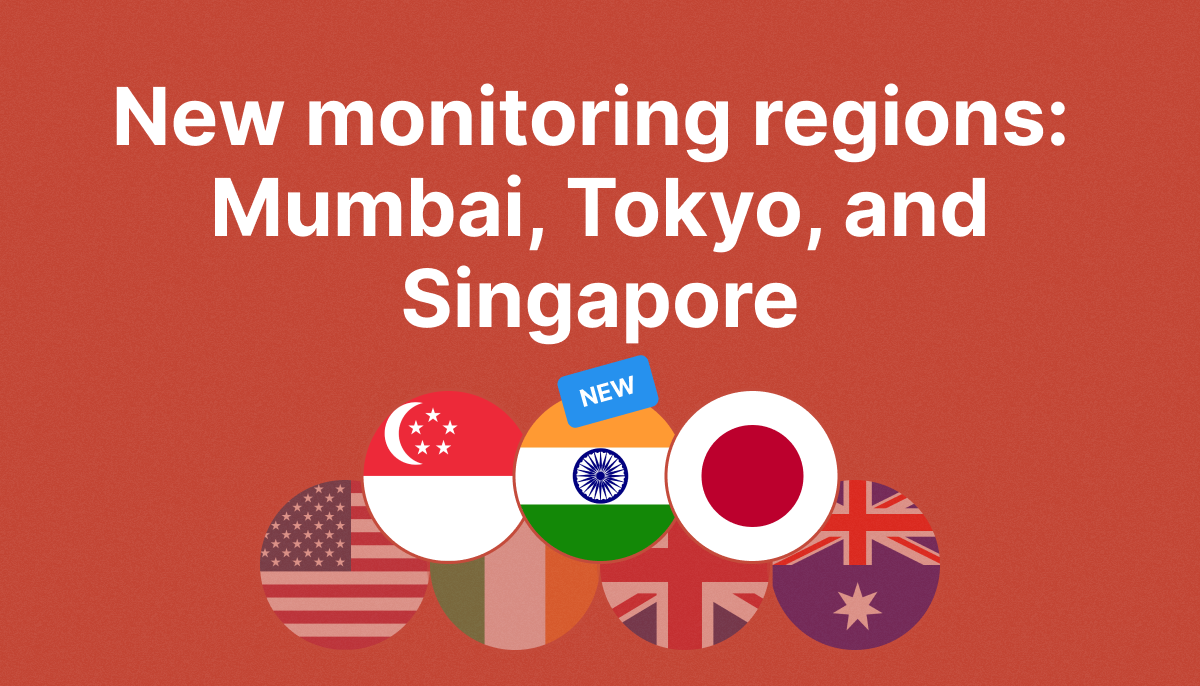 StatusGator expands global monitoring coverage with new regions in Mumbai, Tokyo, and Singapore
Frequently asked questions
-
How do I communicate incidents?
You can manually create incidents for custom monitors in your StatusGator account on the Incidents page whenever they experience downtime or outages. This ensures your status page viewers are directly informed about any issues in real-time. -
Can I communicate schedule maintenance on my status page?
Yes, in addition to incidents, you can schedule and communicate planned maintenance to your users. You can also send custom reminders in advance to keep your status page subscribers informed about upcoming maintenance. Choose the schedule that works for your users. -
How does incident severity work?
When publishing an incident, you can communicate its severity and the affected monitors, ensuring users understand the impact and are kept up to date. Each incident also has a phase attribute you can use to communicate where you are in the process of resolving the incident. -
Can my users subscribe to incident and maintenance updates?
Yes, your status page viewers can subscribe to any monitor from the page and receive instant email notifications on incidents and maintenance updates. -
How can I track incident history?
StatusGator keeps a detailed log of all published incidents, including updates, affected monitors, and timelines, providing valuable insights to analyze trends and improve response times. -
Can I use incidents for my own SaaS or e-commerce product?
Absolutely. You can add custom monitors for your product’s critical components, such as your SaaS platform or e-commerce site, and use incidents to communicate any issues directly to your users. -
How often can I update users during an incident?
You can provide as many updates as necessary throughout the duration of the incident. Simply add an incident update and include details on the progress to ensure your users stay informed until the issue is resolved.
Can't find your question? Email us to arrange a time to discuss. We'd love to chat!