
Ensure network connectivity with real-time monitoring

Ping monitoring allows you to track the availability and responsiveness of your services by sending regular ping requests to your endpoints. With StatusGator’s Ping monitoring, you can quickly detect outages and performance issues, ensuring your services are always accessible.
Schedule a demo
Monitor network performance with accurate Ping monitoring
Detect issues early with global coverage, real-time alerts, and customizable settings.

Multi-region monitoring
We employ a global network of multiple monitoring locations, ensuring that localized network outages do not delivery false positive monitoring notifications. When 2 or more locations across the globe detect an outage, we notify you through your configured channels and update your status page to indicate the outage to your team, stakeholders, or end-users.
Customizable monitoring frequency

With our Ping Monitoring feature, you have the flexibility to customize how frequently your services are checked. By selecting a status update interval between 1 to 5 minutes, you can ensure that you receive timely alerts without overwhelming notifications. This level of customization empowers you to align monitoring with your operational requirements, helping you maintain optimal service uptime and responsiveness.

Adjustable timeout settings for optimal performance
Our Advanced Settings allow you to fine-tune your monitoring experience further. By adjusting the timeout for each ping request, you can control the maximum time allowed for responses. Choose from options ranging from 5 to 60 seconds to balance accuracy and performance. This capability ensures that your monitoring remains efficient, allowing you to detect issues quickly while avoiding unnecessary delays, so you can act swiftly when it matters most.
SMS, email, and chat notifications

Get notified of critical outages in the places you need: Via email, or directly to your phone with our SMS notifications or via integrations with popular chat apps: Slack, Teams, Google Chat, Webex, and Discord.
Configure ping monitors
Adjust monitoring settings for comprehensive ping monitor oversigh

Configure display name, internal description and icon.

Set basic configuration including status update frequency and check location.

Configure advanced settings like timeout
Schedule a free 30-min demo
We'll show how StatusGator can benefit your team. No strings attached.
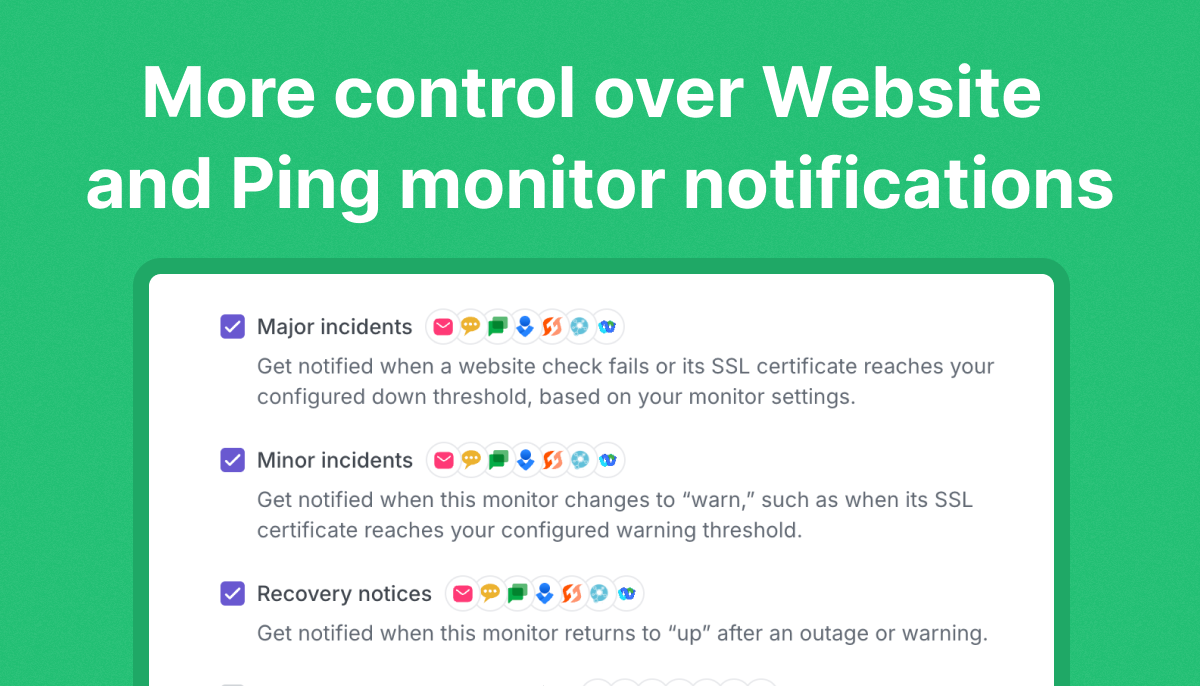 More control over Website and Ping monitor notifications
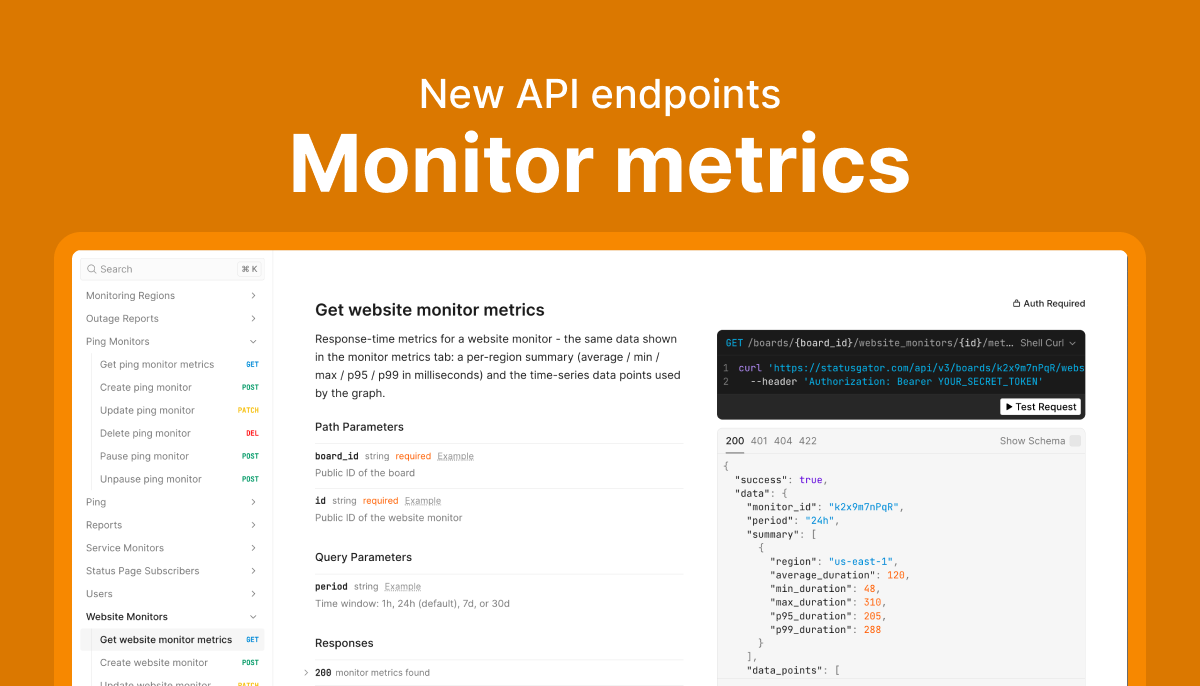 Monitor metrics now available in the v3 API
 StatusGator expands global monitoring coverage with new regions in Mumbai, Tokyo, and Singapore
Frequently asked questions
-
What is Ping Monitoring, and how does it work?
Ping monitoring uses ICMP (Internet Control Message Protocol) to check your server's or device's responsiveness. StatusGator sends periodic pings to verify network connectivity and reports if a device becomes unreachable. -
What types of servers or devices can I monitor with Ping Monitoring?
You can monitor any server, IP address, or device that responds to ICMP requests, including web servers, database servers, routers, and other networked devices. -
Can I monitor devices on my internal network with StatusGator?
StatusGator is an entirely cloud hosted solution and requires no on-premise installation. That means it can only monitor items that are accessible to the public internet. If you are able to allow access to our monitoring instance IPs, then StatusGator can monitor it. -
How often does StatusGator check connectivity using ping?
You can configure the ping frequency to suit your needs, with options ranging from every minute to every 5 minutes, providing flexibility in how closely you monitor connectivity. -
Can I select multiple locations for ping checks?
Yes, StatusGator allows you to select various global locations, such as US West, US East, EU West, and AU East, ensuring a thorough check on regional connectivity. -
What kind of alerts will I receive if my server or device is unreachable?
StatusGator can send instant notifications through email, SMS, Slack, Discord, Microsoft Teams, Google Chat, and Webex, so you are alerted immediately if connectivity issues arise. -
How does Ping Monitoring help with network troubleshooting?
Ping monitoring helps identify connectivity issues by alerting you to downtime. With regional checks, it also aids in spotting geographic network issues or intermittent failures in specific locations. -
Can I customize timeout settings for my ping checks?
Yes, you can adjust the timeout settings (from 5 to 60 sec) to determine how long the system waits before marking a ping as unsuccessful, ensuring it aligns with your network's expected response time. -
Can I include Ping Monitoring results on my public StatusGator page?
Absolutely! You can display the results of Ping Monitoring on your public status page, providing transparency about network connectivity and uptime for your users.
Can't find your question? Email us to arrange a time to discuss. We'd love to chat!