
In the realm of status monitoring, having the right tools at your disposal is crucial for maintaining uptime and ensuring that your users are informed about the health of your services.
While StatusTicker is a popular choice, several alternatives offer unique features and capabilities.
Here, we explore the 10 best StatusTicker alternatives that can help you keep track of your system’s performance and reliability.
What is StatusTicker?
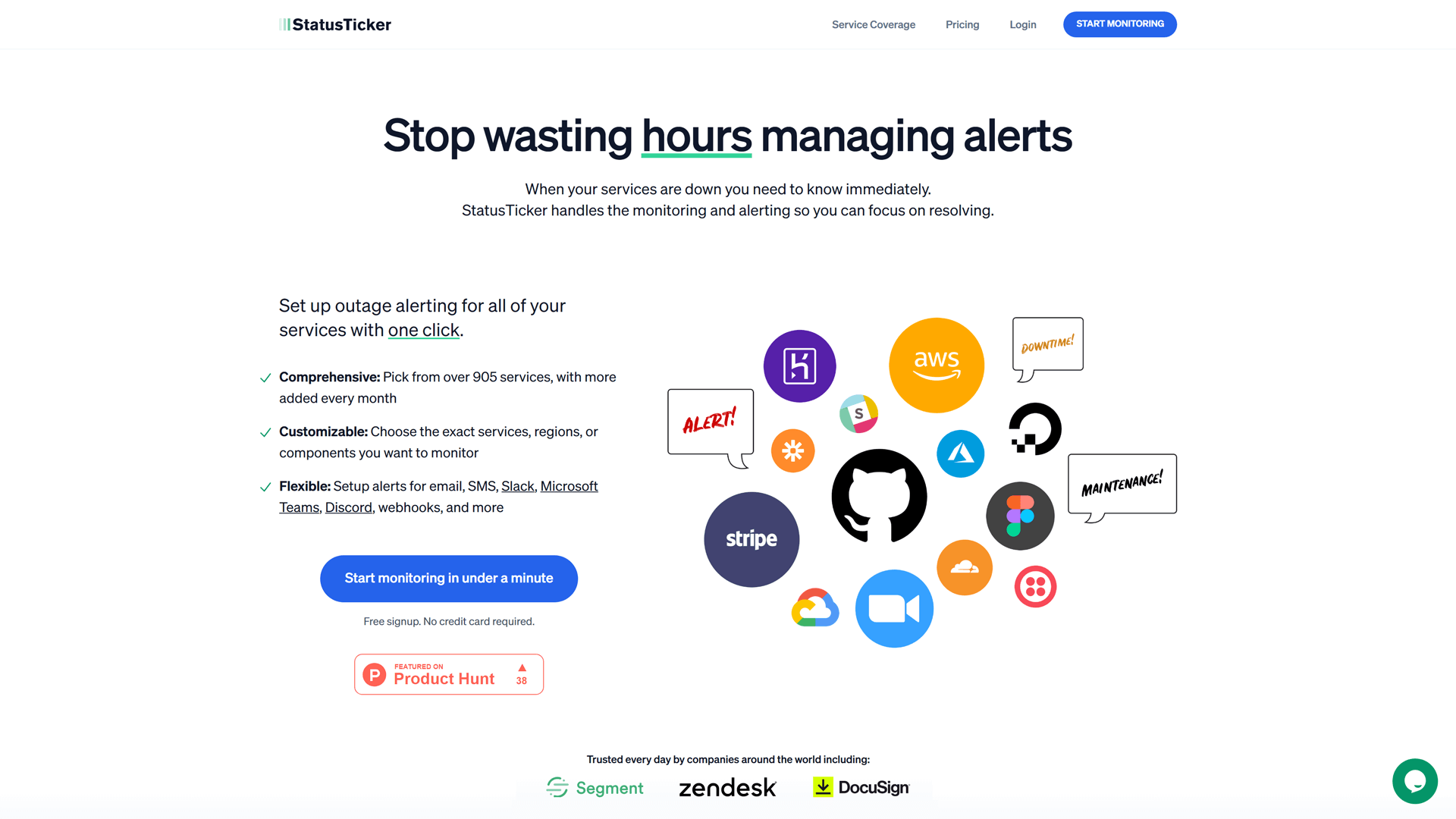
StatusTicker.com is a monitoring and alerting platform designed to keep users informed about the status of their cloud services, third-party websites, and applications in real time.
This platform offers to create a ticker, which is a dashboard where you can add cards with the statuses of different service providers.
With customizable alerting options, users can receive notifications via email, SMS, Slack, or Microsoft Teams. It ensures that they are always aware of any potential issues affecting their online presence.
Overall, this platform is a valuable tool for any business or individual looking to maintain a reliable and high-performing online presence. However, StatusTicker does not offer such an amount of services as StatusGator does, nor does it offer a status page.
StatusTicker Features:
- Real-time Status Updates
StatusTicker provides instant updates on system performance and outages, ensuring users are always informed about the current status of services. - Customizable Status Pages
Users can create personalized status pages that reflect their brand, allowing for a tailored experience that aligns with their organization’s identity. - Incident Management
The tool includes features for tracking and managing incidents, enabling teams to respond quickly and effectively to any service disruptions. - Multi-channel Notifications
StatusTicker supports notifications through various channels, including email, SMS, and social media, ensuring that stakeholders receive timely alerts. - Historical Data and Reporting
Users can access historical performance data and generate reports, providing insights into service reliability and helping to identify trends over time. - API Integration
The tool integrations are enabled with APIs, allowing StatusTicker users to connect with other tools and services for seamless workflow automation.
10 Top Alternatives to StatusTicker
- StatusGator
- StatusHub
- IsDown
- Amazon CloudWatch
- Atera
- PagerDuty
- Better Stack Uptime
- Uptrends
- Prometheus
- Statuspage.io
1. StatusGator

StatusGator is a status page provider that monitors the uptime of your own website and apps. StatusGator also monitors the statuses of 4,000+ cloud service providers that its users can display on their status pages. Thus, users get an all-in-one view of the uptime of their own apps and services, but also their third-party cloud vendors and SaaS providers.
Features
- Service Monitor (Third-Party Monitoring): Comparing StatusTicker vs. StatusGator, with the latter you get visibility where you currently have none by aggregating the status of over 4,000 cloud services and SaaS providers such as AWS, Zoom, GitHub, and Stripe. This feature ensures you are always aware of the operational status of the services you depend on.
- Early Warning Signals: Allow users to be among the first to know about the outages, even before the official status pages acknowledge them.
- Website Monitor: Get notified of outages affecting your website’s uptime with built-in website monitoring. StatusGator continuously checks your website’s availability and performance, providing instant notifications in case of any issues.
- Custom Monitor: StatusGator lets you manually publish incidents on your status page. This flexibility ensures that the exact messaging you require is published to your end users.
- Public and Private Status Pages: Public pages inform your users and customers about the status of your services, while private pages keep your internal team updated on all your cloud providers and systems.
- Instant Notifications: Users receive real-time updates via Slack, MS Teams, email, SMS, webhooks, and APIs. This ensures your team is always informed and can respond swiftly to any incidents.
By choosing StatusGator, you gain a powerful, managed monitoring solution that offers extensive capabilities without the overhead of self-hosting. This ensures your IT and tech teams can operate more effectively, responding to incidents faster and maintaining higher uptime and service reliability.

Advantages
- Enhanced Transparency and Trust: StatusGator helps build trust with customers and employees by providing clear and consistent communication during incidents, enhancing your organization’s credibility.
- Improved Response Times: With instant updates and centralized status information, your team can respond to incidents more quickly and effectively, minimizing downtime and disruptions.
- Reduced Support Tickets: Proactively communicating incidents and updates reduces the volume of support tickets, freeing up your support team to focus on resolving issues.
- Comprehensive Monitoring: StatusGator’s ability to monitor thousands of third-party services ensures that you are aware of any external factors that might affect your operations, allowing for proactive incident management.
- Seamless Integration: With multiple integration options, StatusGator fits smoothly into your existing workflow, making it easier to manage incident communication without disrupting your processes.
Using StatusGator as your incident communication tool means you can handle incidents with greater efficiency and clarity, ensuring that all stakeholders remain informed and confident in your response capabilities.
Pricing
StatusGator offers flexible pricing plans designed to suit teams and organizations of all sizes, with both public and private status page options as well as robust third-party monitoring.
Free Plan: Ideal for small teams or individual users, the Free Plan includes basic monitoring for up to 3 services. You can track the status of your essential cloud providers and receive email notifications when issues arise.
Starter Plan: At $72 per month, the Startup Plan supports up to 25 monitors. This plan includes access to both public and private status pages, service monitoring, and customizable notifications via Slack, MS Teams, and more.
Team Plan: Priced at $137 per month, this plan supports up to 75 monitors and includes advanced features like custom domains, branding, and real-time notifications via multiple channels. Ideal for growing teams that rely on numerous cloud services.
Corporate Plan: For $274 per month, user get 150 monitors, option to hide StatusGator branding from status pages, and 12-month retention of historical data. This plan includes all the integration options.
Enterprise Plan: For larger organizations, the Enterprise Plan offers custom pricing. It includes unlimited services, advanced security features, dedicated support, and tailored integrations for incident communication and monitoring.
StatusGator’s pricing structure ensures flexibility for teams of all sizes, providing critical incident and status monitoring for both internal teams and external customers.
2. StatusHub

StatusHub is a status page solution designed to help organizations communicate effectively during incidents and outages. It offers customizable public and private status pages, allowing users to keep their stakeholders informed instantly.
With features like incident management and automated updates, StatusHub streamlines communication and reduces the burden on support teams.
Additionally, it integrates seamlessly with various tools, making it a versatile choice for businesses looking to enhance their incident response strategy.
Features
- Customizable Status Pages: Create branded, user-friendly status pages that reflect your organization’s identity.
- Incident Management: Efficiently manage and communicate incidents with real-time updates and detailed reports.
- Multi-Channel Notifications: Send alerts via email, SMS, and webhooks to keep users informed across platforms.
- API Access: Integrate seamlessly with your existing tools and workflows using a robust API.
- Historical Data: Access past incidents and performance metrics to analyze trends and improve service reliability.
Advantages
- Centralized Status Page: It’s a comprehensive status hub to check the uptime of IT systems.
- Instant Updates: StatusHub provides immediate updates, keeping users informed about service health and minimizing downtime impact.
- User-Friendly Interface: StatusHub boasts an intuitive interface, making it easy for teams to set up and manage their status pages without technical expertise.
- Integration Capabilities: The tool integrates seamlessly with popular services, enhancing workflow and ensuring comprehensive monitoring.
Pricing
Free Trial: Explore StatusHub’s features with a free trial, allowing you to test the platform for 14 days before committing to a paid plan.
Basic Plan: For $49 per month is designed for small teams or startups, the Basic Plan includes essential features like status page creation, incident management, and basic integrations.
Standard Plan: For $99 per month aimed at growing businesses, the Standard Plan offers advanced analytics, additional integrations, and enhanced customization options to better suit your needs.
Premium Plan: For $299 per month Tailored for larger organizations, the Pro Plan includes robust features such as team collaboration tools, priority support, and advanced reporting capabilities.
Enterprise Plan: The Enterprise Plan is customized for large enterprises, offering all features from lower tiers along with dedicated account management, enhanced security options, and bespoke solutions.
3. IsDown

IsDown is a status monitoring tool designed to help businesses track the uptime and performance of their websites and services.
It provides real-time alerts and notifications when outages or disruptions occur, ensuring that users can respond quickly to minimize downtime.
With its user-friendly interface, IsDown allows teams to easily monitor multiple services and receive detailed reports on their status history. This tool is essential for maintaining operational efficiency and enhancing customer satisfaction by proactively addressing potential issues.
Features
- Real-Time Status Monitoring: IsDown monitors of various services, allowing users to receive instant updates on the status of their cloud providers and applications. This feature ensures that users are always informed about any outages or incidents.
- Incident Alerts: Users can set up customizable alerts to notify them via email or SMS when a service goes down or experiences issues. This proactive approach helps teams respond quickly to incidents, minimizing downtime and impact on operations.
- Service Status Page: IsDown provides users with the ability to create a public status page that displays the current status of their services. This transparency helps keep customers informed and reduces the number of support tickets related to service inquiries.
- Historical Uptime Reports: The tool offers detailed historical reports on service uptime and performance, allowing users to analyze trends over time. This data can be invaluable for identifying recurring issues and improving overall service reliability.
- Integration Capabilities: IsDown integrates with various third-party applications and services, enabling users to streamline their monitoring processes and enhance their incident response workflows.
- Multi-Provider Monitoring: Users can monitor multiple cloud service providers from a single dashboard, making it easier to manage the status of all critical services in one place. This feature is particularly beneficial for businesses that rely on a diverse range of SaaS vendors.
By leveraging these features, IsDown provides a robust alternative for businesses seeking effective solutions.
Advantages
- Comprehensive Service Coverage
With monitoring capabilities for a wide range of cloud services and SaaS providers, IsDown ensures that users can keep track of all critical services in one place. This comprehensive coverage helps teams stay informed about the status of their entire tech stack. - Incident History Tracking
IsDown offers a detailed incident history feature, allowing users to review past outages and incidents. This historical data can be invaluable for analyzing trends, improving response strategies, and enhancing overall service reliability. - Detailed Status Reports
IsDown generates detailed status reports that provide insights into service performance and uptime. These reports can be shared with stakeholders, helping to build transparency and trust with customers.
Pricing
Pro Plan: For $37 per month is designed for small teams and agencies, this plan offers 30 monitors, 2 dashboards, 2 status pages, 2 admin users, and 3 months of historical data. It includes component filtering, custom domains, scheduled maintenance feeds, and access to all notification channels, with chat and email support.
Premium Plan: For $74 per month is ideal for larger teams, the Premium Plan includes 70 monitors, 5 dashboards, 5 status pages, 5 admin users, and 6 months of historical data. It adds access to all integrations, branding removal, protected status pages, and maintenance windows.
Business Plan: For $150 per month is suited for larger businesses, this plan offers 150 monitors, unlimited dashboards and status pages, 15 admin users, 12 months of historical data, API access, early outage indicators, and priority support, along with Single Sign-On.
Enterprise Plan: From $500 per month is tailored for custom needs, this plan includes over 150 monitors, more than 15 admin users, custom integrations, contracts, and payment via invoice. It’s ideal for organizations needing bespoke solutions.
All plans come with a 14-day free trial and support for non-profit and educational organizations with a 30% discount.
4. Amazon CloudWatch
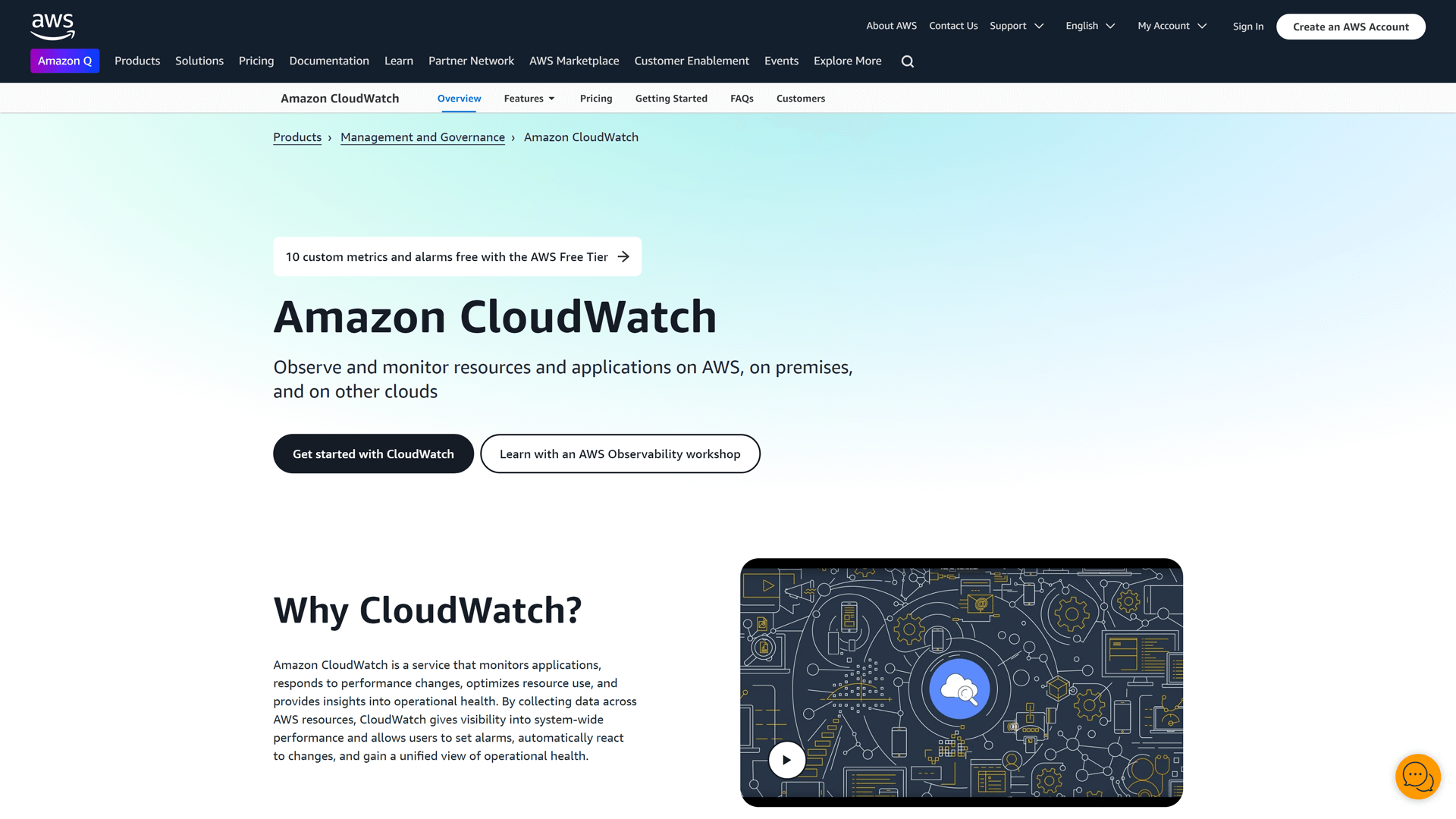
Amazon CloudWatch is a robust monitoring and observability service designed for AWS cloud resources and applications. It provides real-time insights into resource utilization, application performance, and operational health, allowing users to set alarms and automate responses to changes in their environment.
As a comprehensive status monitoring tool, it helps businesses track metrics, logs, and events, ensuring they can maintain optimal performance and quickly address any issues. With its seamless integration into the AWS ecosystem, CloudWatch vs StatusTicker, is an excellent choice for organizations heavily invested in Amazon Web Services.
Features
- Real-Time Monitoring: Provides timely insights into application performance and resource utilization across AWS services.
- Custom Dashboards: Users can create customizable dashboards to visualize metrics and logs tailored to their needs.
- Automated Alerts: Set up alarms to receive notifications based on specific thresholds, ensuring timely incident response.
- Log Management: Collects and monitors log files for troubleshooting and performance analysis.
Advantages
- Comprehensive Monitoring: Offers extensive monitoring for AWS resources, providing insights into performance and operational health.
- Integration with AWS Services: Seamlessly integrates with other AWS services, streamlining workflows and data management.
- Scalability: Easily scales with your infrastructure, accommodating growing needs without compromising performance.
Pricing
Amazon CloudWatch offers a flexible pricing model based on usage, making it suitable for businesses of all sizes. The pricing is divided into several components:
Metrics: You pay for custom metrics at $0.30 per metric per month. Basic monitoring for AWS services is included at no additional cost.
Alarms: Standard alarms are priced at $0.10 per alarm per month, while composite alarms are $0.50 per alarm per month.
Logs: You are charged for data ingested into CloudWatch Logs at $0.50 per GB, and for log data archived, the cost is $0.03 per GB per month.
Dashboards: Custom dashboards are available at $3.00 per dashboard per month.
Events: You can monitor events with a cost of $1.00 per million events.
API Requests: API requests are charged at $0.01 per 1,000 requests.
With its pay-as-you-go model, Amazon CloudWatch allows users to scale their monitoring needs according to their specific requirements, making it a cost-effective solution for cloud services status monitoring.
5. Atera

Atera is a comprehensive IT management platform designed for managed service providers (MSPs) and IT professionals. It combines remote monitoring and management (RMM) with professional services automation (PSA) to streamline operations and enhance service delivery.
With Atera, users get system monitoring, watch the health and performance of their IT infrastructure, automate ticketing processes, and manage client relationships all in one place. Its user-friendly interface and robust features make it a valuable alternative for teams looking to improve their status monitoring and incident response capabilities.
Features
- All-in-One IT Management: Atera combines remote monitoring, management, and ticketing in a single platform, streamlining IT operations.
- Real-Time Monitoring: Offers updates for devices and services, ensuring immediate awareness of issues.
- Customizable Dashboards: Users can create personalized dashboards to track the metrics that matter most to their business.
- Integrated Ticketing System: Simplifies incident management with built-in ticketing, reducing response times and improving customer satisfaction.
Advantages
- User-Friendly Interface: Its intuitive design makes it easy for teams to navigate and manage status updates efficiently.
- Automated Alerts: Atera provides timely alerts for service outages, ensuring timely communication with clients.
- Flexible Pricing: Atera offers a pay-per-technician model, making it cost-effective for businesses of all sizes.
- Comprehensive Reporting: Users benefit from detailed analytics and reporting features to track performance and incidents.
Pricing
Atera offers three pricing plans:
Pro at $149 per month including remote management, automation, scripting, Windows, Mac and Linux support among other features.
Growth at $199 per month with remote access using Anydesk, Splashtop concurrent sessions (unlimited), chat with end users, and 7 preset reports.
Power at $299 per month including data recovery, your own reports, audit log with 1-year retention, custom support addresses, and
custom asset types (up to 20).
The prices are per one technician with unlimited devices, automation, remote monitoring, and advanced IT management features.
6. PagerDuty

PagerDuty is a leading incident management platform known for its real-time operations management capabilities, helping teams detect, escalate, and resolve incidents quickly.
Features
- Incident Response Automation: Helps with automated workflows, reducing response times and improving efficiency.
- Real-Time Alerts: Sends immediate notifications via multiple channels, ensuring teams are informed of incidents as they happen.
- On-Call Scheduling: Simplifies on-call management with customizable schedules, ensuring the right team members are available when needed, and automated escalations to ensure incidents are addressed promptly.
- Integration Capabilities: Connects seamlessly with various tools and platforms, enhancing collaboration and incident resolution.
- Analysis and Reporting: Provides insights into incident trends and team performance, helping to improve future response strategies.
Advantages
- Real-time Incident Detection: Provides incident detection and alerting, ensuring that teams are always aware of critical issues.
- Automation: Automates incident response workflows and integrates with numerous tools to streamline processes.
- AI-powered Insights: Leverages AI to provide actionable insights and recommendations during incidents.
- Mobile App: Offers a robust mobile app, enabling teams to manage incidents on the go.
Pricing
PagerDuty offers a range of plans tailored for incident response and automation.
Free Plan: Ideal for small teams, includes basic incident response for up to 5 users.
Professional Plan: $29 per user per month with advanced incident response, integrations, and alerting.
Business Plan: $59 per user per month, including incident automation, analytics, and team-level management tools.
Enterprise Plan: Custom pricing for larger teams with advanced features like machine learning-based incident triage, 24/7 support, and enhanced security.
7. Better Stack Uptime
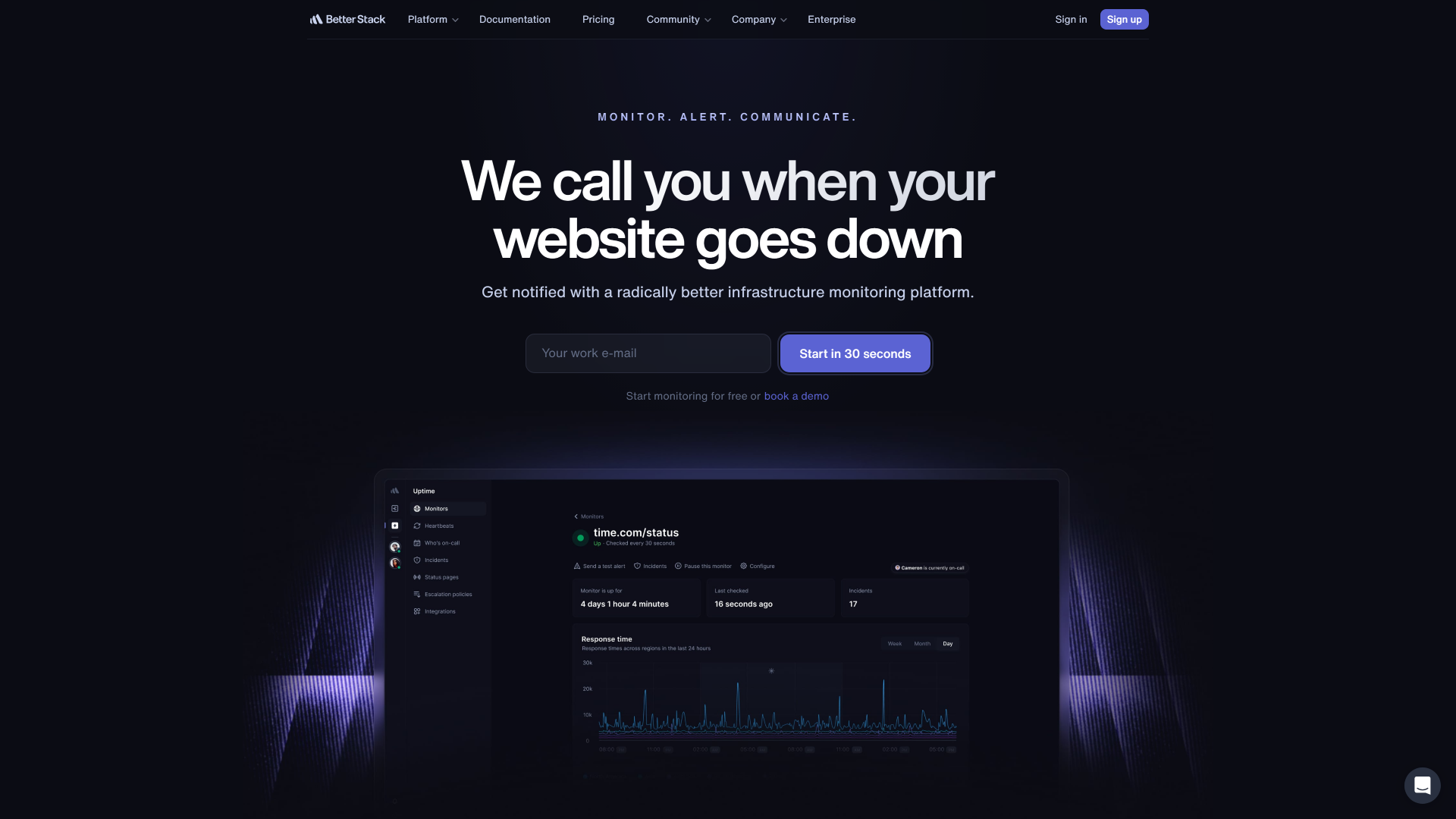
Better Stack Uptime is a robust status monitoring tool designed to help businesses keep track of their web applications and services. It offers uptime monitoring, alerting users to any outages or performance issues as they occur.
With its intuitive dashboard, teams can easily visualize their service health and receive notifications through various channels.
Better Stack Uptime is particularly well-suited for developers and IT professionals looking for a reliable solution to ensure their services remain operational and transparent to users.
Features
- Real-Time Monitoring: Continuously tracks the uptime and performance of your services, providing instant alerts for any issues.
- Incident Management: Streamlines incident response with automated notifications and detailed reporting to keep your team informed.
- Customizable Status Pages: Create branded status pages that reflect your service’s health and updates, enhancing transparency with users.
- Historical Data Analysis: Offers insights into past incidents and performance trends to help improve service reliability over time.
Advantages
- Customizable Alerts: Users can set personalized notifications for incidents, ensuring timely updates and reducing downtime impact.
- Comprehensive Analytics: The platform provides in-depth performance metrics, helping teams analyze uptime trends and improve service reliability.
- Integration Capabilities: Better Stack Uptime seamlessly integrates with various tools, enhancing workflow efficiency and incident management.
Pricing
Better Stack Uptime offers uptime monitoring and incident management with plans based on check frequency and team size.
Free Plan: For personal projects, includes up to 3 monitors and 20 SMS alerts.
Startup Plan: $24 per month, supports 50 monitors and up to 5,000 checks per month.
Business Plan: $79 per month for larger teams, including 500 monitors and 100,000 checks per month.
Enterprise Plan: Custom pricing, includes unlimited monitors, advanced support, and SLA guarantees.
8. Uptrends

Uptrends is a comprehensive status monitoring tool designed to keep businesses informed about the performance of their websites and applications. It offers real-time monitoring of uptime, response times, and multi-browser compatibility, ensuring that users can quickly identify and address issues.
With its customizable status pages, Uptrends allows organizations to communicate outages and incidents effectively to their stakeholders.
Additionally, the platform integrates seamlessly with various third-party services, making it a versatile choice for teams looking to enhance their incident management processes.
Features
- Multi-Location Monitoring: Uptrends offers global monitoring from multiple locations, ensuring comprehensive performance insights.
- Real User Monitoring: Analyze real user experiences to identify performance issues and optimize user satisfaction.
- Customizable Dashboards: Create personalized dashboards to visualize key metrics and status updates at a glance.
- Incident Alerts: Receive instant notifications via email, SMS, or integrations when outages or performance issues occur.
- Uptime Reports: Generate detailed uptime reports to track service reliability and performance over time.
- API Access: Utilize Uptrends’ API for seamless integration with other tools and platforms for enhanced monitoring capabilities.
Advantages
- Comprehensive Monitoring: Uptrends offers extensive monitoring for websites, servers, and APIs, ensuring all critical components are tracked.
- User-Friendly Dashboard: Its intuitive interface allows users to easily navigate and access real-time data.
- Detailed Reporting: Uptrends generates in-depth reports, helping teams analyze performance trends and improve service reliability.
Pricing
Free Plan: Monitor a limited number of services with basic uptime checks and alerts.
Basic Plan: Starting at $9 per month, supports monitoring for up to 10 services with real-time email alerts and essential reporting features.
Pro Plan: $29 per month, monitors 50 services, includes advanced alerting options like SMS notifications, and offers enhanced reporting tools.
Business Plan: $99 per month, monitors up to 200 services, with custom integrations, dedicated support, and advanced analytics.
9. Prometheus
Prometheus is an open-source monitoring and alerting toolkit designed for reliability and scalability. It excels in collecting and storing metrics as time series data, allowing users to monitor the performance of their applications and infrastructure in real time. With its powerful query language, Prometheus enables users to create custom dashboards and alerts tailored to their specific needs. While it requires some technical expertise to set up, Prometheus is a robust choice for teams looking for a flexible and highly configurable status monitoring solution.
Features
- Powerful Metrics Collection: Prometheus excels in collecting and storing metrics from various sources, enabling detailed performance monitoring.
- Flexible Query Language: Its robust query language, PromQL, allows users to extract and manipulate time-series data efficiently.
- Alerting Capabilities: Integrated alerting features notify users of issues in real time, ensuring prompt responses to incidents.
- Multi-dimensional Data Model: Prometheus supports a multi-dimensional data model, allowing for complex queries and insights across various metrics.
- Open-source and Extensible: As an open-source tool, Prometheus can be customized and extended to fit specific monitoring needs.
Advantages
- Open Source: Being open-source, Prometheus offers flexibility and customization, allowing users to tailor the tool to their specific needs.
- Strong Community Support: A vibrant community provides extensive documentation, plugins, and shared knowledge, enhancing user experience and troubleshooting.
- Seamless Integration: Prometheus integrates well with various cloud-native technologies, making it ideal for modern DevOps environments.
Pricing
Free Plan: Monitor a limited number of services with basic uptime checks and alerts.
Basic Plan: Starting at $9 per month, supports monitoring for up to 10 services, providing alerts on time via email and essential reporting features.
Pro Plan: $29 per month, monitoring 50 services, includes advanced alerting options (such as SMS notifications) and enhanced reporting tools.
Business Plan: $99 per month, monitoring for up to 200 services, with custom integrations, dedicated support, and advanced analytics.
10. Statuspage.io
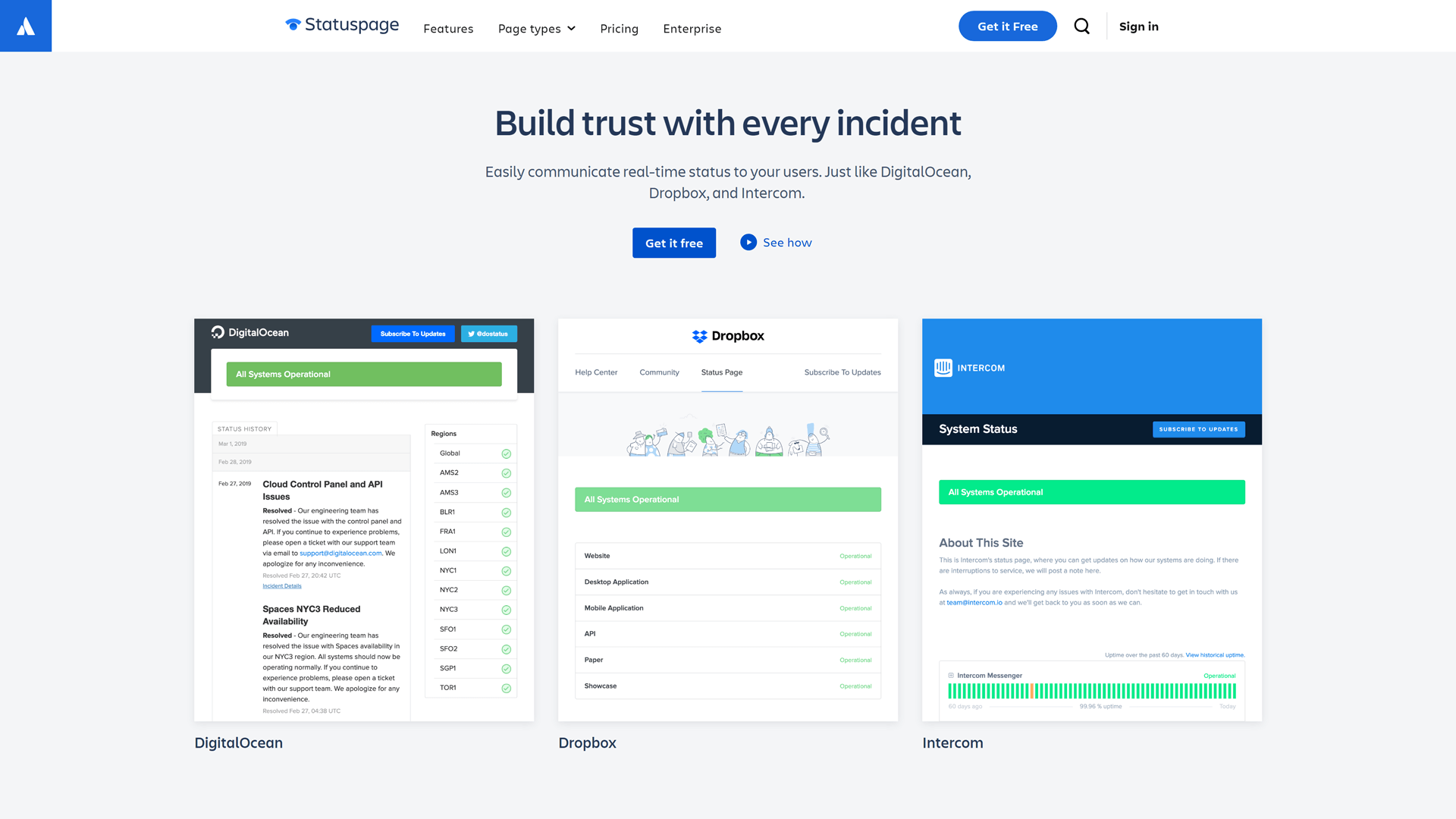
Statuspage.io is a status monitoring tool designed to help businesses communicate the health of their services to customers and stakeholders. It allows users to create customizable status pages that display real-time information about system performance and incidents.
Statuspage.io streamlines communication during outages and maintenance events. This tool is particularly beneficial for organizations looking to enhance transparency and build trust with their users.
Features
- Customizable Status Pages: Create branded status pages that reflect your company’s identity and provides instant updates.
- Incident Management: Efficiently manage incidents with detailed reports and timelines to keep users informed.
- Subscriber Notifications: Automatically notify users via email or SMS about incidents and maintenance updates.
- Analytics and Reporting: Gain insights into incident trends and performance metrics to improve service reliability.
Advantages
- Atlassian Integration: Seamlessly integrates with Atlassian products, enhancing collaboration for teams already using Jira or Confluence.
- Customizable Templates: Offers a variety of templates for status pages, allowing for tailored branding and messaging.
- User-Friendly Interface: Intuitive design makes it easy for teams to set up and manage their status pages without technical expertise.
- Timely Updates: Ensures that users and stakeholders are informed during incidents and maintenance.
Pricing
Free Plan: Monitor a limited number of services with basic uptime checks and incident notifications.
Standard Plan: Starting at $10 per month, supports monitoring for up to 10 services with email alerts and essential reporting.
Pro Plan: $30 per month, allows monitoring of 50 services, includes SMS alerts, and advanced reporting features.
Enterprise Plan: Custom pricing for monitoring over 200 services, offering dedicated support, custom integrations, and comprehensive analytics.
Conclusion
Maintaining optimal uptime and performance is crucial for businesses and organizations. StatusTicker is a popular tool for status monitoring, but it may not fit every need.
There are plenty of alternatives to StatusTicker to see which one best fits your needs. We reviewed ten tools vs StatusTicker in 2025, so you can find the right tool to choose.
So if you are ready to elevate your status monitoring, consider StatusGator. It offers a comprehensive solution for monitoring both your own services and over 4,000 third-party cloud providers, ensuring seamless incident communication for your team and customers.
Try StatusGator today and keep your users informed with ease.

FAQ
Is StatusTicker customizable?
StatusTicker offers some customization options, such as the ability to choose which statuses to display and adjust the appearance of the ticker on your website.
What does StatusTicker do?
StatusTicker is a service that lets users embed simple, scrolling status information for websites or services on their own websites or internal dashboards.
Does StatusTicker monitor third-party services?
No, StatusTicker is primarily focused on displaying the status of your own services and websites. It does not monitor external third-party services.
Why look for StatusTicker alternatives?
You might look for StatusTicker alternatives if you need more advanced features like third-party service monitoring, greater customization options for status pages, or deeper integrations with collaboration tools like Slack or MS Teams. Other alternatives may offer enhanced functionality or better value for money.
What are the top 5 alternatives to StatusTicker?
The top 5 alternatives to StatusTicker include StatusGator, Statuspage by Atlassian, Status.io, Freshstatus, and Sorry App. These platforms provide more comprehensive status monitoring, advanced customization options, and better integration with tools like Slack and MS Teams.