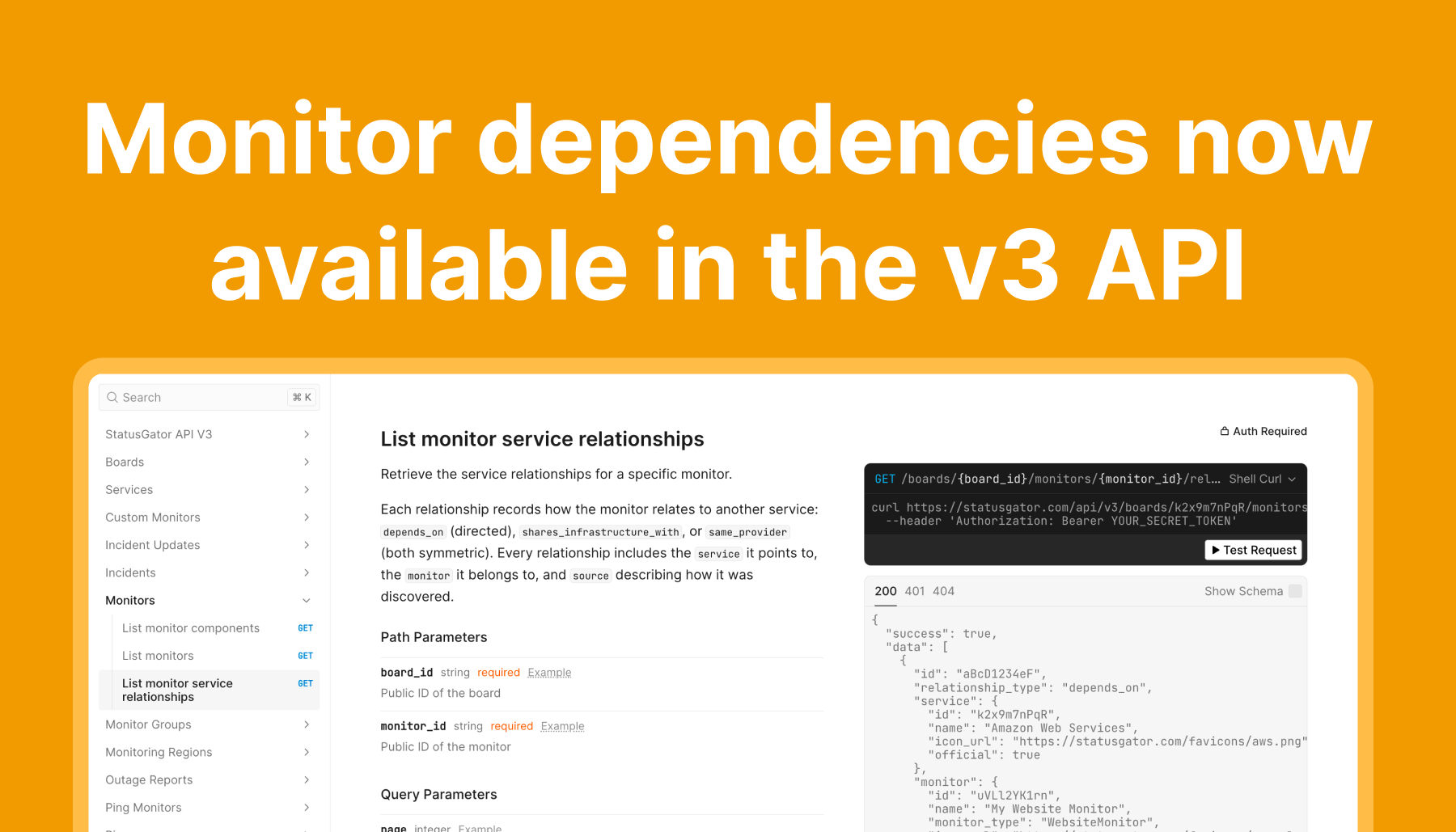

We’re pleased to announce new enhancements to the StatusGator API platform that make it easier to automate how you monitor third-party services. The new Service Search, Create Service Monitor, and Update Service Monitor endpoints give developers more control over how monitors are created, labeled, and maintained across projects and environments.
These APIs are designed for teams that integrate StatusGator into their deployment processes, internal tooling, or infrastructure automation.

Service search API
The Service Search API lets you look up services from the StatusGator catalog. You can search by:
- Service name
- Components
- Website URL
- Status page URL
The ability to query the catalog programmatically makes it simple to identify the correct service ID before creating a monitor. This is especially useful when automating the provisioning of new environments or synchronizing monitor definitions across projects.
Create service monitor API
Once you identify the service you want to track, you can use the Create Service Monitor API to add it to a board.
Create a new service monitor for the specified board. Service monitors allow you to subscribe to status page services and track their status directly on your board.
Optional fields include:
- display_name – a custom name that replaces the default service name
- description – a tooltip displayed on your board and public status page
These options let you tailor how services appear, ensuring monitors align with your naming conventions and provide additional context for your team or users.
Update service monitor API
The Update Service Monitor API lets you modify an existing service monitor. At this time, only two fields can be updated:
- display_name
- description
This provides a simple way to keep names and descriptions consistent across your boards, or to adjust tooltips as teams or responsibilities change, without needing to make manual edits in the UI.
How these APIs integrate into your workflow
Taken together, these APIs enable a streamlined and automated workflow:
- Use the Service Search API to locate the service you want to monitor.
- Use the Create Service Monitor API to add it to your board.
- Use the Update Service Monitor API to refine labels or descriptions as needed.
This approach supports:
- Automated setup of monitors for new projects or environments
- Version-controlled monitor definitions
- Consistent naming conventions across teams
- Internal systems that sync monitor configurations with your StatusGator boards
What’s coming next
We plan to expand the service monitor functionality with additional API capabilities, including:
- Component-level filtering
- Notification preference controls
- More editable fields for monitor configuration
As always, your feedback plays an important role in shaping these improvements. Let us know what features you would find most valuable.
Try it now
You can explore the full documentation and examples here:
https://statusgator.com/api/v3/docs#tag/service-monitors