
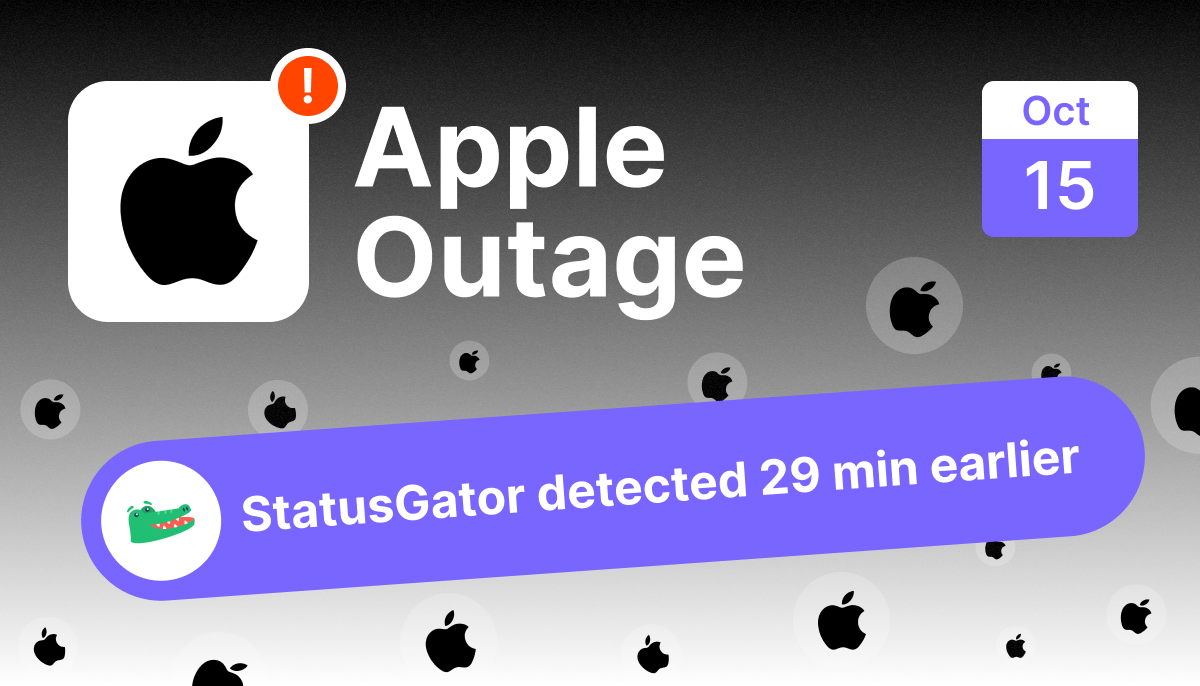
Apple TV+ stopped streaming for viewers across the United States late on October 14, 2026 (UTC), during prime-time evening. The app would open to the home screen, but no shows would play, with “unable to play” and content-loading errors across Apple TV boxes, iPhones, iPads, and the Apple TV app on third-party devices. StatusGator sent an Early Warning Signal at 00:49 UTC on October 15, 29 minutes before Apple publicly acknowledged the incident at 01:18 UTC.
Incident at a glance
| Detail | Value |
|---|---|
| Service | Apple (Apple TV+) |
| Date | October 14 to 15, 2026 (UTC) |
| Status | Resolved |
| Duration | ~25 minutes (Apple TV restored by 01:42 UTC) |
| Primary symptom | Content will not play; home screen loads but streaming fails |
| Affected devices | Apple TV boxes, iPhone, iPad, and the Apple TV app on third-party devices (Firestick, smart TVs) |
| First user report | 23:59 UTC (Oct 14) |
| StatusGator Early Warning Signal | 00:49 UTC (Oct 15) |
| Public acknowledgment | 01:18 UTC (Oct 15) |
| Recovery | Apple restored Apple TV by 01:42 UTC (last user reports 01:26) |
| Detection lead | 29 minutes before public acknowledgment |
Was Apple TV+ down on October 15, 2026?
Yes. Apple TV+ streaming failed for viewers, mostly in the United States, late on October 14 into the early hours of October 15 UTC. The telltale sign was consistent: the Apple TV app opened and let people browse the home screen, but no content would actually play. Hitting a show returned “unable to play” or simply spun without loading. Because it struck during the US evening, prime streaming time, reports spiked fast and hard.
What caused the Apple TV+ outage?
The symptoms point to a server-side failure in Apple’s streaming backend. This was not a device or network problem. Viewers reported the same behavior across Apple TV hardware, iPhones, iPads, and the Apple TV app on devices like Firestick and smart TVs, and many confirmed their internet was working fine. When playback fails everywhere at once while the interface still loads, the break is in the service delivering the video, not on the viewer’s end. Apple acknowledged and resolved the incident but, as is typical, did not publish a detailed public root cause.
How long was Apple TV+ down?
The outage was short and sharp. StatusGator puts it at about 25 minutes, with Apple restoring Apple TV by 01:42 UTC. After a lone early report just before midnight UTC, reports surged in a tight window from roughly 00:45 to 01:10 UTC. StatusGator detected the problem at 00:49 UTC, Apple acknowledged it at 01:18 UTC, and marked it resolved at 01:42 UTC.
Timeline of the Apple TV+ outage (UTC)
| Time (UTC) | Event |
|---|---|
| 23:59 (Oct 14) | First, isolated outage report reaches StatusGator from a US viewer |
| 00:40 to 00:48 (Oct 15) | Reports begin surging as US viewers find Apple TV+ content will not play |
| 00:49 | StatusGator sends an Early Warning Signal to subscribers |
| 00:50 | StatusGator personnel confirm the outage firsthand by testing playback on an Apple TV |
| 01:18 | Apple publicly acknowledges the incident, marking Apple TV down on its status page |
| 01:26 | Final outage reports arrive |
| 01:42 | Apple marks the incident resolved; Apple TV restored |
For the full verified sequence of events, StatusGator maintains a public timeline of this incident, a quick way to see the summary at a glance: Apple TV streaming outage timeline.
Who and what was affected?
This was a streaming outage, and it hit viewers rather than developers. The failure was specific to playback: people could open the app and browse, but could not watch anything. The impact spanned every way people access Apple TV+:
- Apple TV hardware (the set-top boxes)
- iPhone and iPad
- The Apple TV app on third-party devices, including Firestick and smart TVs
The outage was overwhelmingly concentrated in the United States, with a smaller cluster in Canada and a handful of reports from Brazil and Argentina, matching the US prime-time evening when it struck. A sample of what viewers reported, with identifying details removed:
- “Won’t stream any show. Lets you access home screen and that’s it” (United States)
- “Playback error on Apple TV. All shows.” (United States)
- “No streaming once logged in either through iPad or Firestick” (Canada)
- “I’m unable to play any shows both on a Vizio TV app and my iPhone” (United States)
- “Apple TV+ content will not load” (United States)
- “Apple TV streaming service is down in Boston” (United States)

How did StatusGator detect the outage early?
StatusGator sent its Early Warning Signal at 00:49 UTC, 29 minutes before Apple publicly acknowledged the incident at 01:18 UTC. It works by pairing official status feeds with real-time user reports, so a spike in unofficial reports can trigger an alert before the provider posts anything public.
StatusGator did not stop at the report spike. A minute after the signal, StatusGator personnel confirmed the outage firsthand by trying to play content on an Apple TV and hitting the error “There’s a problem loading this content.” That is the kind of verification that turns a cluster of reports into a confirmed outage well before the official notice.

For a consumer streaming outage, that head start cuts through a very common moment of doubt. When a show will not play, most people first blame their TV, their Wi-Fi, or their own device, and start restarting things. A crowd-sourced signal answers the question fast: when thousands of viewers report the same playback failure at once, it is Apple’s outage, not your setup, and there is nothing to fix on your end but wait.
For historical context, you can review Apple’s outage history and the Apple outage map to see how often these events happen and where they land.
Lessons from the Apple TV+ outage
- Check before you troubleshoot. A quick outage check saves you from restarting a TV, router, and device for a problem that is not yours to fix.
- Watch the symptom, not just the app. The app loaded fine. It was playback that failed. Monitor the function that matters, not just whether the app opens.
- Timing amplifies impact. A streaming outage during prime-time evening generates a huge, concentrated spike. Expect provider status pages to lag the moment demand is highest.
- Turn on proactive alerting. Early Warning Signals exist for the window between a spike in reports and the official acknowledgment.
Frequently asked questions
Was Apple TV+ down on October 14 to 15, 2026?
Yes. Apple TV+ streaming failed for viewers, mostly in the US, late on October 14 into the early hours of October 15 UTC. The app opened but content would not play. It was a brief outage of about 25 minutes, resolved by 01:42 UTC. For live status, check the Apple status page on StatusGator.
Why wouldn’t Apple TV+ play anything even though the app opened?
The failure was in Apple’s streaming backend, not your device or network. The interface still loaded, but the service that delivers video was down, so playback failed across all shows and all devices.
How long did the Apple TV+ outage last?
It was brief. StatusGator puts the outage at about 25 minutes, with Apple restoring Apple TV by 01:42 UTC.
How can I get warned about Apple outages early?
Monitor Apple with StatusGator and enable Early Warning Signals, which alert you when user reports spike ahead of the provider’s public acknowledgment.
Monitor Apple with StatusGator
Whether you rely on Apple TV+, iCloud, the App Store, or any other Apple service, a sudden outage can leave you troubleshooting a problem that is not yours to fix. StatusGator combines official status pages with real user reports and sends Early Warning Signals the moment a pattern emerges, often before the provider posts anything public.
Start monitoring with StatusGator and get early warnings for the services you depend on.