
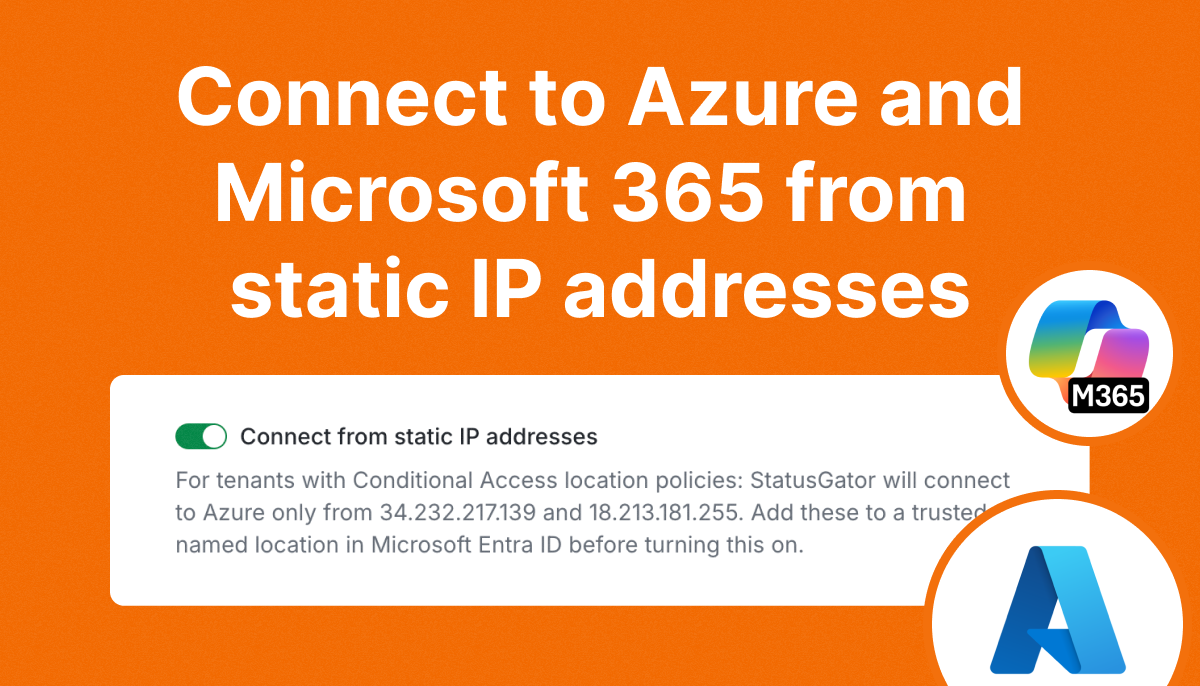
Enterprise users can now connect StatusGator to Azure and Microsoft 365 private status integrations using static IP addresses.
This is especially useful for organizations that use Microsoft Entra Conditional Access policies to restrict access based on network location.
With static IP connections, your IT team can allowlist StatusGator’s IP addresses as trusted locations in Microsoft Entra ID. This lets StatusGator retrieve private status information while keeping your organization’s existing access policies in place.
How to enable static IP connections
Static IP connections are available for Enterprise customers using Azure or Microsoft 365 private status integrations.
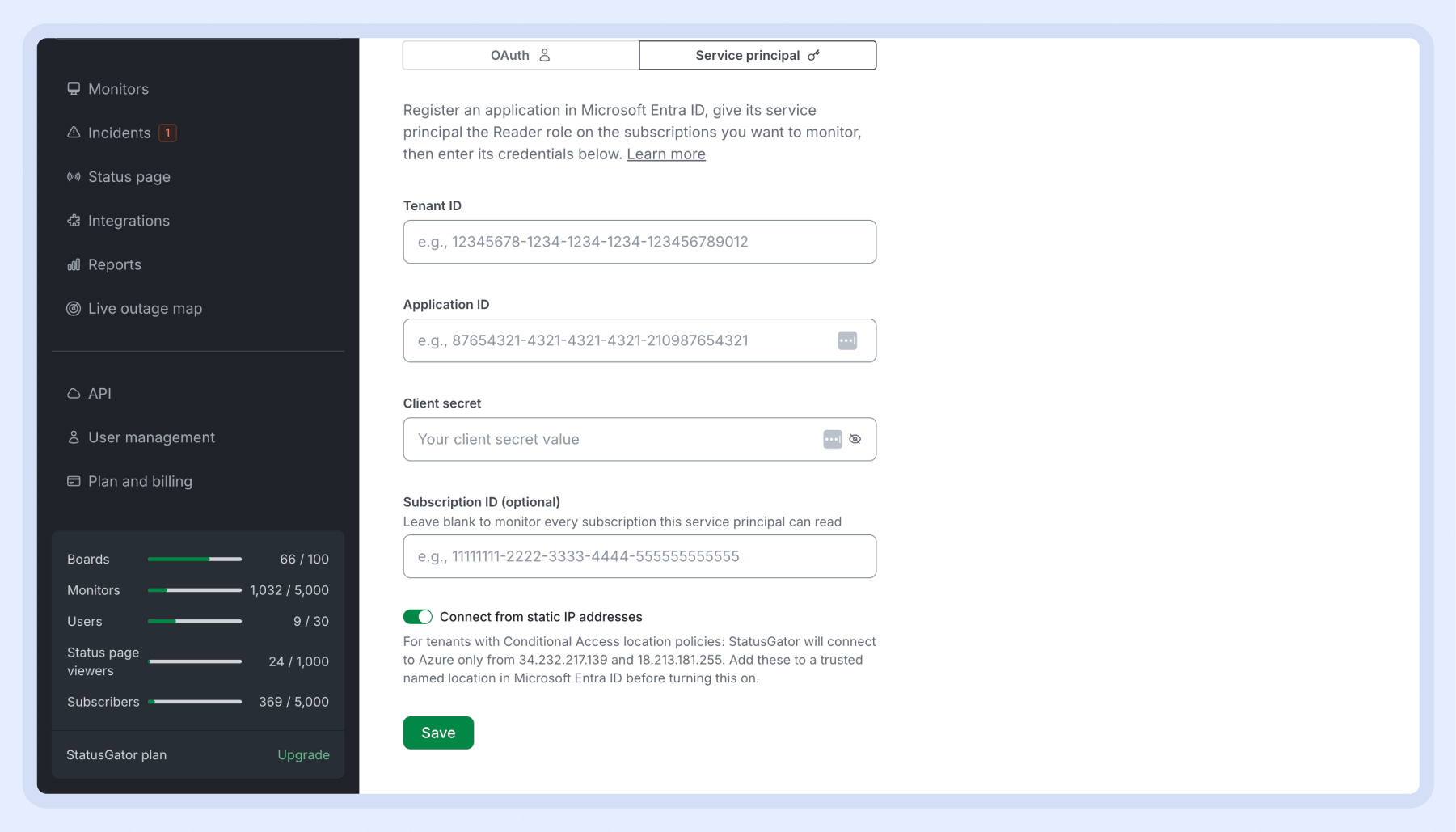
To use this feature, simply contact our support team, and we’ll enable it for your account.
Once enabled, you’ll see a new Connect from static IP addresses option in your integration settings. Turn it on to have StatusGator connect using its designated static IP addresses.
You can then add these IP addresses to your trusted named locations in Microsoft Entra ID:
34.232.217.13918.213.181.255
Contact support to get started with static IP connections.