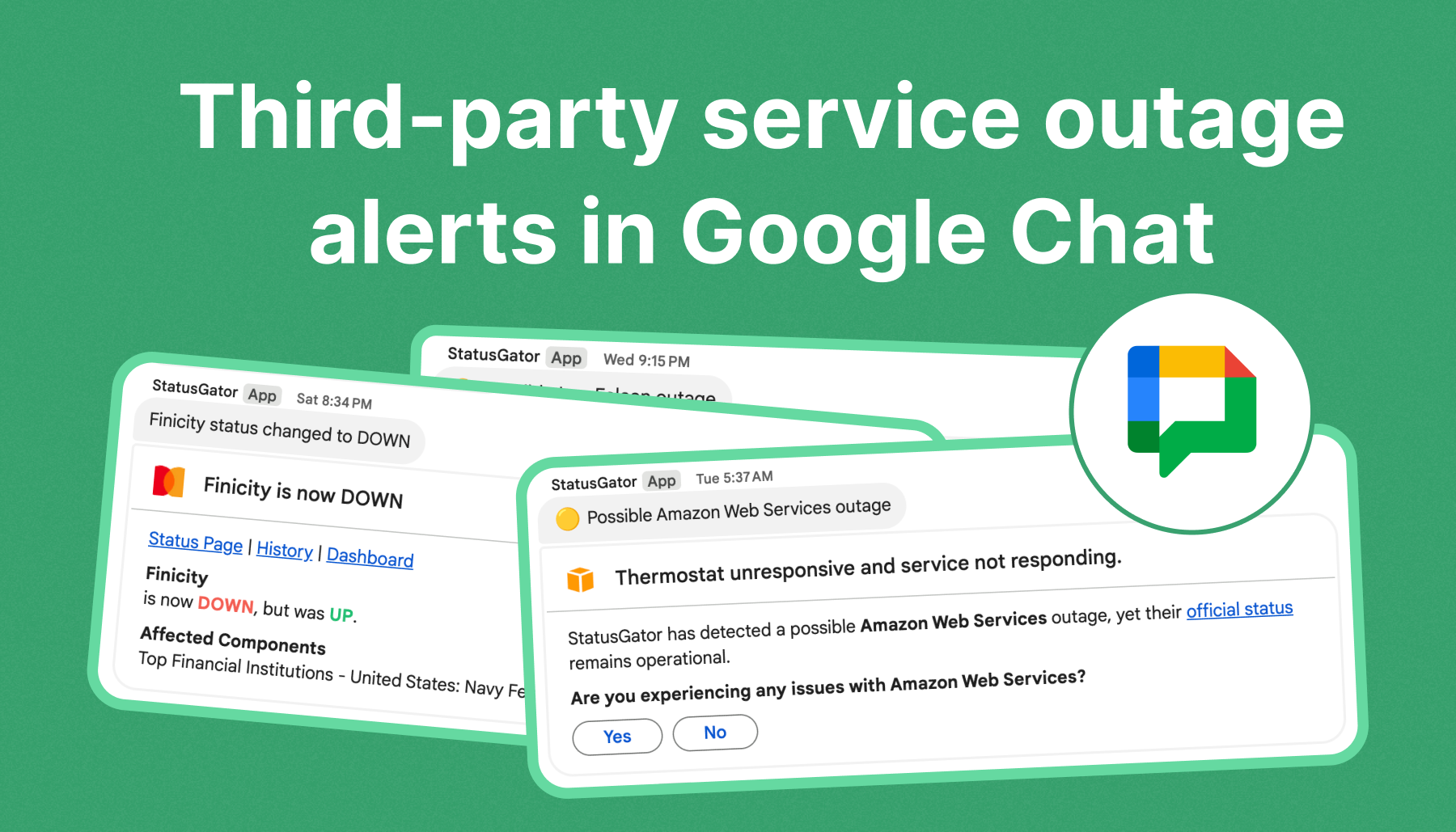
When critical SaaS tools go down, every second counts. Instead of switching between browser tabs or checking multiple status pages, you can now receive real-time third-party outage alerts in Google Chat – directly where your team already collaborates.
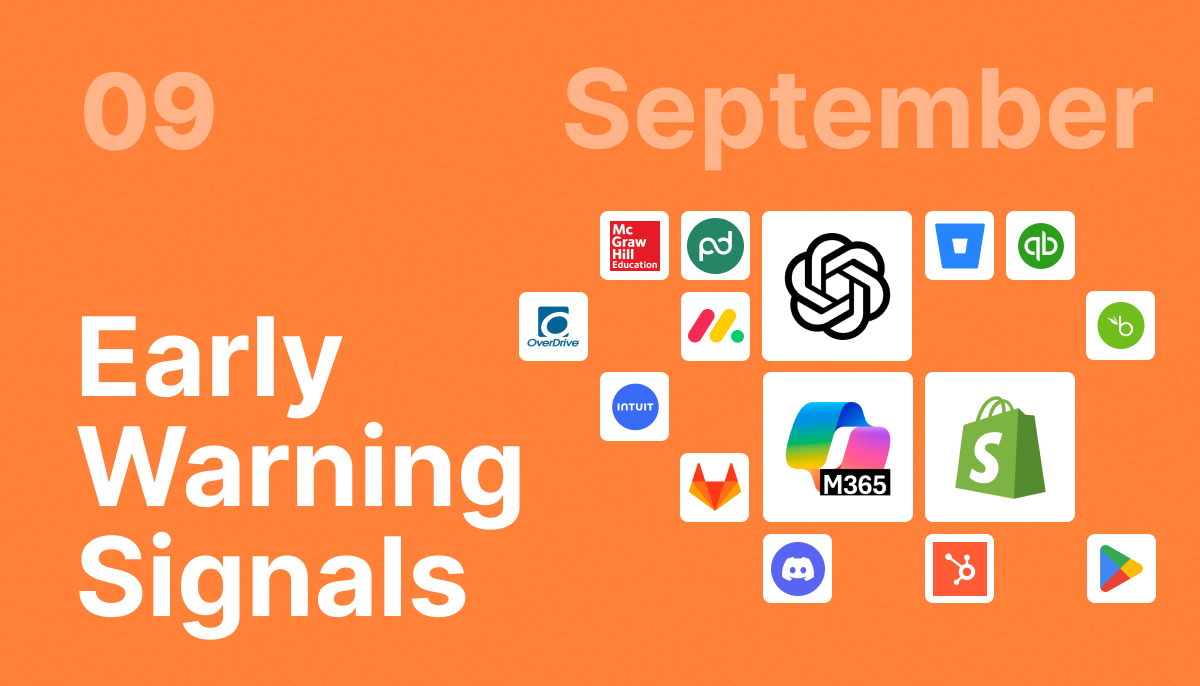
With the StatusGator Google Chat integration, your organization can monitor external service health and get instant notifications, including Early Warning Signals that detect potential problems even before official status pages are updated.
Connect StatusGator to Google Chat
Integrating StatusGator with Google Chat takes just a few minutes and requires a simple webhook connection.
Step-by-step setup:
- Open Google Chat and go to the space where you want to receive outage updates.
- Click the space name → Apps & Integrations → Webhooks.
- Create a new Incoming Webhook.
- Copy the webhook URL provided by Google Chat.
- In StatusGator, go to your board, then navigate to Integrations → Chat → Add Google Chat.
- Paste the webhook URL into the configuration field and click Save.
- Send a test notification to confirm the connection is working.
That’s it. Your board is now connected, and real-time alerts from StatusGator will appear in your chosen Google Chat space.
Real-Time Outage Alerts in Google Chat
Once connected, StatusGator delivers critical status updates straight into your chat workspace:
- Real-time notifications: Get alerts for outages, performance degradation, and maintenance events.
- Early Warning Signals: Be notified about potential issues before they appear on official status pages.
- Resolution updates: Receive confirmation when a service recovers or an incident is resolved.
This integration centralizes all your external service outage alerts in Google Chat, keeping your IT, DevOps, and Support teams aligned during critical incidents.
Early Warning Signals: Now in Google Chat
StatusGator’s Early Warning Signals are now available in Google Chat. This means you’ll see possible outages and performance anomalies right where your team communicates. And you don’t have to switch the tools.
How it works
StatusGator’s smart detection algorithm continuously analyzes:
- Provider APIs
- Traffic patterns
- User reports
- Aggregated uptime data
When the system spots irregularities, it sends a proactive alert, often before the provider officially reports the issue.
What this means for your team
- Act faster: Respond to issues before they escalate into full outages.
- Stay informed: See everything in one place, without switching apps.
- Maintain visibility: Stay ahead of downtime across your entire SaaS stack.
Early Warning Signals are enabled by default, but you can easily adjust their settings:
- Per monitor: Go to Monitor → Settings → Notifications to toggle Early Warning Signals.
- Globally: Navigate to Board Settings → Monitor Notifications to enable or disable them for all monitors.
Manage Multiple Boards and Spaces
Each StatusGator board can connect to one Google Chat space. If your organization needs different teams to receive different alerts, you can simply create multiple boards.
For example:
- Engineering: AWS, Cloudflare, GitHub alerts
- Support: Zendesk, Intercom, Salesforce
- IT: Google Workspace, Slack, Zoom
Each board can send its alerts to a dedicated Google Chat space, ensuring every team gets the information most relevant to them.
Change, Reconnect, or Remove Integrations
Managing your Google Chat connection is simple:
- Change space: Create a new webhook in Google Chat, then update the integration URL in StatusGator.
- Remove integration: Open your board’s Integrations page and click Remove integration.
- Reconnect: Re-create the webhook in Google Chat, copy the new URL, and re-add it in StatusGator.
This flexibility allows you to refine your alert routing as your organization grows.
Why Get Third-Party Outage Alerts in Google Chat?
Receiving third-party outage alerts in Google Chat helps teams stay proactive and coordinated.
Here’s why it matters:
- Centralized visibility: View all external service statuses in one chat space.
- Faster response times: Alert the right people instantly when downtime hits.
- Seamless collaboration: Discuss incidents and next steps directly in the same thread.
- Smarter detection: Catch issues early with Early Warning Signals.
With external service outage alerts in Google Chat, your team gains faster awareness and stronger resilience from the chat tool you use anyway.
Get Started with StatusGator for Google Chat
Never miss a critical outage again. Connect StatusGator to Google Chat today and start receiving real-time outage alerts, Early Warning Signals, and recovery updates directly in your team’s workspace.
Stay informed. Stay proactive. Stay ahead.