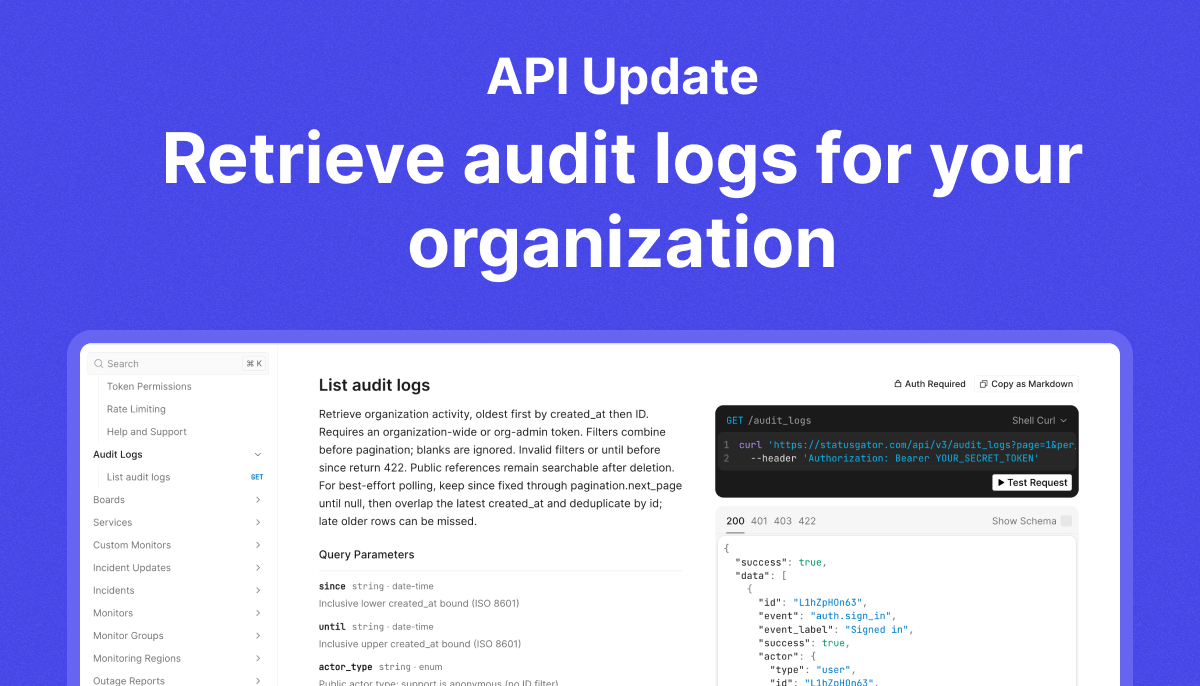
You can now pull your organization’s audit logs through the StatusGator REST API. That means you can programmatic access to your records of monitor changes, incident updates, and sign-ins into the tools you already use for security reviews and troubleshooting.
As a reminder, audit logs show organization-wide changes members make throughout your StatusGator account and these are already available in the web UI under
Since our full REST API is available via the MCP server, you can also ask your AI agent to investigate recent changes to your account.
See who changed what

Each entry shows what happened, when it happened, who performed the action when available, and whether it succeeded. It also identifies the affected record and can include details specific to the event.
For example, if a maintenance window was rescheduled, you can look up activity for that incident to see who made the change. You can also pull recent sign-in events into your security tools for review.
Learn more about what StatusGator records in audit logs.
Retrieve the entries you need
Use GET /api/v3/audit_logs with an organization-wide API token or a token belonging to an organization admin.
Use since and until to filter by when entries were recorded. You can also filter by who performed the action, which record it affected, or the exact event type, such as auth.sign_in. Results are returned oldest first, with up to 100 entries per page.
See the audit logs API documentation for the supported filters, response fields, and guidance on polling for new entries.