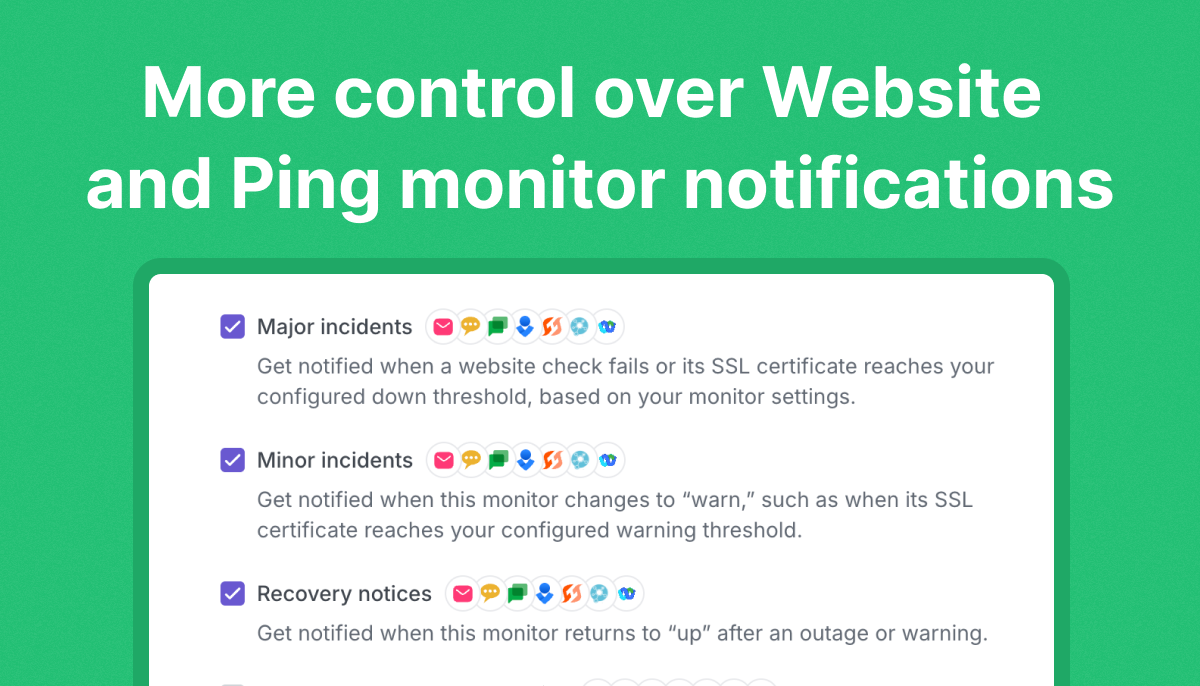

We’re excited to introduce a new feature that gives you greater control over how and when you receive alerts from your website and ping monitors. With Alert sensitivity, you can now specify the number of retries before an alert is triggered, reducing false alarms and ensuring more reliable notifications.
Reduce false alarms with Alert sensitivity
When monitoring your website or network, occasional, short-lived failures can happen due to temporary connectivity issues, brief server hiccups, or minor packet loss. Previously, any detected failure would immediately trigger an alert, potentially causing unnecessary noise. With Alert sensitivity, you can adjust the number of verification attempts before an alert is sent, ensuring you only get notified about persistent issues.
How it works

You now have the option to choose from the following retry settings:
- None (Default) – Alert immediately on the first failure.
- 1 Retry – Require one additional failed check before sending an alert.
- 2 Retries – Require two consecutive failed checks before alerting.
- 3 Retries – Require three consecutive failed checks before an alert is triggered.
The retries happen immediately after a failed request. If you have 5 minute monitoring intervals and choose 3 retries (for 4 failed requests total), you are not waiting 20 minutes to get notified. You will be notified as soon as the 4 successive attempts fail.
This setting helps balance responsiveness and reliability, allowing you to customize alerts based on your specific monitoring needs.
How to enable alert sensitivity
- Navigate to your Monitors page.
- Select an existing Website or Ping Monitor, or create a new one.
- In the settings, find the Alert sensitivity option.
- Choose your preferred retry setting.
- Save your changes, and you’re all set!
With Alert sensitivity, you now have a smarter way to manage your monitoring alerts, ensuring that you stay informed about real issues while reducing unnecessary notifications.
As always, we’d love to hear your feedback! Let us know how this feature helps improve your monitoring experience.