GitHub outage on August 17, 2026: seven hours of Unicorn errors and Copilot failures

GitHub outage on August 17, 2026: seven hours of Unicorn errors and Copilot failures

Read more

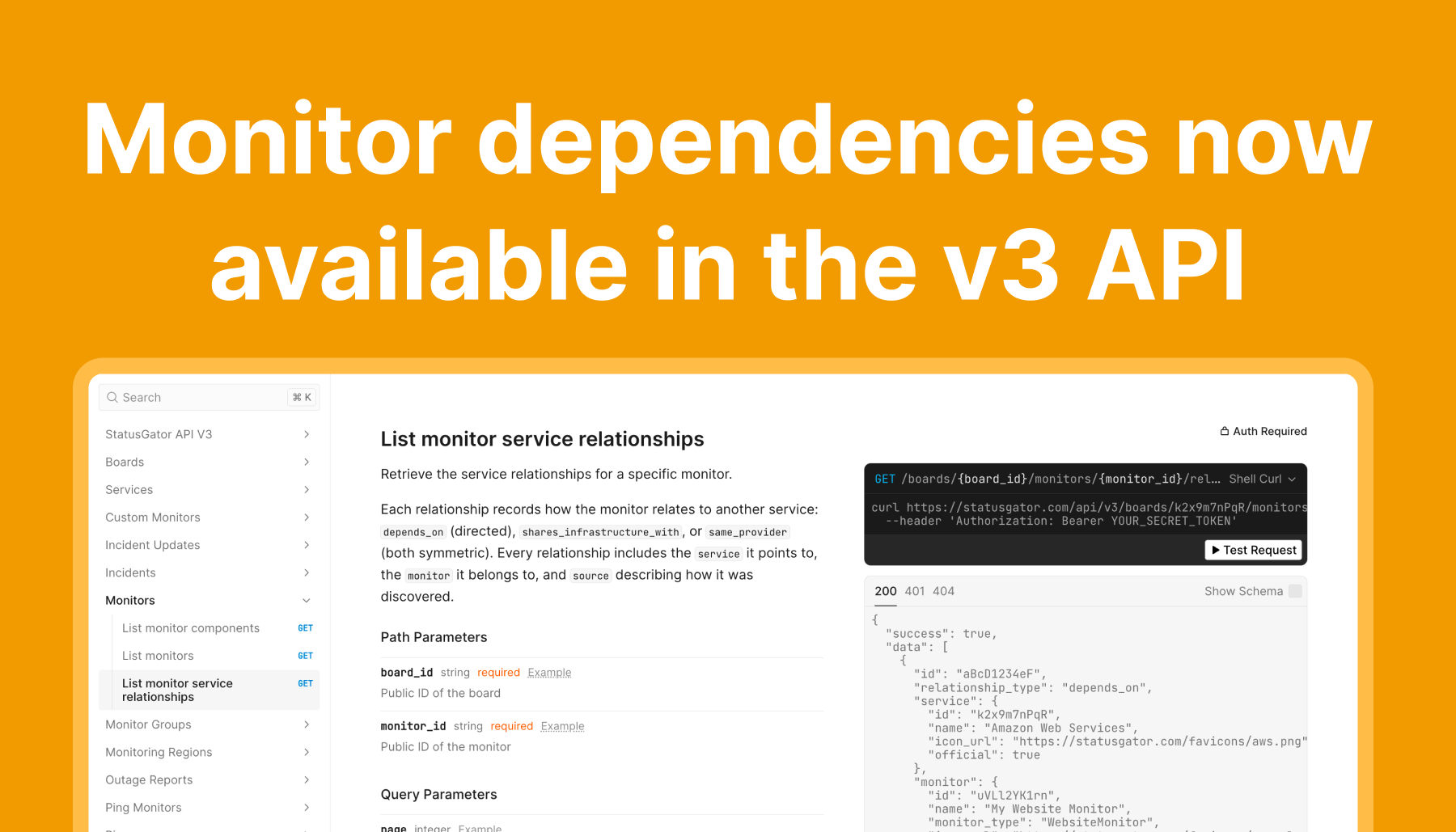
Monitor dependencies now available in the v3 API

Monitor dependencies now available in the v3 API

Read more

StatusGator logo
Schedule a Demo
StatusGator logo
Use cases

IT Teams

Stay informed of outages and reduce tickets

DevOps

One status page for all your providers

Features designed specifically for K12

Advanced features designed for enterprise

Impress clients with proactive monitoring

Analyze and compare peer performance

Monitor dependencies to prevent revenue loss

Create and manage custom status pages for your product

Features

Status page

A status page with service, website, and custom monitors built-in

Status aggregation

Aggregate the status of all vendors to a single page

Monitor all your cloud services from a single dashboard

Monitor your website with uptime monitoring built-in

Monitor network connectivity

Control the status of custom monitors manually with incidents

Get notified of disruptions before they become public

Pricing

Business

For growing teams and organizations

Enterprise

For larger companies with unique needs

Education

Special plans and discounts for K12 and higher ed

Integrations

Digital Signage

Knowledge Base

Notifications

Third-party Status Pages

Atlassian Statuspage

Incident Management

Opsgenie

Private Status

AWS status
Sign In Sign Up

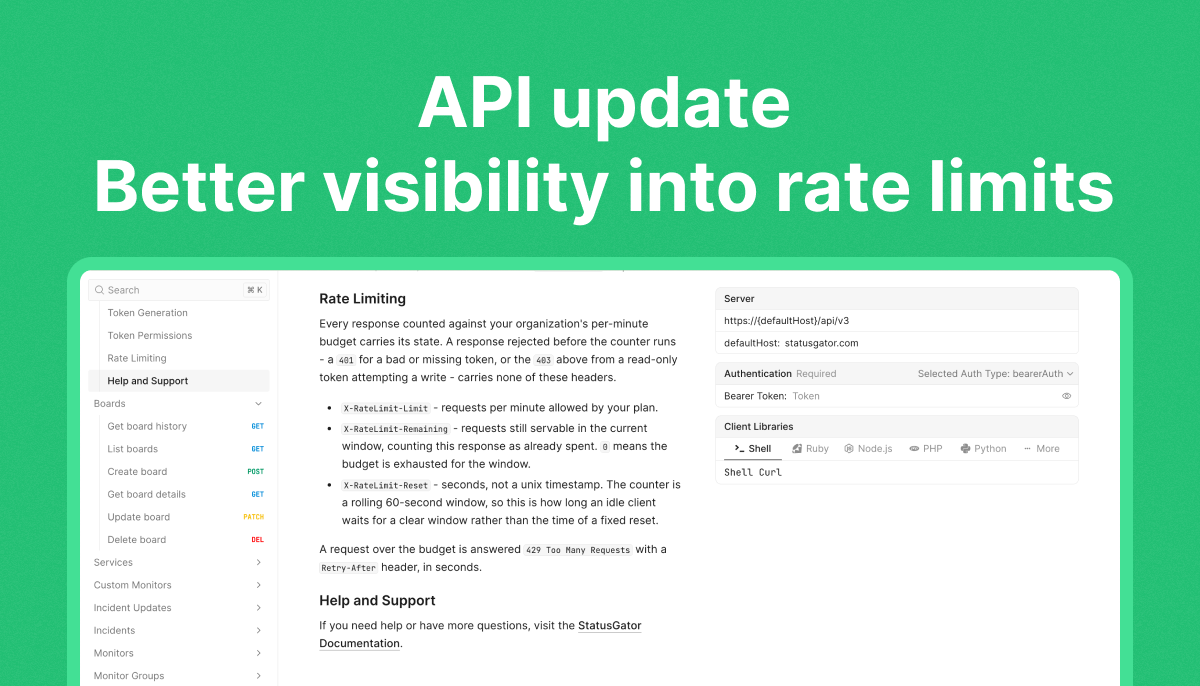
API update: Better visibility into rate limits

We’ve updated the StatusGator API v3 to help you see how many requests your integration can make and handle rate limits more smoothly.

Responses that count toward your organization’s per-minute limit now include three headers:

  • X-RateLimit-Limit shows the number of requests your plan allows per minute.
  • X-RateLimit-Remaining shows how many requests are still available in the current window.
  • X-RateLimit-Reset shows, in seconds, how long an idle client would need to wait for a clear window. Rate limits use a rolling 60-second window.
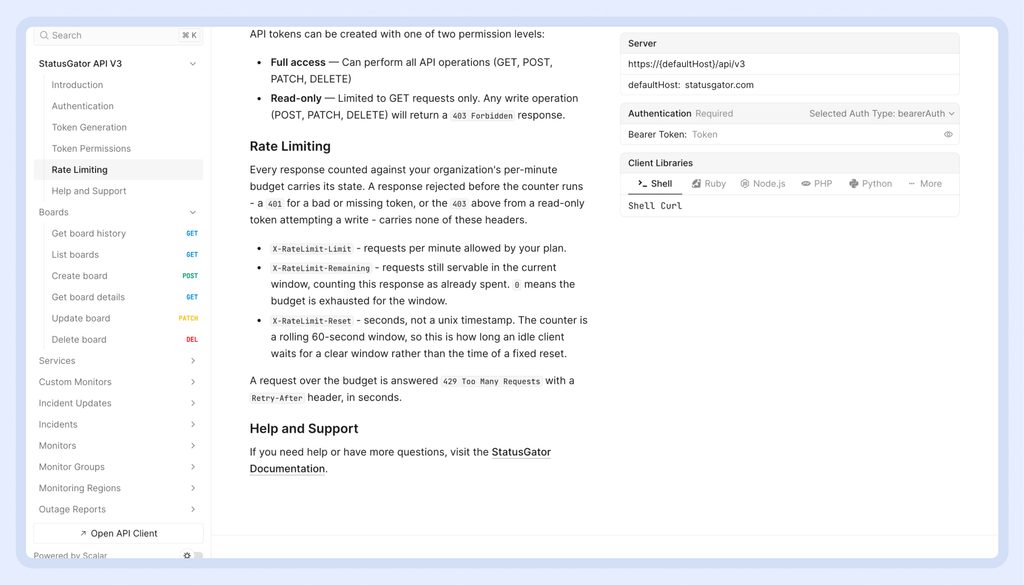
If a request exceeds your limit, the API returns 429 Too Many Requests and a Retry-After header telling your integration how many seconds to wait before trying again.

These details are especially useful for integrations that make frequent requests or process many monitors. You can track your remaining capacity and build retry behavior around the response from the API.

Read the API v3 documentation for the full rate limiting details.

Published:

by

Vlad AliveValeria Kurolapova

Share this

Vlad Alive
Vlad Alive Co-author

Vlad Alive is a Senior Software Engineer at StatusGator, helping build and scale the platform that monitors thousands of cloud services, backed by nearly two decades of software engineering experience.

Valeria Kurolapova
Valeria Kurolapova Co-author

Valeria Kurolapova is the Senior Product Designer and UX Manager at StatusGator. She manages product design initiatives, focusing on improving user experience.