
Last checked from Dashlane iOS (Apple) app official status page 3 min. 0 sec. ago
Dashlane iOS (Apple) app Status

Is Dashlane iOS (Apple) app down?
Dashlane iOS (Apple) app is up
Password manager for businesses and individuals.
Not working for you?
StatusGator last checked the status of Dashlane on and the service was operational. There have been 1 user-submitted report of outages in the past 24 hours.


Dashlane iOS (Apple) app service health
This chart represents Dashlane iOS (Apple) app service health over the last 24 hours, with data points collected every 15 minutes based on issue reports, page visits, and signal strength. Sign up for free to see more Dashlane iOS (Apple) app status data.
24 hrs ending
●
Service up
●
Possible outage
●
Likely outage
Top reported issues
View and upvote the most commonly reported Dashlane iOS (Apple) app issues to help us better indicate the service status.
- App not loading
- Connectivity issue
- Error message
- Server not responding
- Sign in problem
- Service down
- Slow performance
- Unable to download
- Other
Have a different problem with Dashlane iOS (Apple) app?
Recent outage reports
See recent outage reports from real Dashlane iOS (Apple) app users
1 outage reports in the last 24 hours

 Bavaria, Germany
"not working on all browsers"
about 10 hours ago
about 10 hours ago

 Occitanie, France
"webapp not working"
7 days ago
7 days ago

 Kansas, United States
Sign in problem
21 days ago
21 days ago
 New South Wales, Australia
"Unable to login"
24 days ago
24 days ago
Utah, United States
"I'm on an iMac and my Dashlane won't load so I can log in. I tried Dashlane Support but the AI bot was no help, and I couldn't figure out how to get a human to talk to. I finally removed it from my computer and started from scratch and it worked one time, Then I got the same message. "
26 days ago
26 days ago

Illinois, United States
"Won't load"
29 days ago
29 days ago
Texas, United States
"keep getting this error after restart and zscaler authentication The Dashlane app is taking longer than expected to load. We apologize for the inconvenience. If this issue continues, please reach out to us. Contact us "
30 days ago
30 days ago

 England, United Kingdom
"cant log in"
about 1 month ago
about 1 month ago

 Ontario, Canada
"Won't load on any of my browsers."
about 1 month ago
about 1 month ago

Arizona, United States
"It will not work on Chrome. It is not taking us to our organization's SSO login page."
about 1 month ago
about 1 month ago
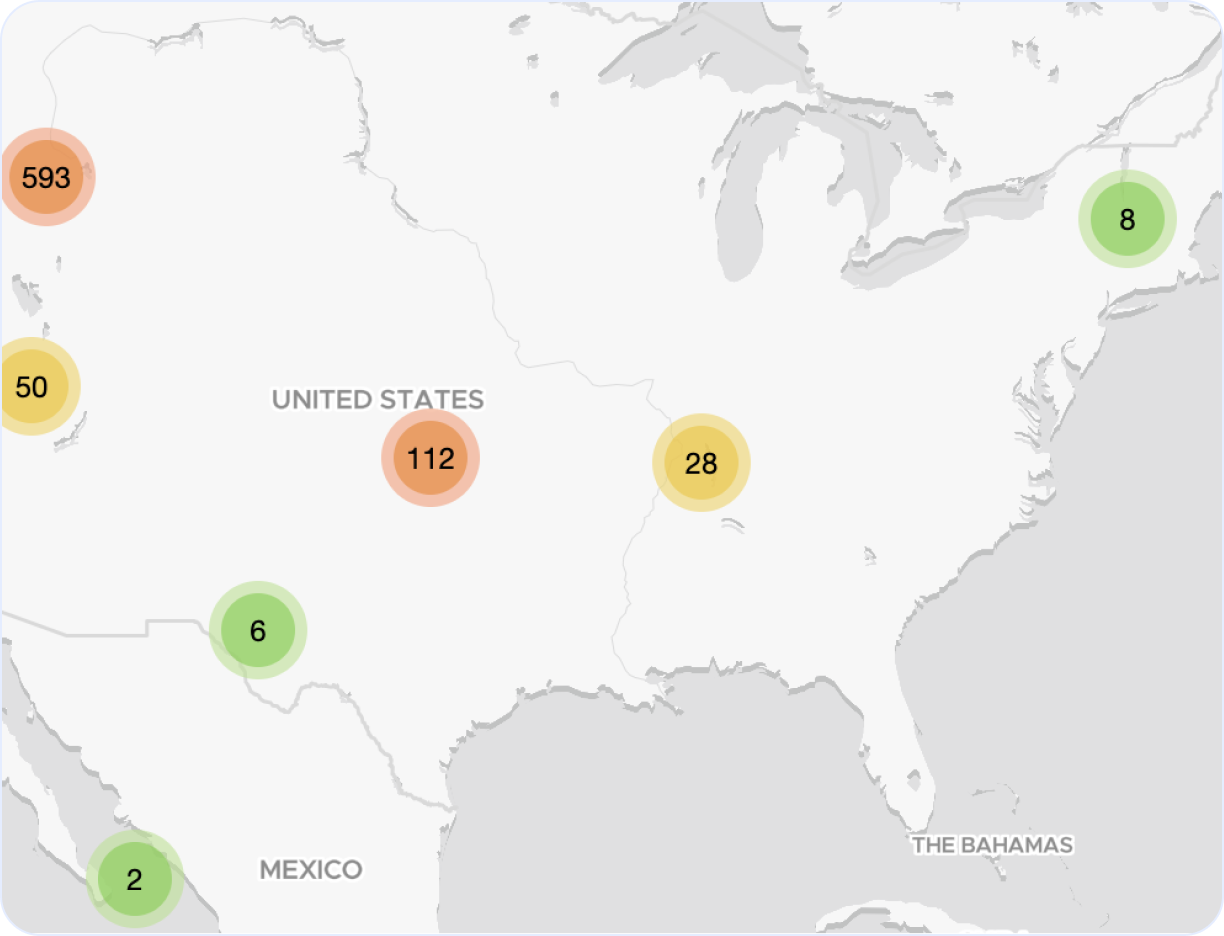
Dashlane iOS (Apple) app outage map
Explore our interactive Dashlane iOS (Apple) app outage map to monitor real-time incidents and service issues across the globe. This dynamic map highlights regions around the world affected by recent Dashlane outages, giving you a clear view of performance and downtime trends.
Top reported Dashlane outage locations, last 24 hours:
- Germany
Recently detected Dashlane outages
| Incident description | Duration | StatusGator detected | Officially acknowledged |
|---|---|---|---|
| Service outage | 1h 6m |
Never acknowledged
|
|
| Login issues | 1h 8m |
Never acknowledged
|
|
| Issues logging in to the service | 1h 19m |
16m later
|
|
| Issues logging in with 2FA | 1h 55m |
30m later
|
Incident description
Service outage
Duration
1h 6m
StatusGator detected
Officially acknowledged
Never acknowledged
Incident description
Login issues
Duration
1h 8m
StatusGator detected
Officially acknowledged
Never acknowledged
Incident description
Issues logging in to the service
Duration
1h 19m
StatusGator detected
Officially acknowledged
16m later
Incident description
Issues logging in with 2FA
Duration
1h 55m
StatusGator detected
Officially acknowledged
30m later
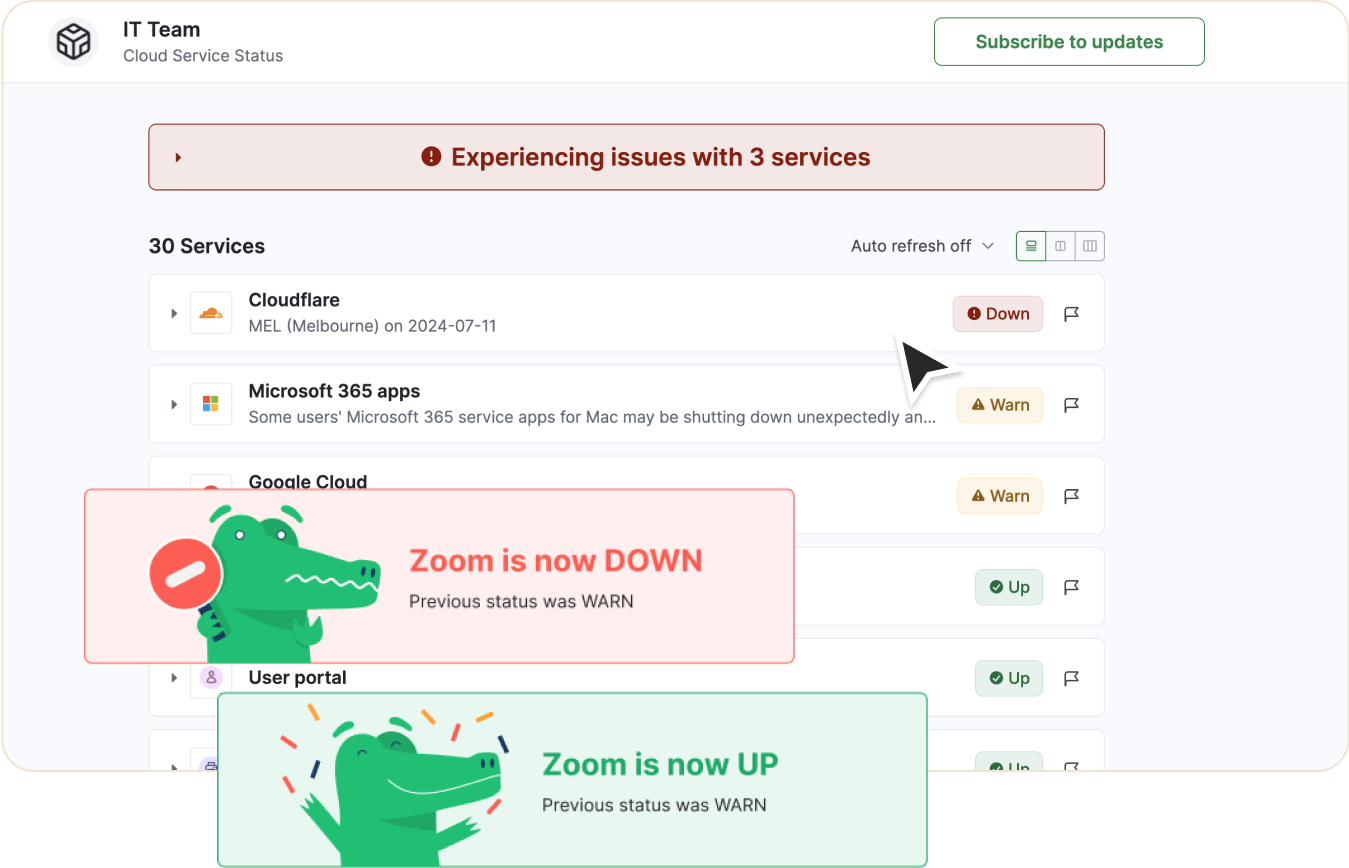
Looking to track Dashlane iOS (Apple) app downtime and outages?
- Receive real-time status updates
- Show current status on private or public status page
- Be the first to know if service is down
- Keep your team informed
- Monitor alongside other services and websites
Recent Dashlane iOS (Apple) app outages and issues
Follow the recent outages and downtime for Dashlane iOS (Apple) app in the table below.
If you're experiencing a problem now, check the current Dashlane iOS (Apple) app status or
.
| Incident name | Duration | Started | Severity |
|---|---|---|---|
|
Slowness when using the Dashlane apps or not able to Login
|
20m |
Down
|
|
|
Investigating Unexpected Account Notifications and Login Issues
|
1h 55m |
Maint
|
|
|
Planned maintenance of our systems is scheduled on Monday, April 27 2026 at 8am UTC for approx. 2 hours
|
1h 40m |
Maint
|
|
|
Customers may experience difficulties logging into Chrome or iOS app
|
3h |
Warn
|
|
|
Planned maintenance of our systems is scheduled on Tuesday, March 3rd 2026, at 8am UTC for approx. 1 hour
|
35m |
Maint
|
Incident name
Slowness when using the Dashlane apps or not able to Login
Duration
20m
Start
Severity
Down
Incident name
Investigating Unexpected Account Notifications and Login Issues
Duration
1h 55m
Start
Severity
Maint
Incident name
Planned maintenance of our systems is scheduled on Monday, April 27 2026 at 8am UTC for approx. 2 hours
Duration
1h 40m
Start
Severity
Maint
Incident name
Customers may experience difficulties logging into Chrome or iOS app
Duration
3h
Start
Severity
Warn
Incident name
Planned maintenance of our systems is scheduled on Tuesday, March 3rd 2026, at 8am UTC for approx. 1 hour
Duration
35m
Start
Severity
Maint
Get notified about Dashlane iOS (Apple) app outages
Stay updated with instant alerts for Dashlane iOS (Apple) app outages by signing up now!
See Dashlane iOS (Apple) app status on your status page
You can also monitor any service or website on your status page
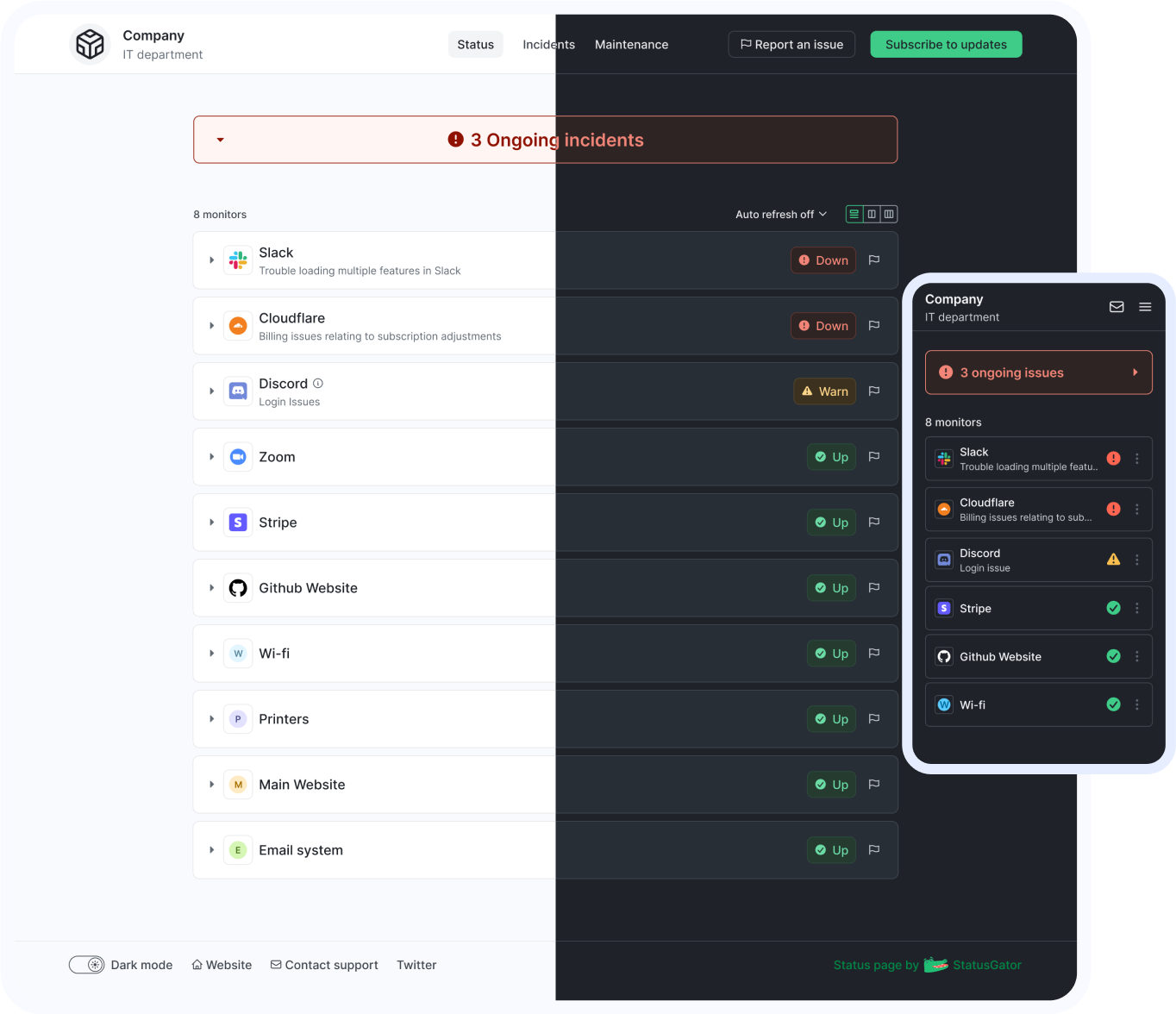
Get notified about Dashlane iOS (Apple) app outages
Stay updated with instant alerts for Dashlane iOS (Apple) app outages by signing up now!
One app that has it all
With features designed to cover all your needs for monitoring and communicating outages or downtime, StatusGator keeps your team connected and informed. Stay updated on Dashlane iOS (Apple) app outages, potential problems, and its current status in real-time, ensuring you're always prepared to act.
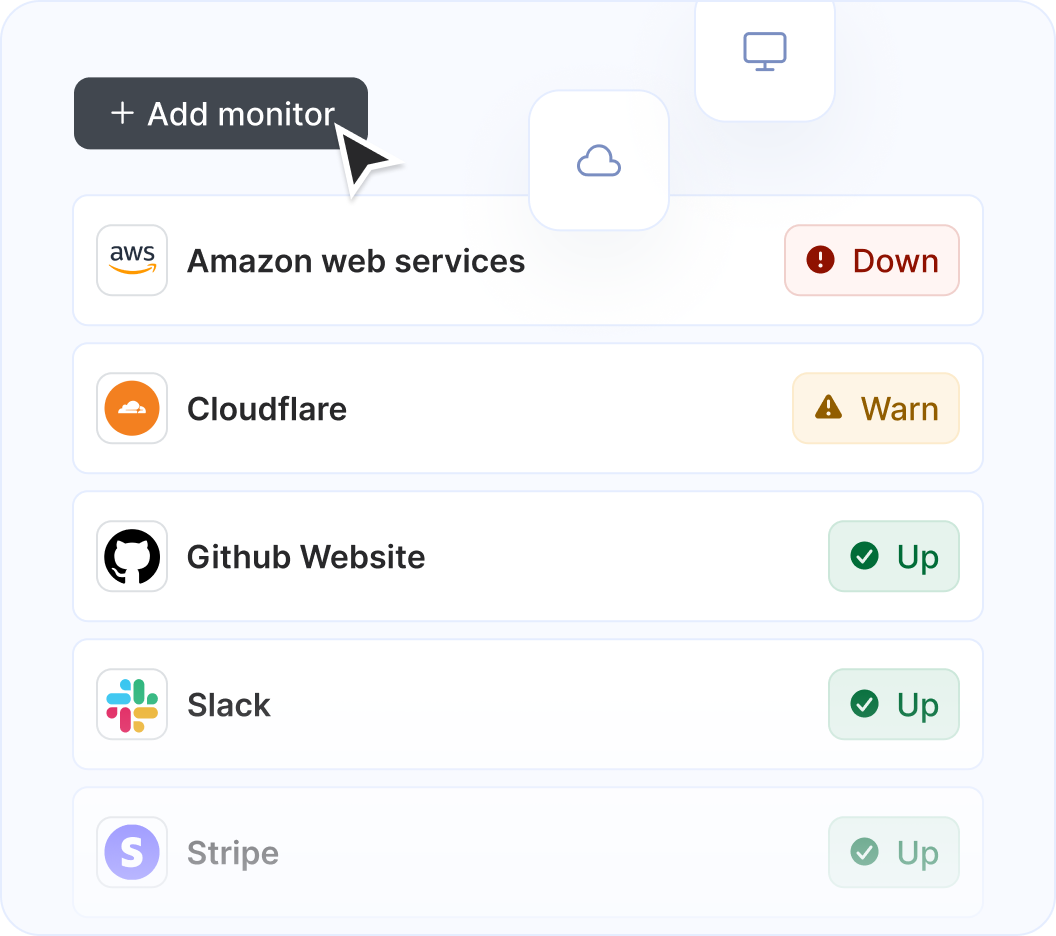
Monitor Dashlane iOS (Apple) app along with other services and websites
StatusGator monitors over 11,360 cloud services, hosted applications, and websites. Just add what you need to the list, and we'll automatically aggregate their statuses into a single page. You'll receive notifications for any issues affecting you and your page subscribers.
Get notified on Dashlane iOS (Apple) app status change

StatusGator monitors all of your services and websites and sends your team instant notifications when they go down. Stay abreast of issues that affect your team with notifications: in email, Slack, Teams, or wherever your team communicates.
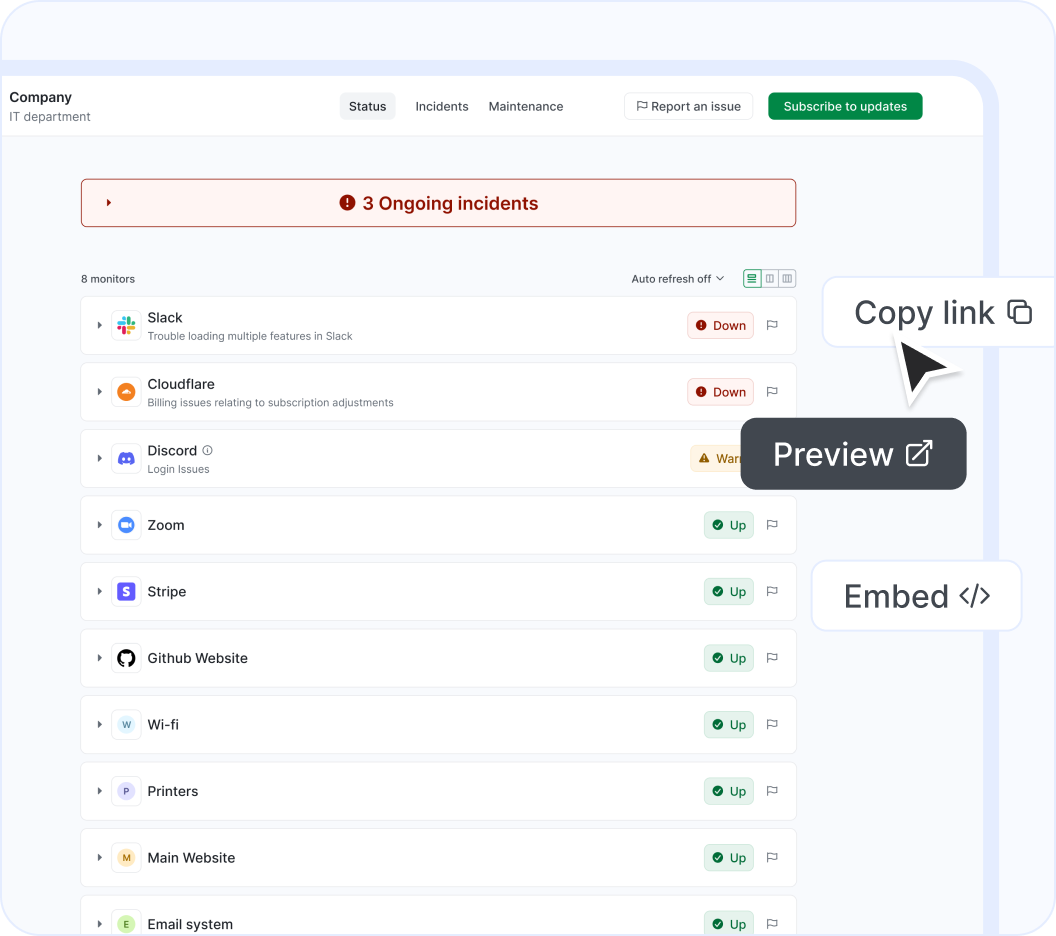
Show Dashlane iOS (Apple) app on your status page
Easily notify your end-users of outages using a customizable status page. Display cloud services or websites, as well as any custom monitors you add manually. Create multiple status pages tailored to different needs, customize them, and embed them for maximum effectiveness.
Users who monitor Dashlane iOS (Apple) app status also follow these services










About our Dashlane iOS (Apple) app status page integration
Dashlane iOS (Apple) app (Password manager for businesses and individuals) is a a Security solution that StatusGator has been monitoring since April 2021. Over the past over 5 years, we have collected data on on more than 260 outages that affected Dashlane iOS (Apple) app users. When Dashlane iOS (Apple) app publishes downtime on their status page, they do so across 29 components using 4 different statuses: up, warn, down, and maintenance which we use to provide granular uptime metrics and notifications.
If you're wondering, "Is Dashlane iOS (Apple) app down?", or need to know its current status, we've got you covered. Our platform tracks every reported outage, performance issue, and maintenance window to ensure you're informed. Whether Dashlane iOS (Apple) app is experiencing a problem now or has recently resolved one, our detailed history keeps you updated.
More than 100 StatusGator users monitor Dashlane iOS (Apple) app to get notified when it's down, is under maintenance, or has an outage. We've sent more than 1,900 notifications to our users about Dashlane iOS (Apple) app incidents, providing transparency and peace of mind. You can get alerts by signing up for a free StatusGator account.
-
Early Warning Signals
If we detect a potential Dashlane iOS (Apple) app outage or other issue before it was reported on the official status page we will send an Early Warning Signal notification to StatusGator subscribers. We can often detect issues before they are officially acknowledged by the provider, giving you a head start on resolving any potential problems.
-
Down notifications
If Dashlane iOS (Apple) app is having system outages or experiencing other critical issues, red down notifications appear on the status page. In most cases, it means that core functions are not working properly, or there is some other serious customer-impacting event underway.
-
Warning notifications
Warn notifications are used when Dashlane iOS (Apple) app is undergoing a non-critical issue like minor service issues, performance degradation, non-core bugs, capacity issues, or problems affecting a small number of users.
-
Maintenance notifications
Dashlane iOS (Apple) app posts separate notifications for planned maintenance work. StatusGator will notify subscribers when Dashlane iOS (Apple) app enters a pre-planned maintenance window, keeping you up to date.
-
Status messages
When Dashlane iOS (Apple) app posts issues on their status page, we collect the main headline message and include that brief information or overview in notifications to StatusGator subscribers.
-
Status details
When Dashlane iOS (Apple) app has outages or other service-impacting events on their status page, we pull down the detailed informational updates and include them in notifications. These messages often include the current details about how the problem is being mitigated, or when the next update will occur.
-
Component status filtering
Because Dashlane iOS (Apple) app has several components, each with their individual statuses, StatusGator can differentiate the status of each component in our notifications to you whenever a particular component is down. This means, you can filter your status page notifications based on the services, regions, or components you utilize. This is an essential feature for complex services with many components or services spread out across many regions.
Get notified about Dashlane iOS (Apple) app outages
Stay updated with instant alerts for Dashlane iOS (Apple) app outages by signing up now!
Looking for Downdetector Dashlane iOS (Apple) app alerts?
Both official and crowdsourced updates for Dashlane iOS (Apple) app outages.
StatusGator
Downdetector
More than 11,360 services monitored.
StatusGator
Downdetector
Proactive alerts on Dashlane iOS (Apple) app status changes sent to your Slack, Microsoft Teams, and more.
StatusGator
Downdetector
Monitoring of both Dashlane iOS (Apple) app and your own apps.
StatusGator
Downdetector
Granular monitoring of Dashlane iOS (Apple) app components.
StatusGator
Downdetector
Frequently asked questions
Can't find your question? Email us to arrange a time to discuss. We'd love to chat!