
Last checked from Explain AI official status page 3 min. 24 sec. ago
Explain AI Status

Is Explain AI down?
Explain AI is up
Financial operations support for nonprofit organizations.
Not working for you?
StatusGator last checked the status of Explain AI on and the service was operational. There have been no user-submitted reports of outages in the past 24 hours.


Explain AI service health
This chart represents Explain AI service health over the last 24 hours, with data points collected every 15 minutes based on issue reports, page visits, and signal strength. Sign up for free to see more Explain AI status data.
24 hrs ending
●
Service up
●
Possible outage
●
Likely outage
Top reported issues
View and upvote the most commonly reported Explain AI issues to help us better indicate the service status.
- Connectivity issue
- Error message
- Server not responding
- Sign in problem
- Service down
- Slow performance
- Unable to download
- App not loading
- Other
Have a different problem with Explain AI?
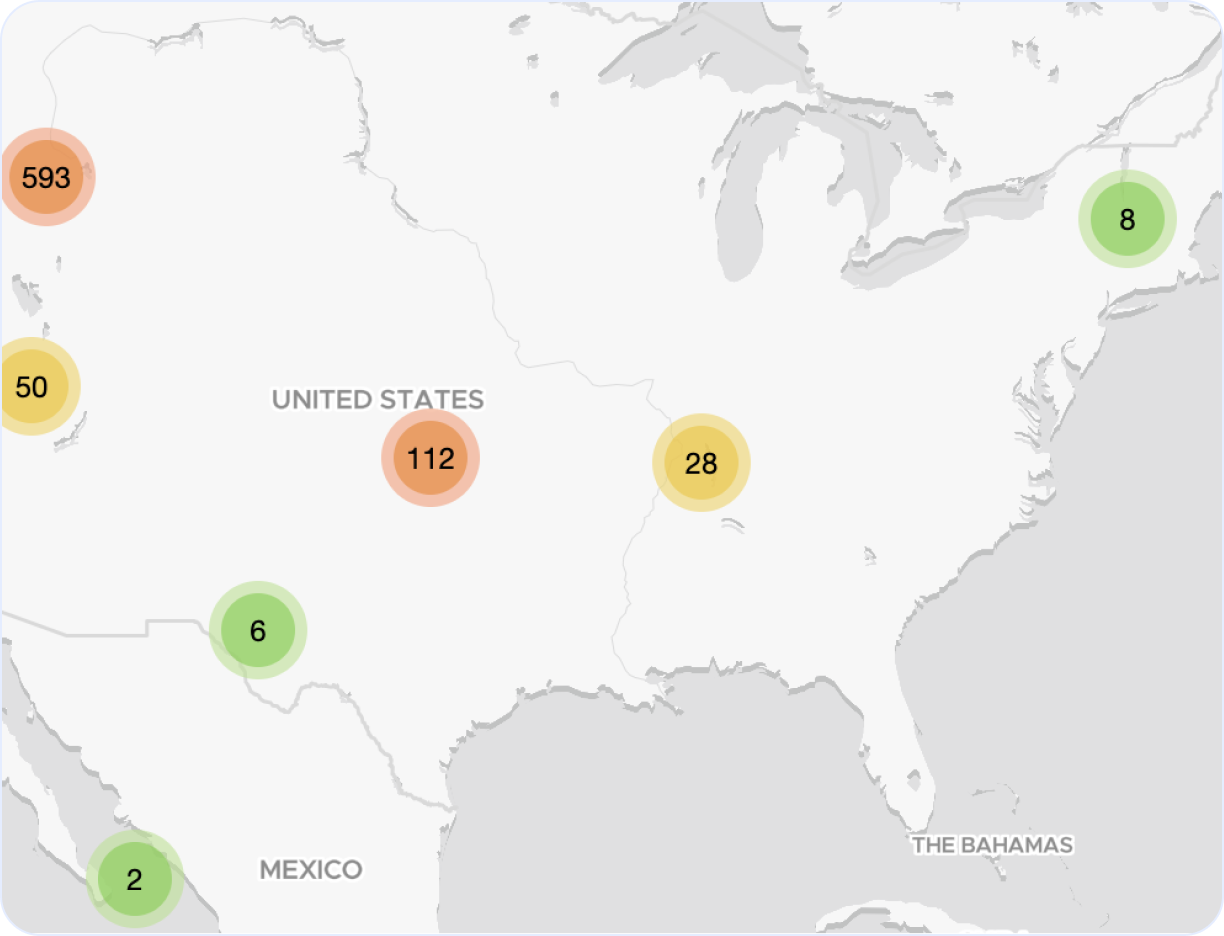
Explain AI outage map
Explore our interactive Explain AI outage map to monitor real-time incidents and service issues across the globe. This dynamic map highlights regions around the world affected by recent Explain AI outages, giving you a clear view of performance and downtime trends.
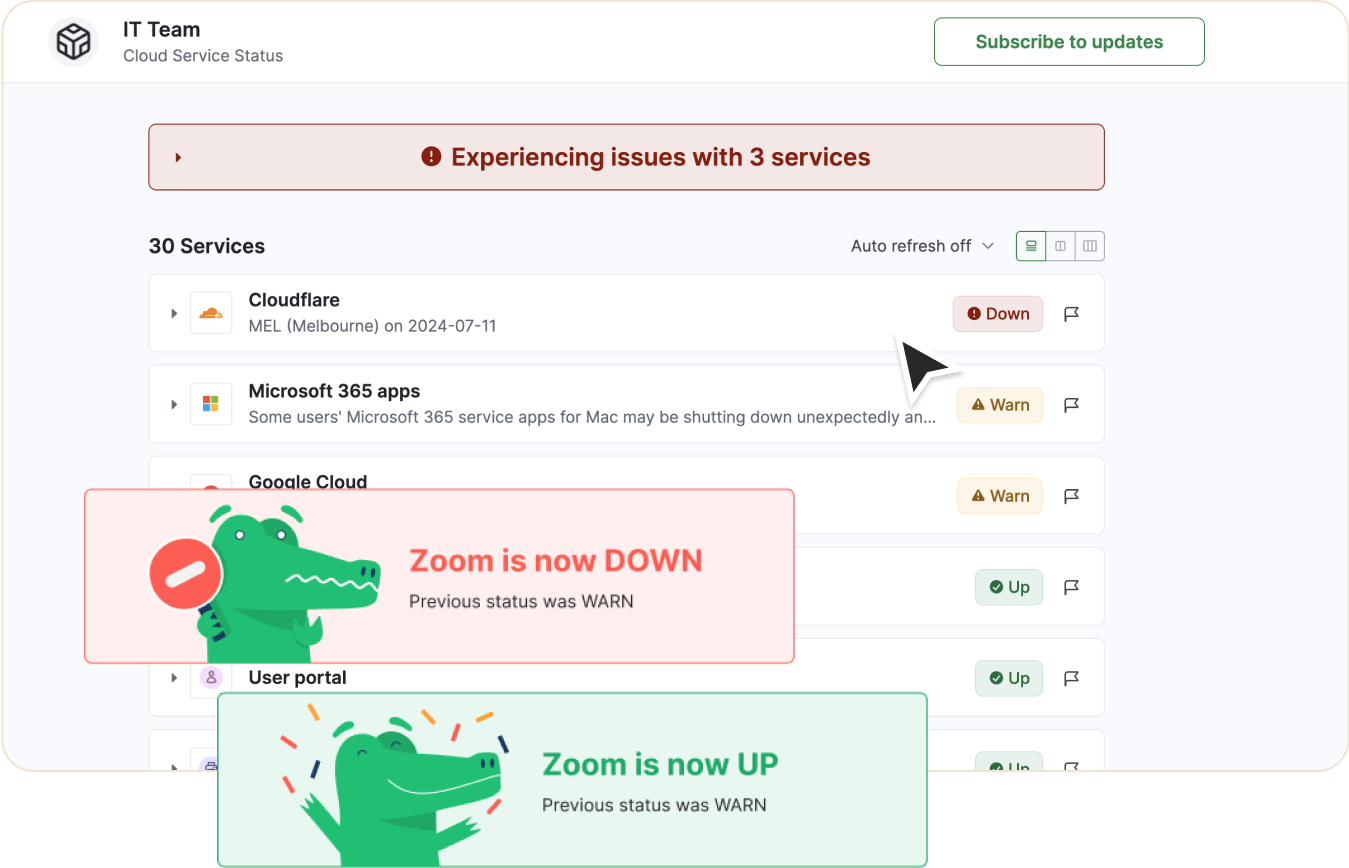
Looking to track Explain AI downtime and outages?
- Receive real-time status updates
- Show current status on private or public status page
- Be the first to know if service is down
- Keep your team informed
- Monitor alongside other services and websites
Get notified about Explain AI outages
Stay updated with instant alerts for Explain AI outages by signing up now!
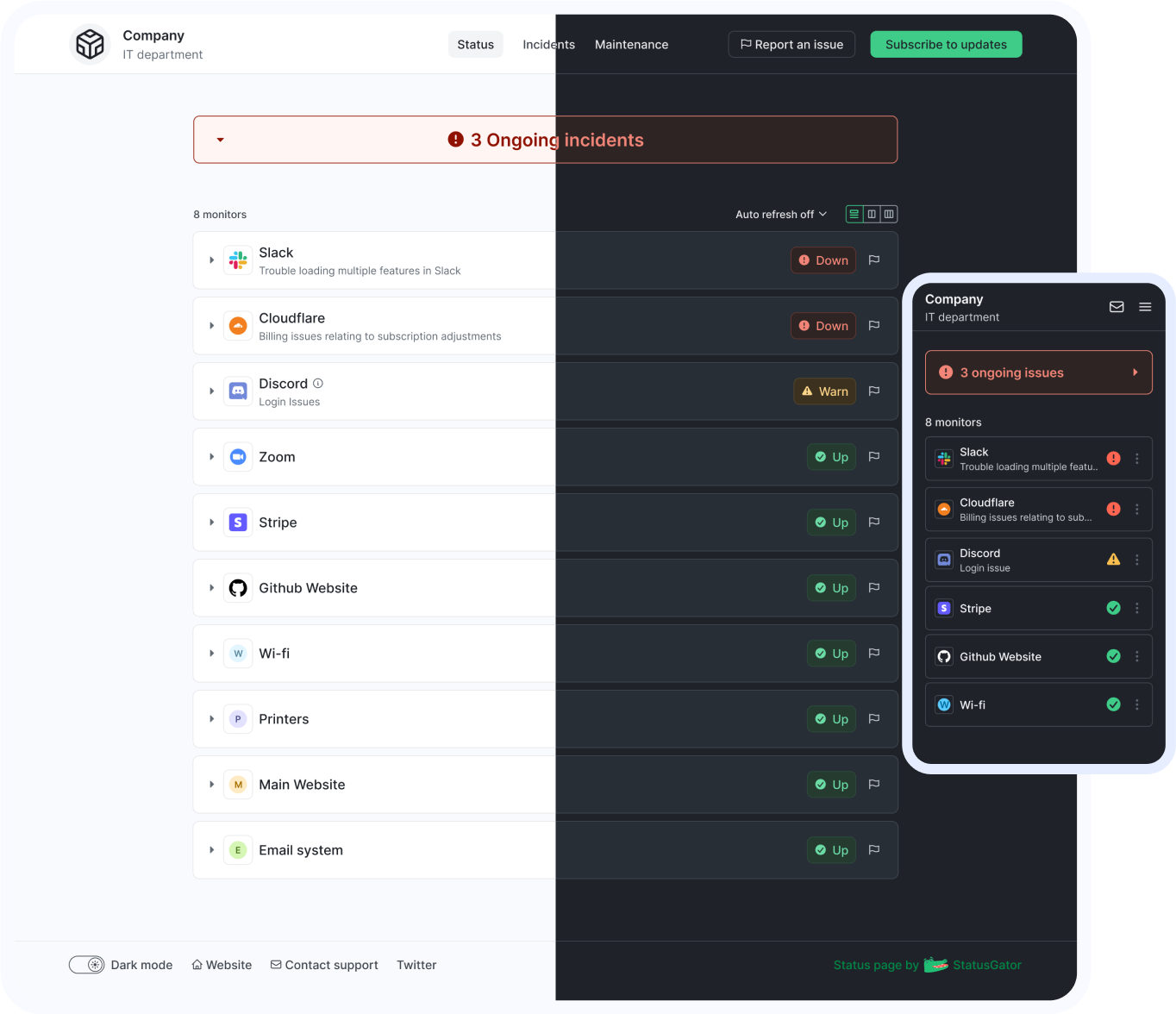
See Explain AI status on your status page
You can also monitor any service or website on your status page
Explain AI components
View details of the current Explain AI status below.
If the status shows "Up" but you're still experiencing issues, you can
such as connectivity issues, outages, or slow performance. These
issues are commonly reported when Explain AI is down or
facing partial disruptions.
| Component name | Status |
|---|---|
| Explain AI Authentication |
Up
|
| Explain AI Data Processing |
Up
|
| Explain AI Microsoft 365 Add-ins |
Up
|
| Explain AI tryexplain.ai |
Up
|
| Explain AI Web Application |
Up
|
Get notified about Explain AI outages
Stay updated with instant alerts for Explain AI outages by signing up now!
One app that has it all
With features designed to cover all your needs for monitoring and communicating outages or downtime, StatusGator keeps your team connected and informed. Stay updated on Explain AI outages, potential problems, and its current status in real-time, ensuring you're always prepared to act.
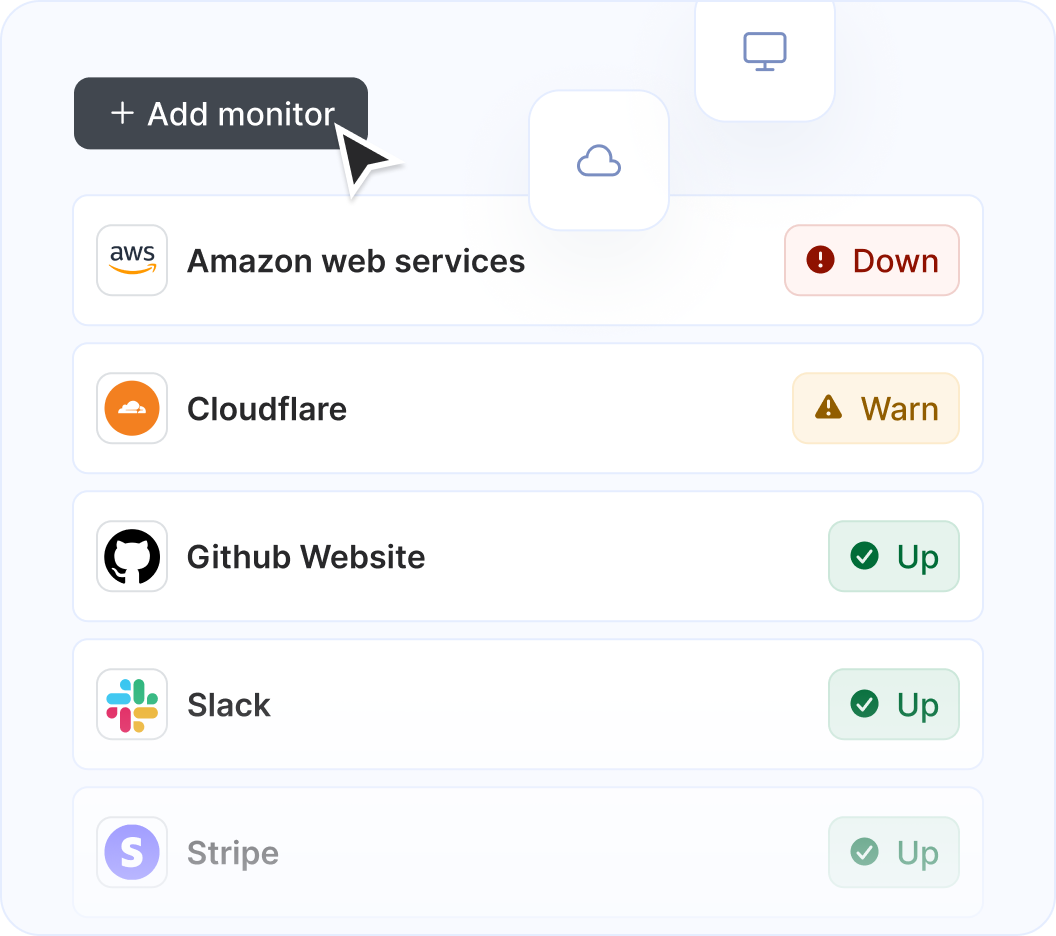
Monitor Explain AI along with other services and websites
StatusGator monitors over 11,360 cloud services, hosted applications, and websites. Just add what you need to the list, and we'll automatically aggregate their statuses into a single page. You'll receive notifications for any issues affecting you and your page subscribers.
Get notified on Explain AI status change
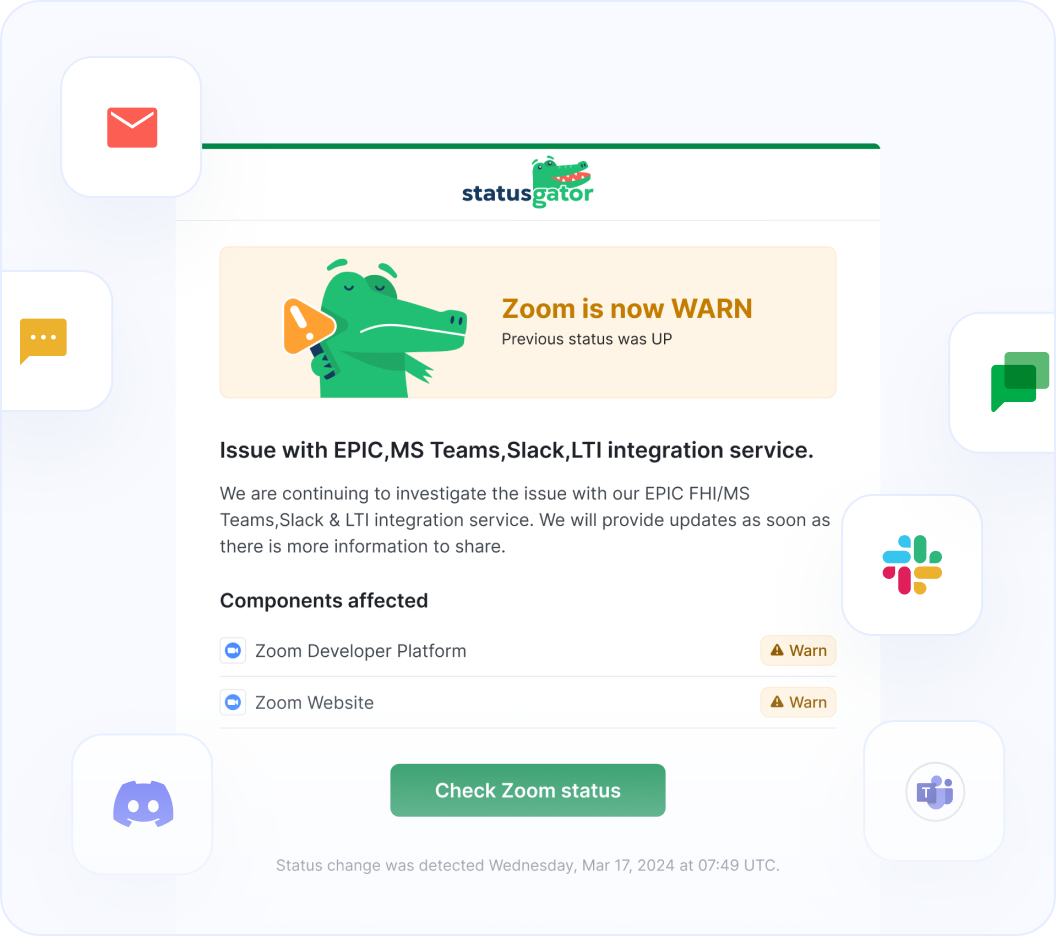
StatusGator monitors all of your services and websites and sends your team instant notifications when they go down. Stay abreast of issues that affect your team with notifications: in email, Slack, Teams, or wherever your team communicates.
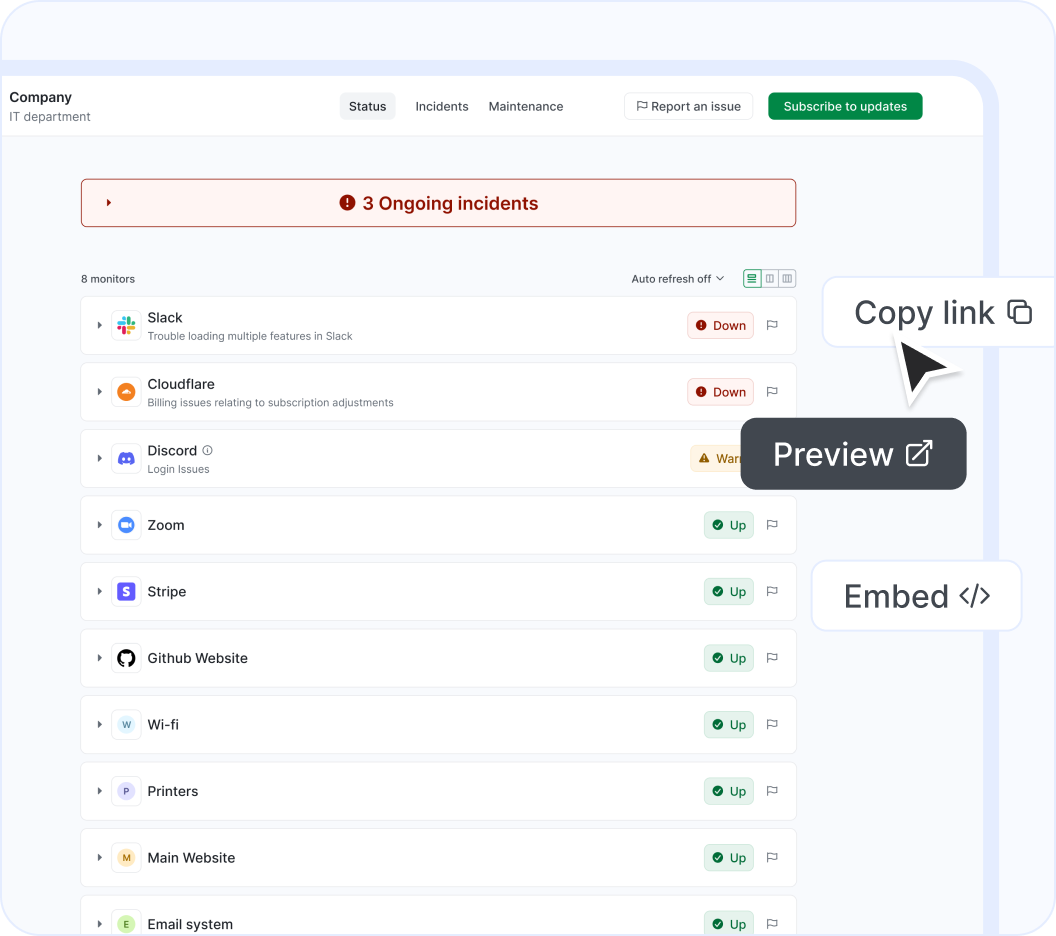
Show Explain AI on your status page
Easily notify your end-users of outages using a customizable status page. Display cloud services or websites, as well as any custom monitors you add manually. Create multiple status pages tailored to different needs, customize them, and embed them for maximum effectiveness.
About our Explain AI status page integration
Explain AI (Financial operations support for nonprofit organizations) is a an Accounting, Finance, and Audit solution that StatusGator has been monitoring since October 2026. Over the past about 3 hours, we have collected data on on outages that affected Explain AI users. When Explain AI publishes downtime on their status page, they do so across 5 components using 4 different statuses: up, warn, down, and maintenance which we use to provide granular uptime metrics and notifications.
If you're wondering, "Is Explain AI down?", or need to know its current status, we've got you covered. Our platform tracks every reported outage, performance issue, and maintenance window to ensure you're informed. Whether Explain AI is experiencing a problem now or has recently resolved one, our detailed history keeps you updated.
Many StatusGator users monitor Explain AI to get notified when it's down, is under maintenance, or has an outage. You can get alerts by signing up for a free StatusGator account.
-
Early Warning Signals
If we detect a potential Explain AI outage or other issue before it was reported on the official status page we will send an Early Warning Signal notification to StatusGator subscribers. We can often detect issues before they are officially acknowledged by the provider, giving you a head start on resolving any potential problems.
-
Down notifications
If Explain AI is having system outages or experiencing other critical issues, red down notifications appear on the status page. In most cases, it means that core functions are not working properly, or there is some other serious customer-impacting event underway.
-
Warning notifications
Warn notifications are used when Explain AI is undergoing a non-critical issue like minor service issues, performance degradation, non-core bugs, capacity issues, or problems affecting a small number of users.
-
Maintenance notifications
Explain AI posts separate notifications for planned maintenance work. StatusGator will notify subscribers when Explain AI enters a pre-planned maintenance window, keeping you up to date.
-
Status messages
When Explain AI posts issues on their status page, we collect the main headline message and include that brief information or overview in notifications to StatusGator subscribers.
-
Status details
When Explain AI has outages or other service-impacting events on their status page, we pull down the detailed informational updates and include them in notifications. These messages often include the current details about how the problem is being mitigated, or when the next update will occur.
-
Component status filtering
Because Explain AI has several components, each with their individual statuses, StatusGator can differentiate the status of each component in our notifications to you whenever a particular component is down. This means, you can filter your status page notifications based on the services, regions, or components you utilize. This is an essential feature for complex services with many components or services spread out across many regions.
Get notified about Explain AI outages
Stay updated with instant alerts for Explain AI outages by signing up now!
Looking for Downdetector Explain AI alerts?
Both official and crowdsourced updates for Explain AI outages.
StatusGator
Downdetector
More than 11,360 services monitored.
StatusGator
Downdetector
Proactive alerts on Explain AI status changes sent to your Slack, Microsoft Teams, and more.
StatusGator
Downdetector
Monitoring of both Explain AI and your own apps.
StatusGator
Downdetector
Granular monitoring of Explain AI components.
StatusGator
Downdetector
Frequently asked questions
Can't find your question? Email us to arrange a time to discuss. We'd love to chat!